----------------------------------------------------------------------
【Voltage Compatibility】
When using electrical appliances, please note that they are designed for Japanese voltage specifications (90-110V), so if you use them with a different voltage, it may cause a malfunction.
【Plug Type】
Our products use Japanese plug types (A or B type).
Please use a conversion adapter if necessary.
【Important Note on Transformers and Adapters】
A transformer adjusts voltage to match your device’s requirements.
A conversion adapter only changes the plug shape and does not adjust voltage.
Using only a conversion adapter without a transformer may result in damage to the product.
【Liability】
We are not responsible for malfunctions or damages caused by improper use, such as operating the product without a transformer.
----------------------------------------------------------------------
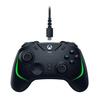
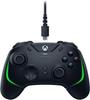
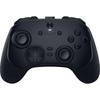
CUSTOMIZE. CONTROL. CONQUER. If you can't win your way, there's no point. The Razer Wolverine V2 Chroma takes customization to the next level. With remappable extra buttons, Razer Chroma RGB support, and interchangeable thumbsticks, you'll always have the power to defeat your opponents.
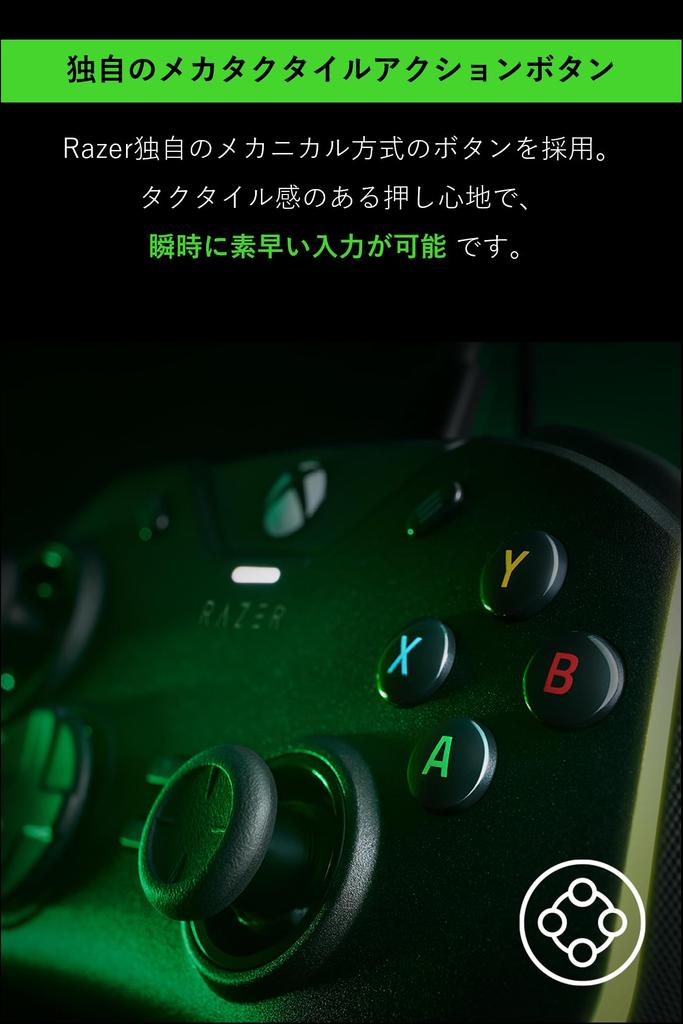
[RAZER Mecha-Tactile Action Buttons and D-Pad] The Razer Mecha-Tactile Action Buttons and D-Pad, like the technology found in gaming mice, provide a cushioned, responsive feel, powering every movement with cutting-edge precision and crisp tactile feedback to give you an edge.
[6 Additional Multi-Function Buttons] The Razer Wolverine V2 Chroma has all the input options you need to expand your commands, including four additional triggers and two remappable bumpers controllable through the Razer Controller Setup for Xbox app.
Interchangeable Thumbstick Caps: Easily swap out the included thumbstick caps to suit your playstyle and ergonomic preferences. No matter how you use your thumbsticks, you'll enjoy natural and precise analog motion.
[Hair Trigger Mode with Trigger Stop Switch] By switching the two slide locks on the underside of the controller, you can significantly shorten the actuation distance of the main trigger, allowing you to execute commands at faster speeds to gain an advantage.
[Advanced App Settings] Download the Razer Controller Setup for Xbox app and customize your controller to suit your playstyle. Easily remap buttons, adjust lighting effects, control motor rumble, and set pinpoint sensitivity settings.
System Requirements: Xbox One, Xbox Series X|S, PC (Windows 10 or later) Internet connection (required for using the Razer Controller Setup for Xbox app)



 No-delivery refund