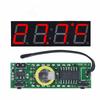
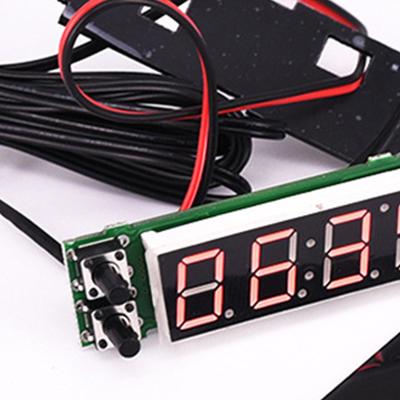
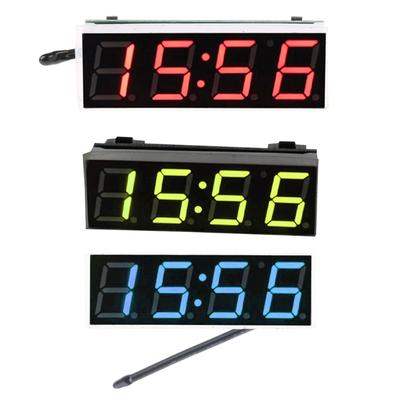
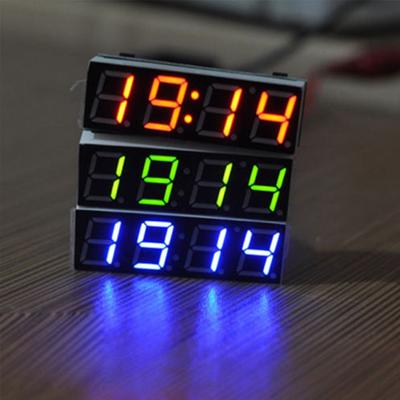
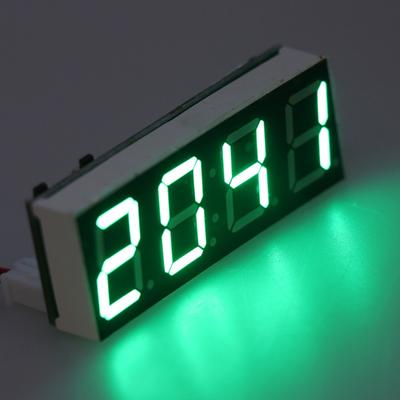
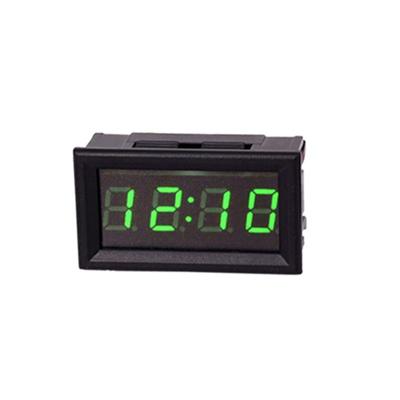
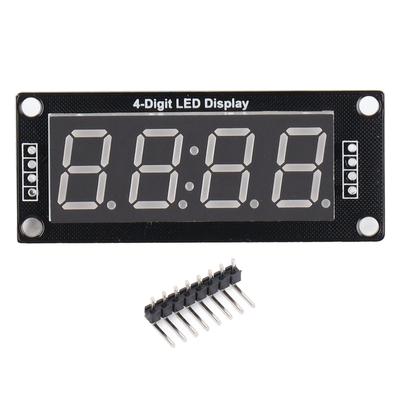
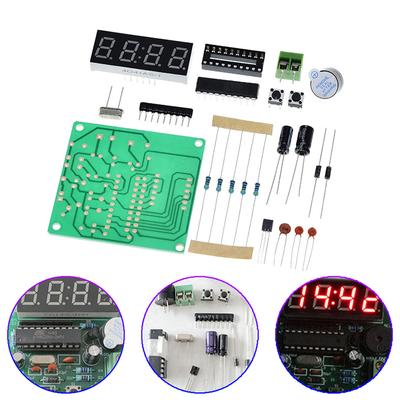
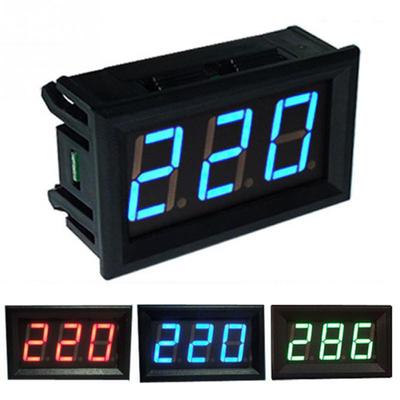
Label:Yes
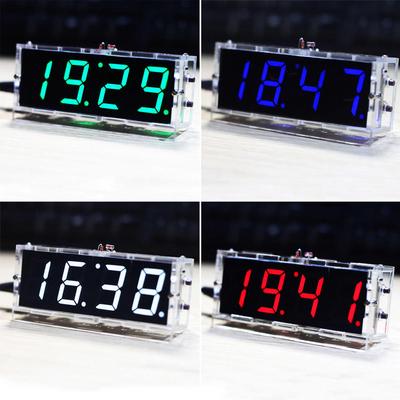
Color:Blue/White/Green/Red
Type:Digital Clock
Size:40.3*12.8*8.3mm(1.59*0.5*0.33in)
Package Includes:1 Pc LED RX8025T Digital Clock
Material: Plastic
Introduction:
The three in one electronic clock module integrates three practical functions of time,thermometer and voltmeter. It uses ds3231 clock chip with temerature compensation crystal oscillator / rx8025t clock chip of Epson. It has ultra-high timing accuracy and stability and extended temperature probe, which can effectively solve the problem of inaccurate temperature affected by module temperature. Ultra wide supply voltage,supporting 5 ~ 30V DC.
Product parameters:
1. Power supply voltage: dc5.0 ~ 30V
2. Temperature function range: - 40 ~ 120 degrees, resolution 0.1 degrees.
3. Functional range of voltmeter: dc5 ~ 30V (pure DC power supply is required, 24V battery is not recommended, because the voltage may be too high during charging and burn out)
Function and instructions:
1,Adjustment time, date, year, voltage error, temperature error, cycle display item definition, alternating display interval In the non setting state, press the left key to enter the time adjustment (note that the colon in the middle is bright),
1. At this time, "minute" starts to flash, press the right button to increase, and adjust te rge of 00 ~ 59. After adjusting "mnute",
2. Press the left button again, and the "hour" starts to flash. Press the right button to increase the adjustment range of 00 ~ 23.
3. After adjusting the "hour", press the left button to enter the date adjustment (note that the colon in the middle is off). At this time, the "day" starts to flash. Press the right button to increase the adjustment range of 1-31.
4. After the "day" is adjusted, press the left button again. At this time, the "month"starts to flash. Press the right button to increase the adjustment range of 1-12 .
5. After adjusting the date, press the left key again, and the "year" starts to flash. Press the right key to increase the adjustment range 2012-2049.
6. After adjusting the "year", press the left button to enter the error calibration function [x. xu] of the display voltage. The unit is 0.1V. A positive number indicates increase and a negative number indicates decrease.
7. Then press the left key to enter the temperature error calibration setting [AC: XX]. XX represents the correction value. Press the right key to increase. A positive number represents an increase, a negative number represents a decrease, and the unit is degrees.
8. Press the left key again to enter the definition function DD option of the display item in the cyclic display state,
Right click to change the value: (DD: 0) time + temperature + voltage, (DD: 1) time +temperature, (DD: 3) time + voltage.
Press the left key again to enter the option of cycle display alternating interval DF, and press the right key to change the value. The larger the value, the longer the interval .
9. Press the left key again to save all values and return to the normal display state.
Option parameters:
[Ac:xx]: xx represents correction value,press up to increase,positive number indicates increase,negative number indicates decrease,in degrees.
Dd options:(DD:0)Time + temperature + voltage,(DD :1) Time + voltage,
(DD:3)Temperature + voltage.
DF option: the dF option of alternating interval is displayed in a loop. Press upto change the value. The larger the value,the longer the interval. Do not set DFto 0; otherwise,the screen will turn black. Then press the key again to enter thebrightness level setting LL:1,press the key to change the value, a total of 3 levels.
AL option: automatic control setting AL:0, press up to change the value,1 is valid,0 is invalid. Automatic brightness control means that the brightness automatically changes to level 1 between 19:00 and 6am. Finally, press the key again to save all the set values and return to the normal display state.
LL option: Digital tube brightness adjustment,the greater the value,the higher the brightness. We Are The Distributor Of TZT Brand In Hong Kong, China
Switch display items
In the non-setting state,right click to switch display items, display will be in the time -- >; Date - & gt; Temperature - & gt; Voltage - & gt; Alternate cycles between displays. (Note: the date does not participate in the cycle) switch the display in turn, in the non-adjustment state press the right button, you can press andwait for a few seconds,observe whether the wheel display,if not in the press wait for a few seconds, until the wheel display state.