Dein Browser unterstützt die Seite nicht. Bitte aktualisiere deinen Browser oder lade einen anderen herunter


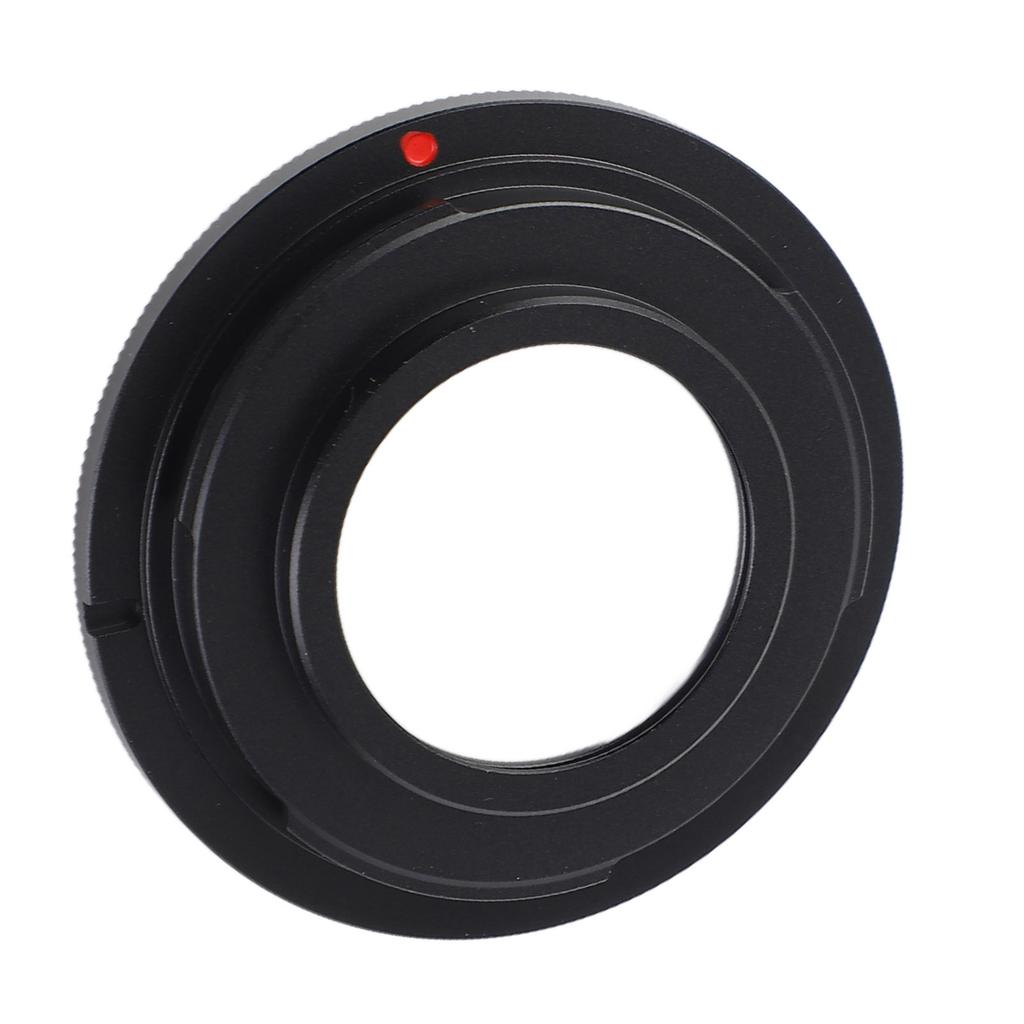
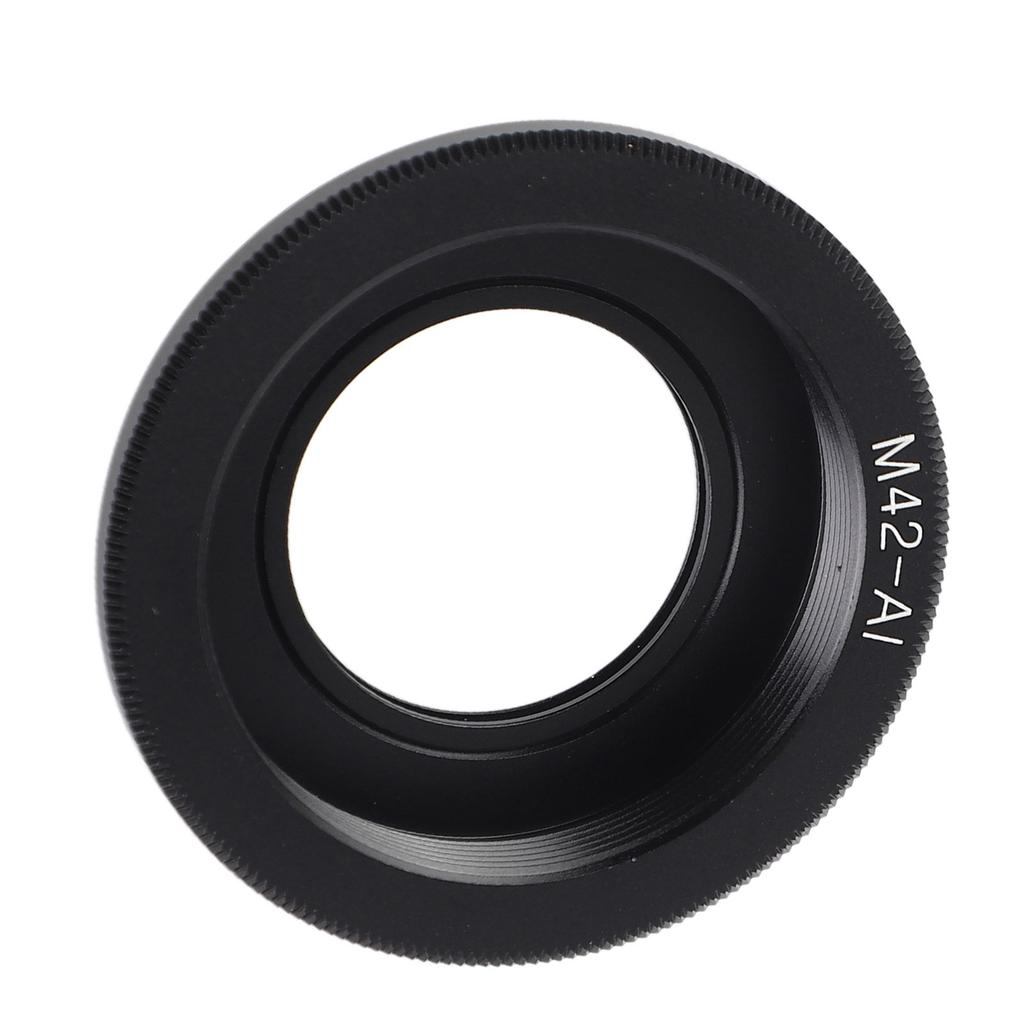
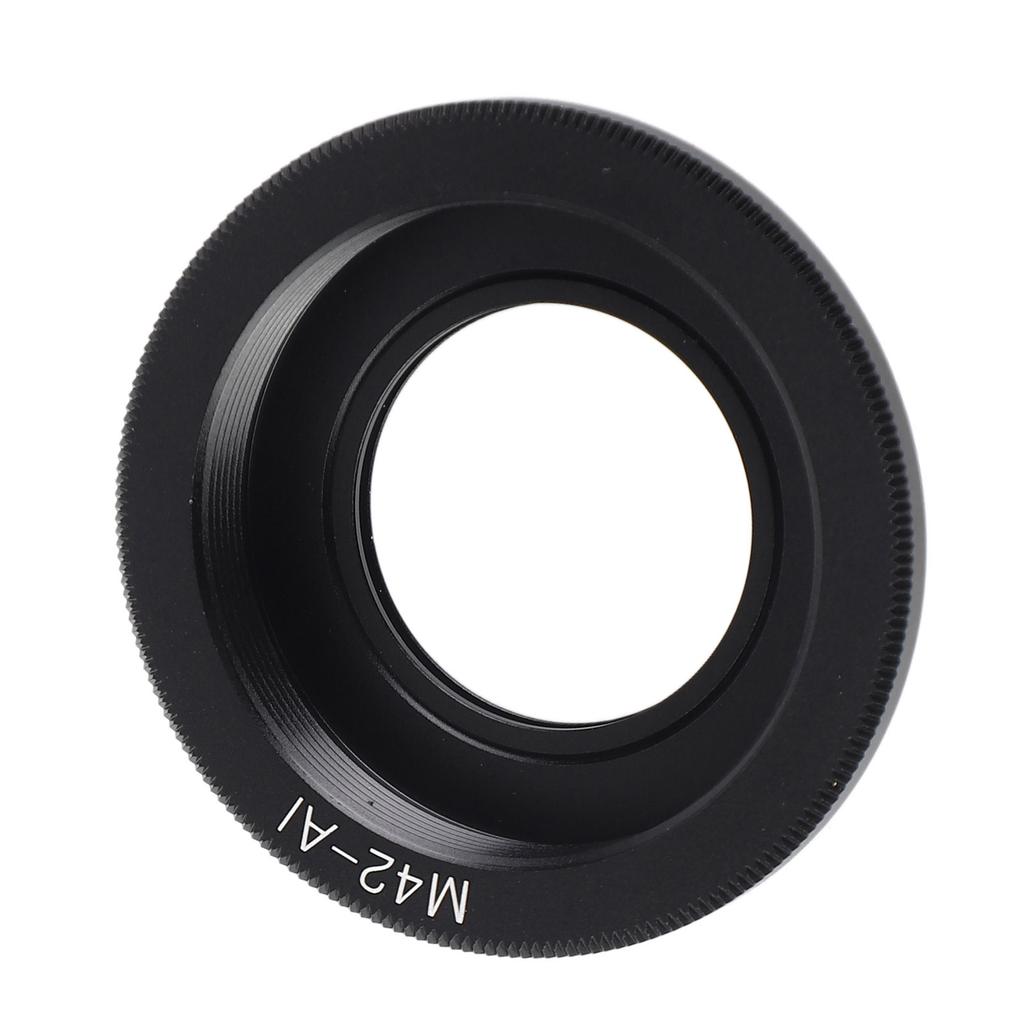

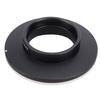
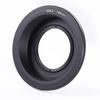
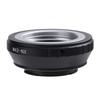
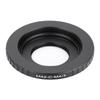
M42‑AI Objektivadapter für M42 Schraubobjektiv an für AI Bajonett Kameragehäuse Legierung Optisches Glas
Aktueller Preis
Preis 18,89 €Inkl. MwSt. & Importgebühr
Wird geladen ...
Wird geladen ...
Wird geladen ...
Wird geladen ...
Wird geladen ...
Wird geladen ...
Wird geladen ...
Wird geladen ...
Wird geladen ...
Wird geladen ...
Wird geladen ...
Wird geladen ...
Wird geladen ...
Wird geladen ...
Wird geladen ...

Lieferung nach Deutschland
0 Werktage · 4 € pro Bestellung

Sichere Zahlung & Datensicherheit


 Geld zurück bei NichtlieferungQualitätssicherungSicherer VersandDatenschutz
Sicherheit & Konformität

Hersteller
Beschreibung

Koogeelife
4,4/1.500+
Ähnliche Produkte