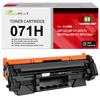
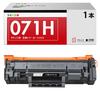
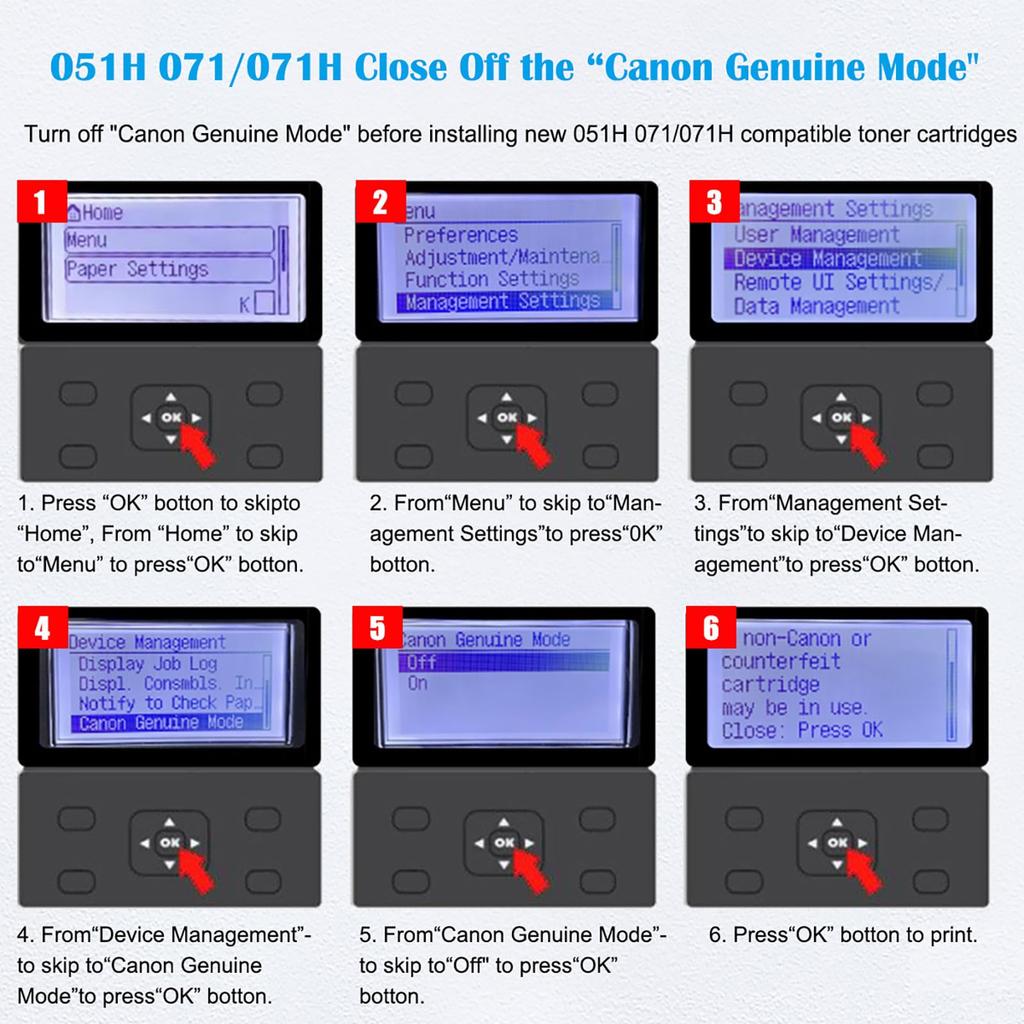
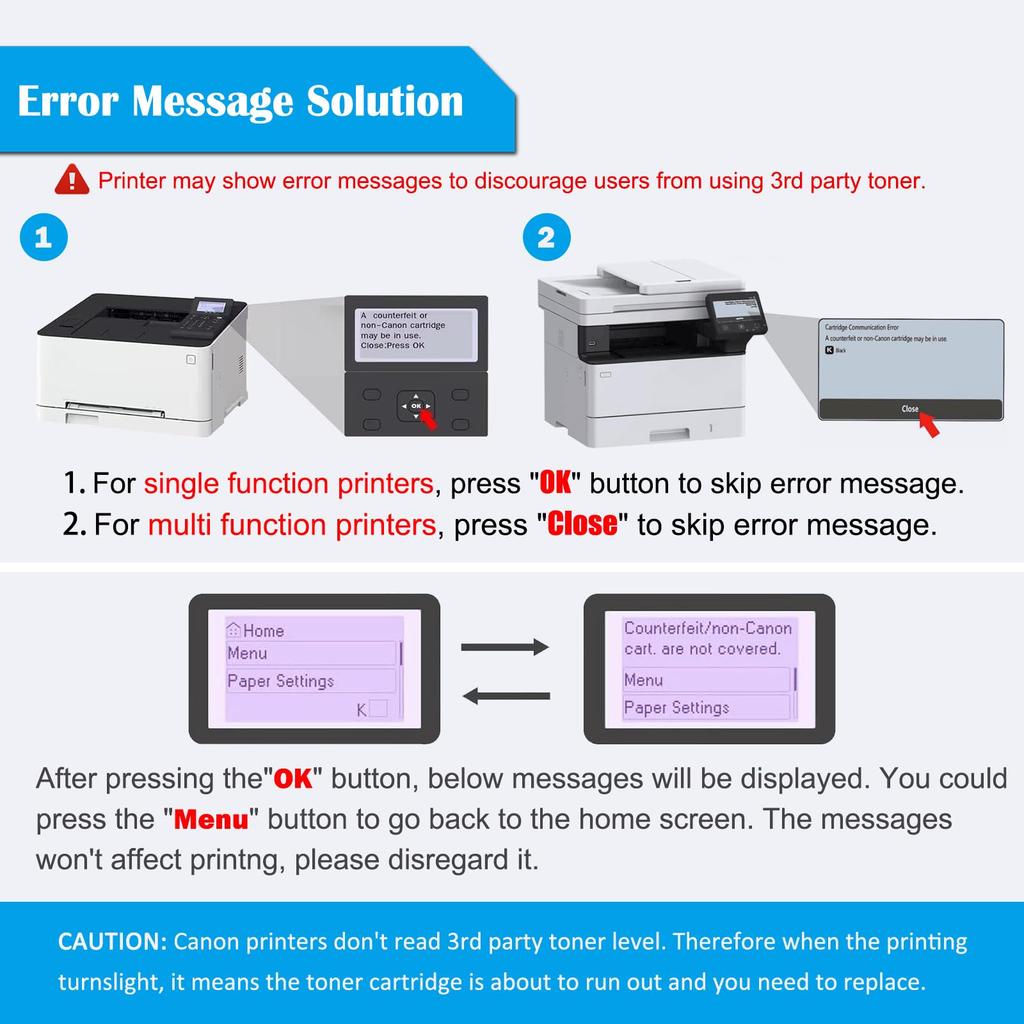
1. Hinweis: Wenn Ihr Drucker einen „Canon Originaldrucker-Modus“ hat, müssen Sie diesen Modus schließen. Führen Sie diese Schritte aus, um den Canon Genuine Printer Mode zu beenden.: Menü > Admin-Einstellungen > Geräteverwaltung > Original Canon Druckermodus > Aus. Nachdem Sie den Canon Genuine Printer Mode geschlossen und kompatiblen Toner installiert haben, zeigt Ihr Drucker die Meldung „Möglicherweise wurde eine Nicht-Canon-Patrone eingesetzt.“ an. Drücken Sie einfach die „OK“-Taste, und der Toner sollte funktionieren.
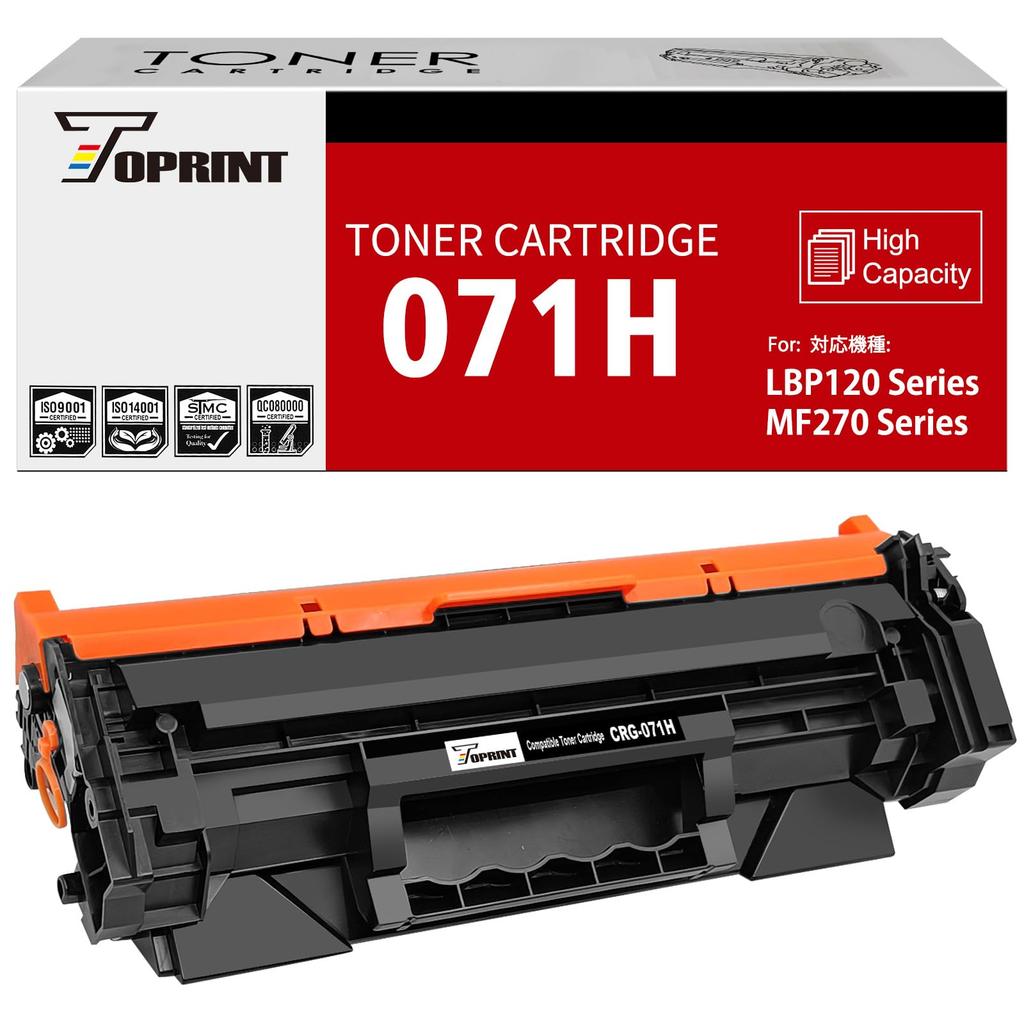
2. Seitenleistung: Hohe Kapazität, 2500 Seiten in Schwarz bei 5% Deckung, A4-Papier, Letter. (ISO/IEC-Norm).
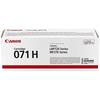
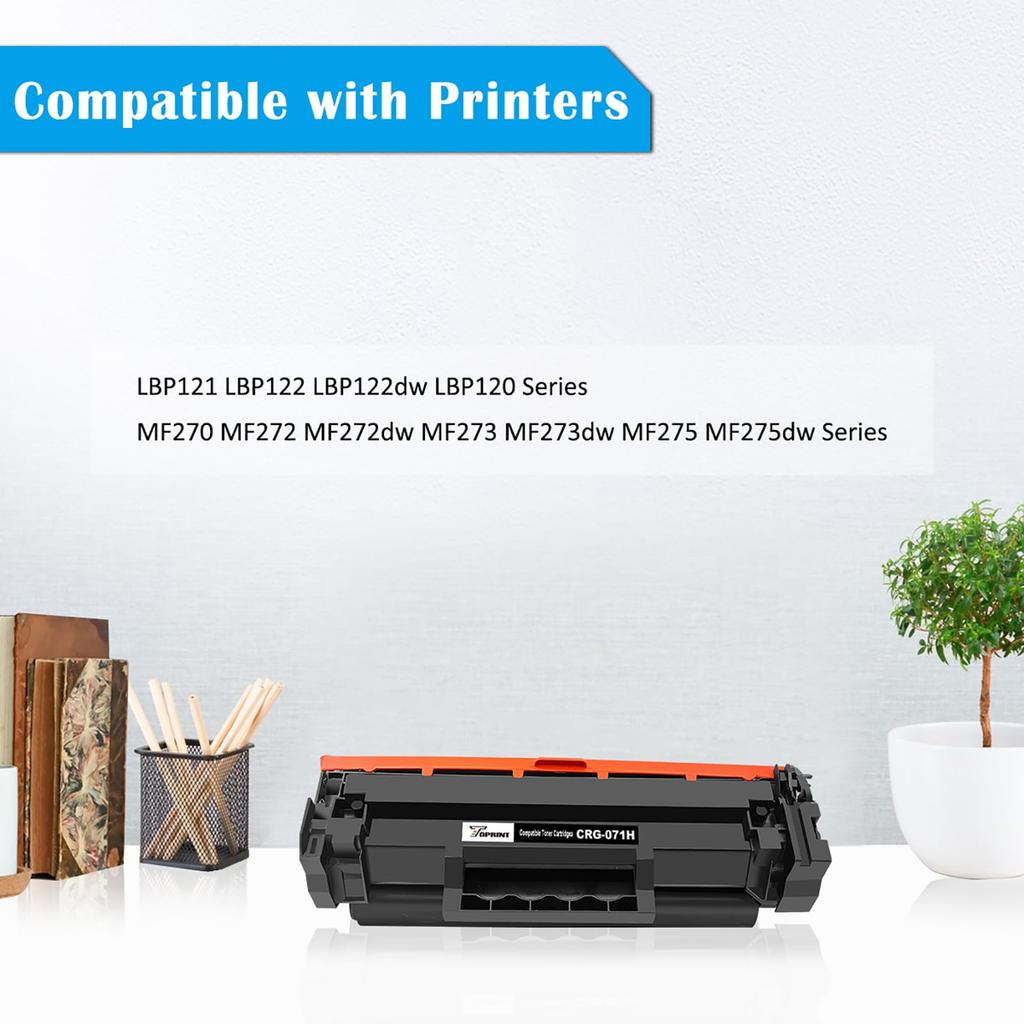
3. Kompatible Drucker: Canon ImageCLASS LBP121, LBP122, LBP122dw, LBP120 Serie, MF273, MF273dw, MF272, MF272dw, MF270 Serie. Unser 071H CRG-071H CR071H (071, CRG-071, CRG071) kompatible Tonerkartusche ist eine weitere Wahl zur originalen Canon 071 CRG-071, 071H CRG-071H Tonerkartusche.
4. ISO-Qualitätsfabrik: Unsere Tonerkartuschen werden unter Verwendung neuer Teile hergestellt und in Fabriken produziert, die die Qualitätskontrolle nach ISO 9001, das Umweltmanagement nach ISO 14001 und die Umweltstandards nach ROHS erfüllen.. Wir sind auf die Herstellung kompatibler Tonerkartuschen spezialisiert und verfügen über 20 Jahre technische Erfahrung.
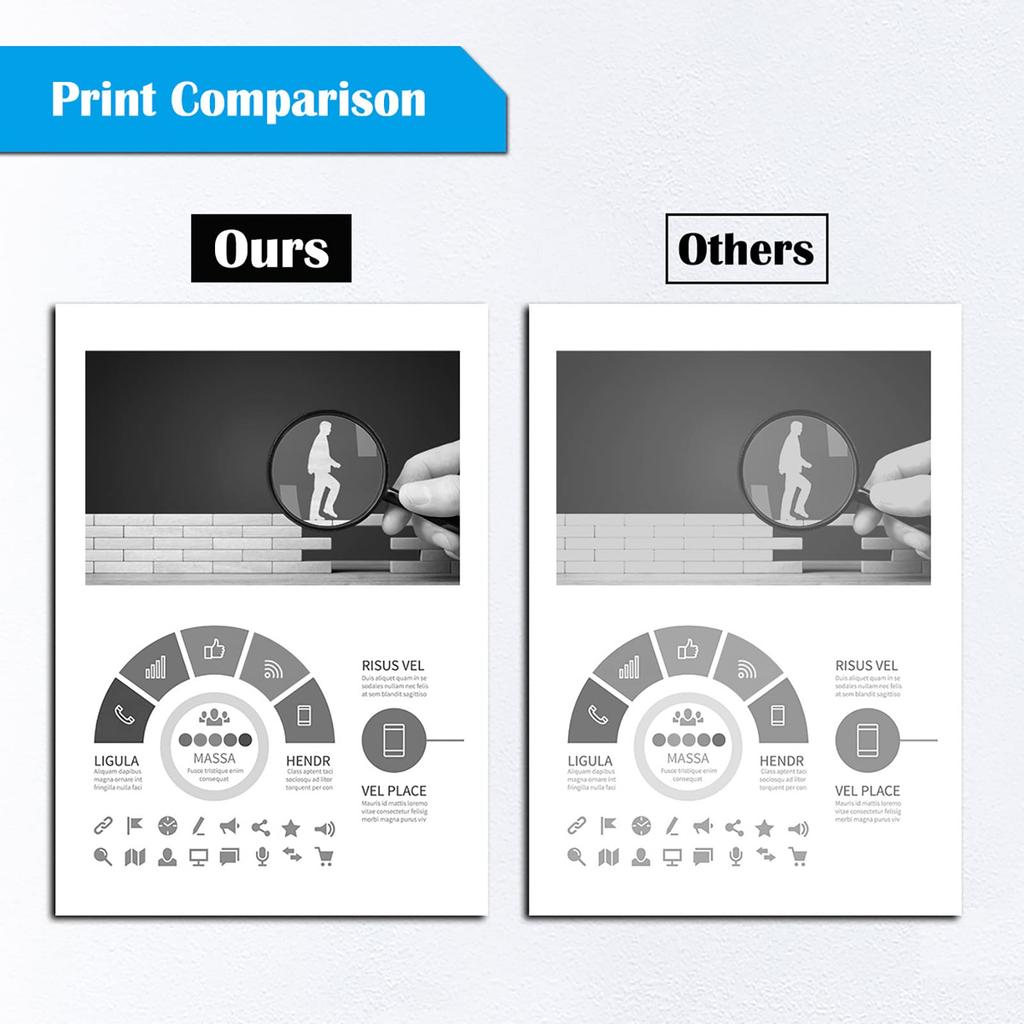
5. Hervorragende Druckqualität: Verwendung einer langlebigen OPC-Trommel, hochwertigen Tonerpulvers, einer stabilen Magnetwalze, einer hochwertigen Ladewalze und eines robusten Abstreifers, um stabile und klare Bilder zu gewährleisten.
Spezifikation
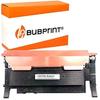
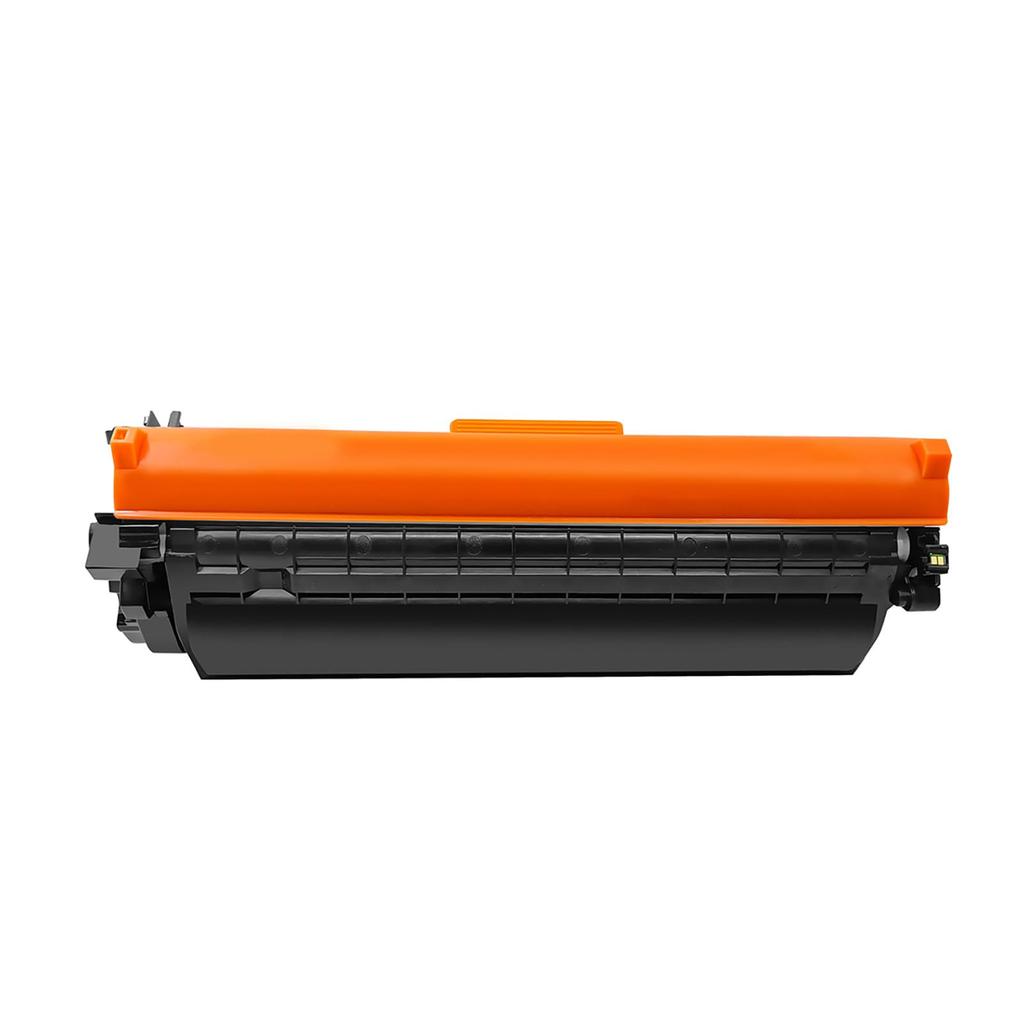
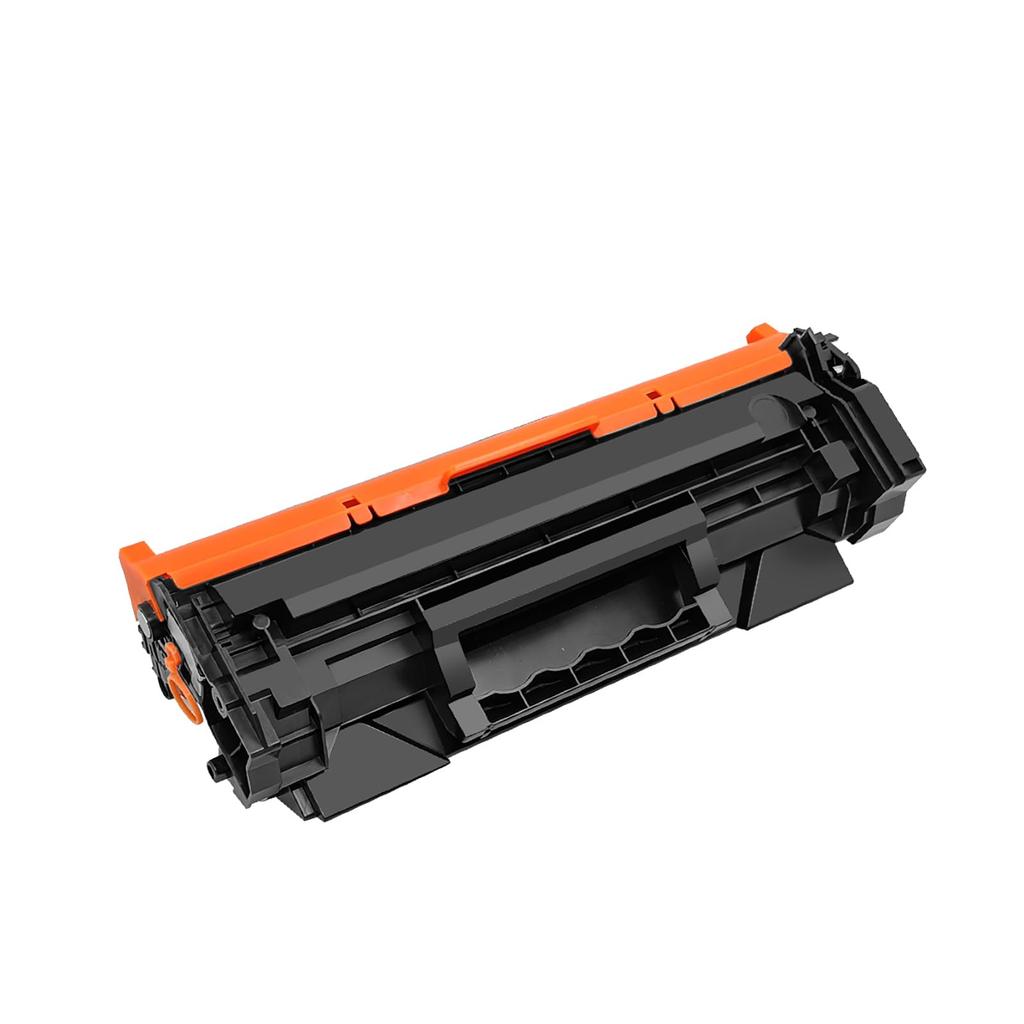
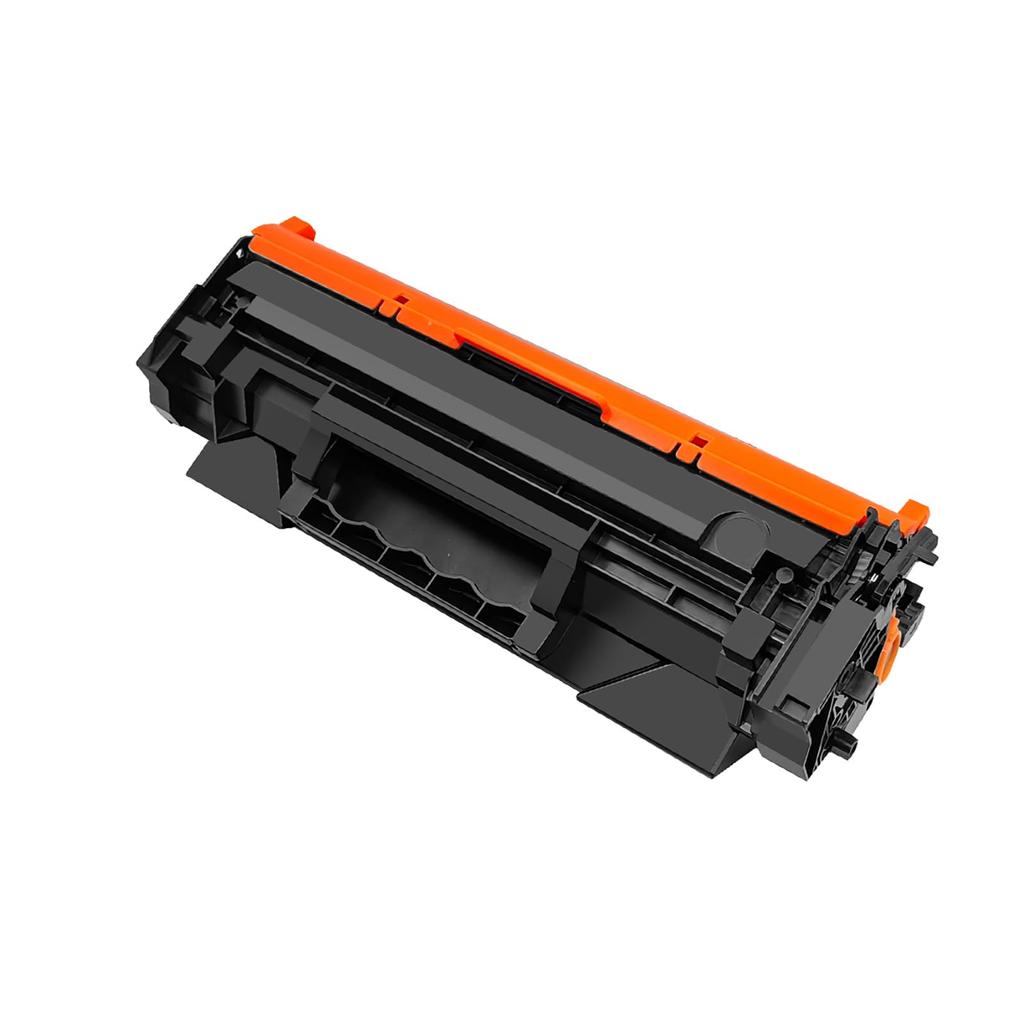
071H CRG-071H CRG 071H CRG071H kompatible Tonerkartusche schwarz.
Unsere 071H CRG-071H kompatible Tonerkartusche ist eine weitere Wahl für die originale Canon 071 CRG-071, 071H CRG-071H Tonerkartusche.
Kompatible Drucker:
Kompatibel mit Canon ImageCLASS LBP121, LBP122, LBP122dw, LBP120 Serie, MF273, MF273dw, MF272, MF272dw, MF270 Serie.
Seitenleistung: Hohe Kapazität, 2500 Seiten in Schwarz bei 5% Deckung, A4-Papier, Letter. (ISO/IEC-Norm).
Garantiezeit: 12 Monate
Speichermethode:
Allgemeine Anforderungen: Temperatur 10-30°C, relative Luftfeuchtigkeit 20-80%.
Verpackung
Innere Produktverpackung: schwarze Plastiktüte
Verpackung: neutrale Box
Individuelle Box
Menge: 1 x schwarz
Hinweis: Wenn Ihr Drucker über einen „Canon Original-Druckermodus“ verfügt, müssen Sie den „Canon Original-Druckermodus“ schließen, bevor Sie die kompatible Tonerkartusche installieren.. Wenn dieser Modus nicht geschlossen wird, kann die kompatible Tonerkartusche beschädigt werden und funktioniert nicht mit Ihrem Drucker.
Befolgen Sie diese Schritte, um den Canon Originalmodus zu schließen: Menü > Administrationseinstellungen > Geräteverwaltung > Canon Originalmodus > Aus
Nach dem Schließen des Originalmodus von Canon und dem Einsetzen des kompatiblen Toners erhalten Sie die Meldung „Möglicherweise wurde eine Nicht-Canon-Patrone eingesetzt.“ Drücken Sie einfach die Taste „OK“ am Drucker, und der Toner sollte funktionieren.
Hinweis: Aufgrund unterschiedlicher Produktionschargen kann die Verpackung von der auf der Produktseite gezeigten Verpackung abweichen.. Das Produkt selbst ist jedoch dasselbe und wird nicht beeinträchtigt.. Bitte vertrauensvoll verwenden.


 Geld zurück bei Nichtlieferung