―🔹―🔹―🔹―🔹―🔹―🔹―🔹―🔹―🔹―🔹―🔹―🔹―
🛫【Certified Store on JOOM】
A Japanese seller delivering high-quality products across borders!
📦【Shipped from Japan】
We pack carefully and deliver promptly and securely.
🔍【Strict Inspection Based on Japanese Quality Standards】
Only carefully selected products of excellent quality are delivered.
📒【Japanese Instruction Manual May Be Included】
We recommend using a text recognition app for translation.
🛍️【Some items may be based on international specifications】
Thank you for your kind understanding in advance.
👍【If you are satisfied with the product, please "Follow" our store and leave a review!】
Your support means a lot to us 💖
―🔹―🔹―🔹―🔹―🔹―🔹―🔹―🔹―🔹―🔹―🔹―🔹―
⚠️【Attention! Please be sure to read before purchasing】⚠️
Does this product match the conditions below?
Please check carefully before placing your order.
🔌【Voltage Compatibility】
This product is designed for use in Japan and operates on 90–110V.
Using it with a different voltage may cause malfunction or damage.
🔌【Plug Type】
The plug type is Type A or Type B, which is standard in Japan.
You may need a plug adapter for use in other countries.
💡【Important Notes on Transformers and Adapters】
🔻 A transformer adjusts the voltage to match your device's requirements.
🔻 A plug adapter only changes the plug shape and does not convert voltage.
👉 Using only a plug adapter without a transformer may damage the product.
🚫【Disclaimer】
We are not responsible for any damage or malfunction caused by
improper use without a transformer.
―🔹―🔹―🔹―🔹―🔹―🔹―🔹―🔹―🔹―🔹―🔹―🔹―
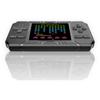
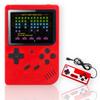
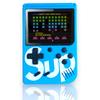
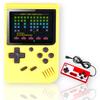
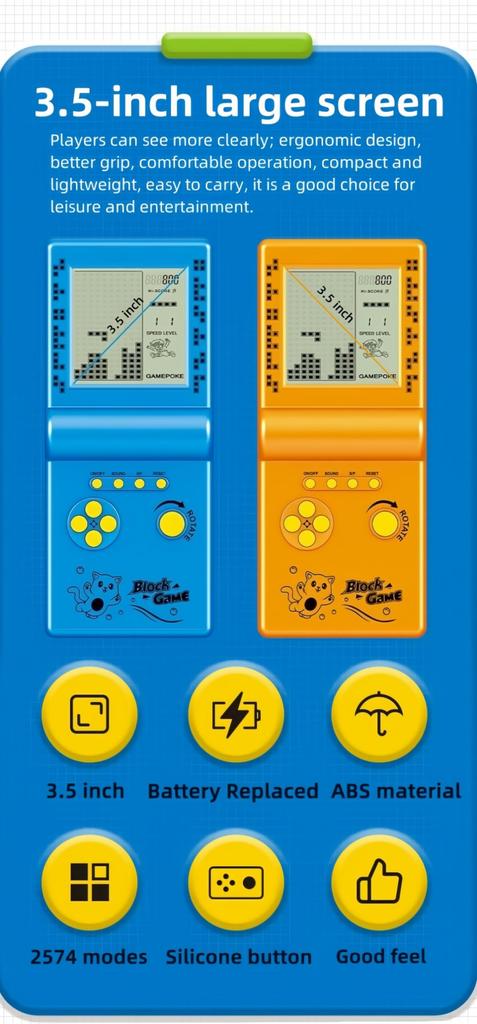
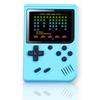
The super-large screen is three times larger than a regular brick game console, providing better visual effects. Ergonomic design makes the grip feel better and the operation more comfortable. It's one of the best gifts for anyone, and the best companion for traveling or passing the boring time.
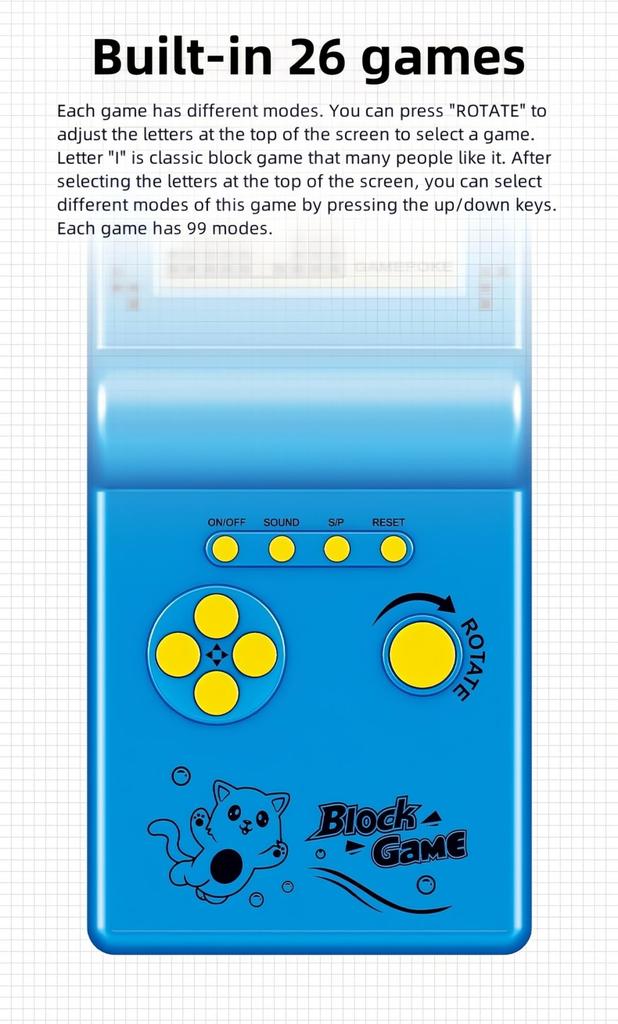
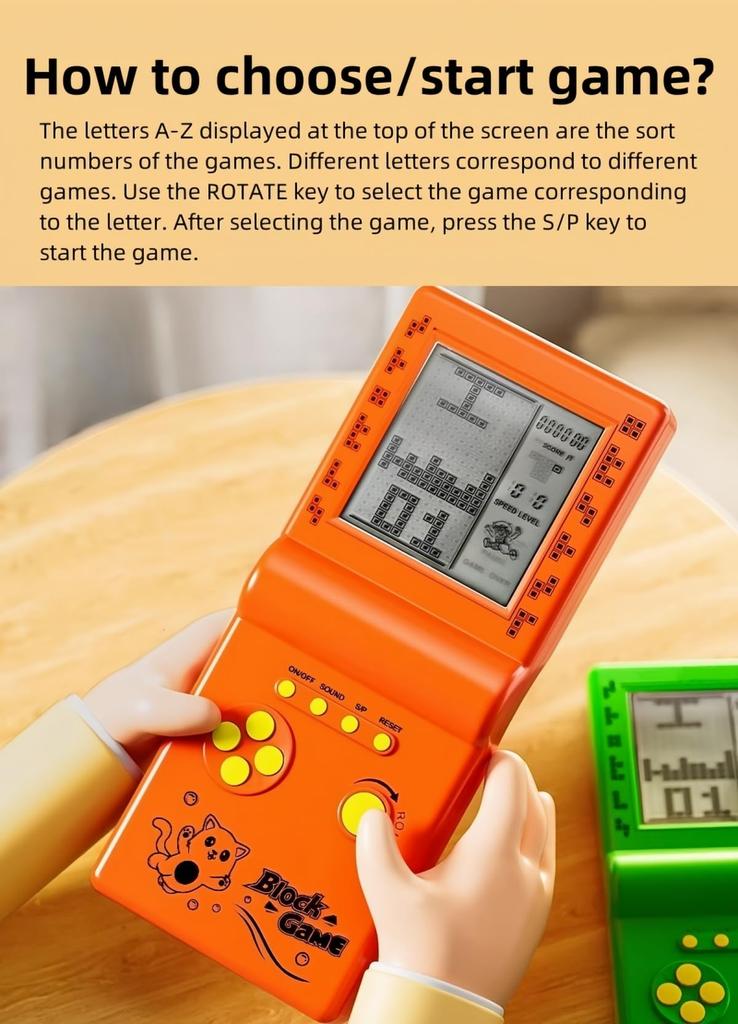
There are 23 built-in games, including classic, nostalgic, and puzzle games. Each game can bring you happiness. You can select a game by pressing "ROTATE" and adjusting the number at the top of the screen. Number "01" is a classic brick-building game, and many people like it. These games will bring back fond memories for people born in the 70s/80s/90s.
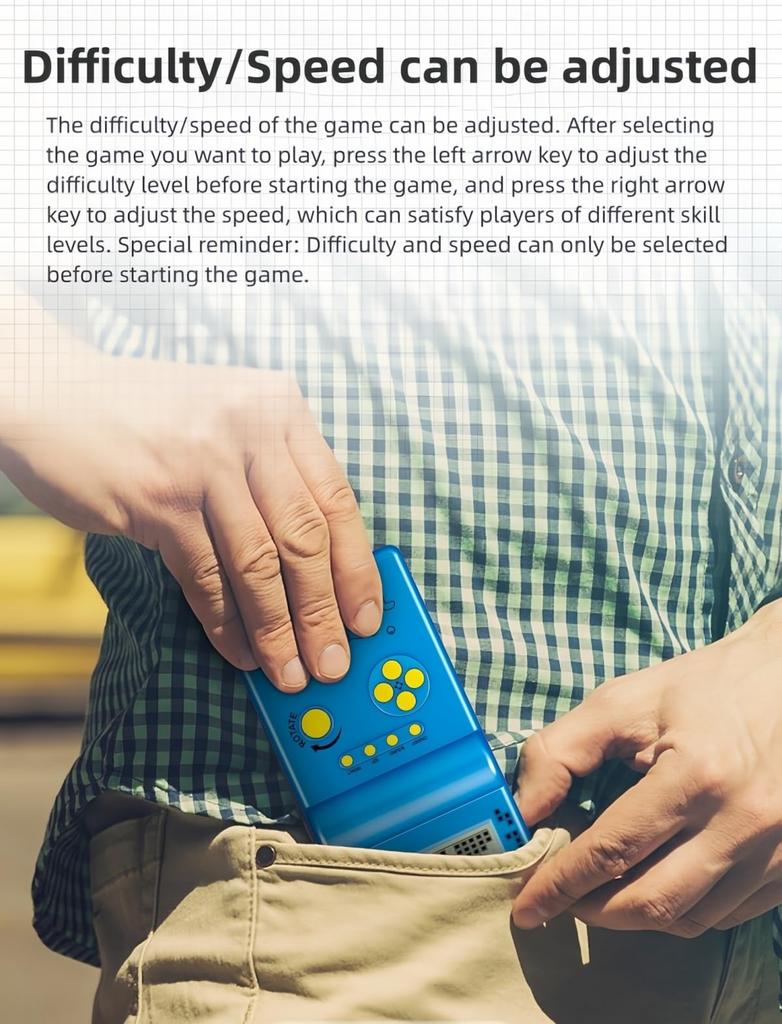
You can adjust the game speed, number of levels and difficulty. After selecting the game you want to play, press the right arrow key to adjust the speed before the game starts, the left arrow key to adjust the difficulty level, and the up/down keys to adjust the number of levels.
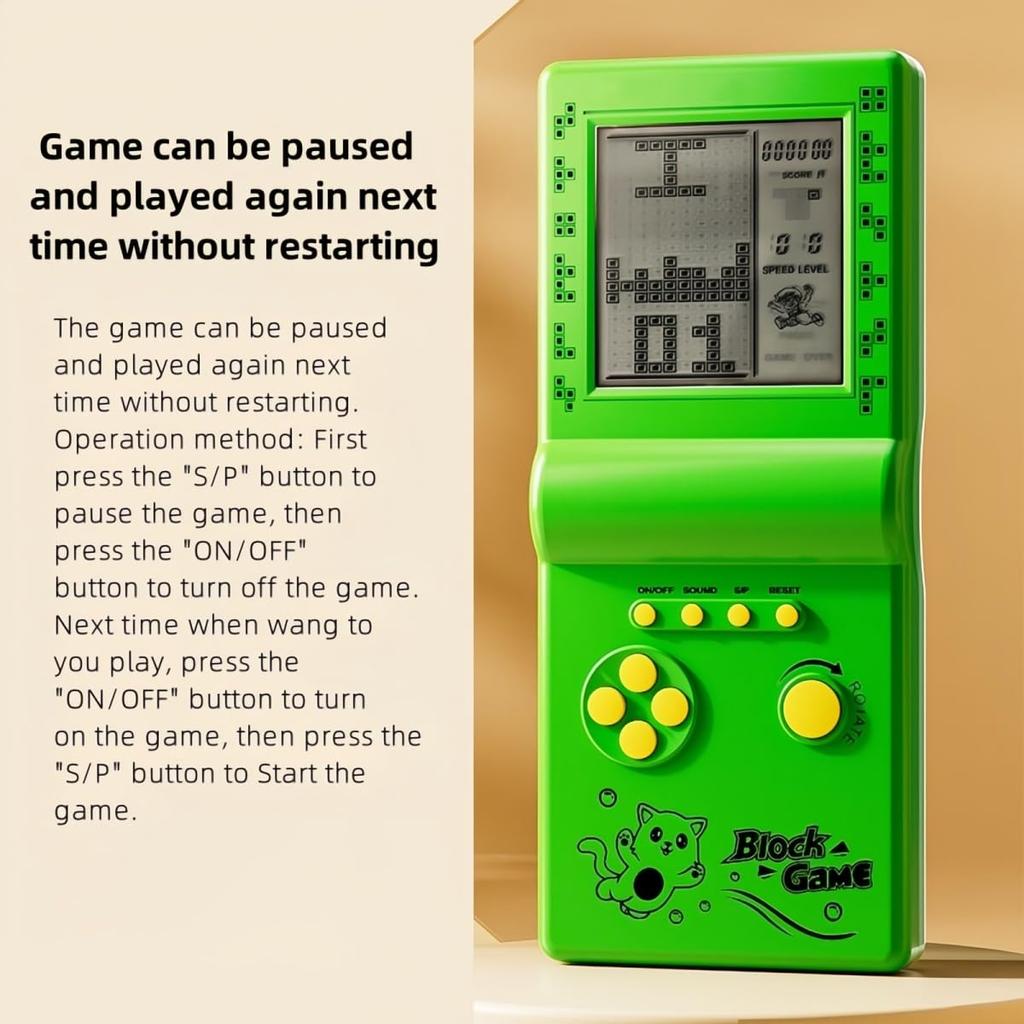
You can pause the game and next time you can continue playing with the paused progress. No need to start over from the beginning. How to play: First press the "S/P" button to pause the game, then press the "ON/OFF" button to shut it down. Next time you want to play, press the "ON/OFF" button to turn it on, then press the "S/P" button first to start the game.
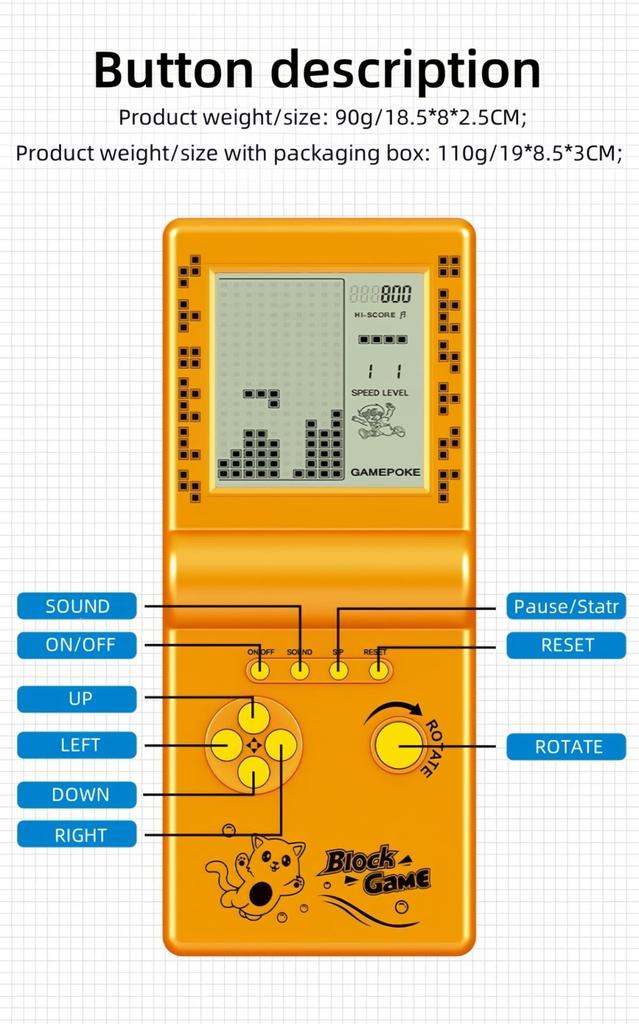
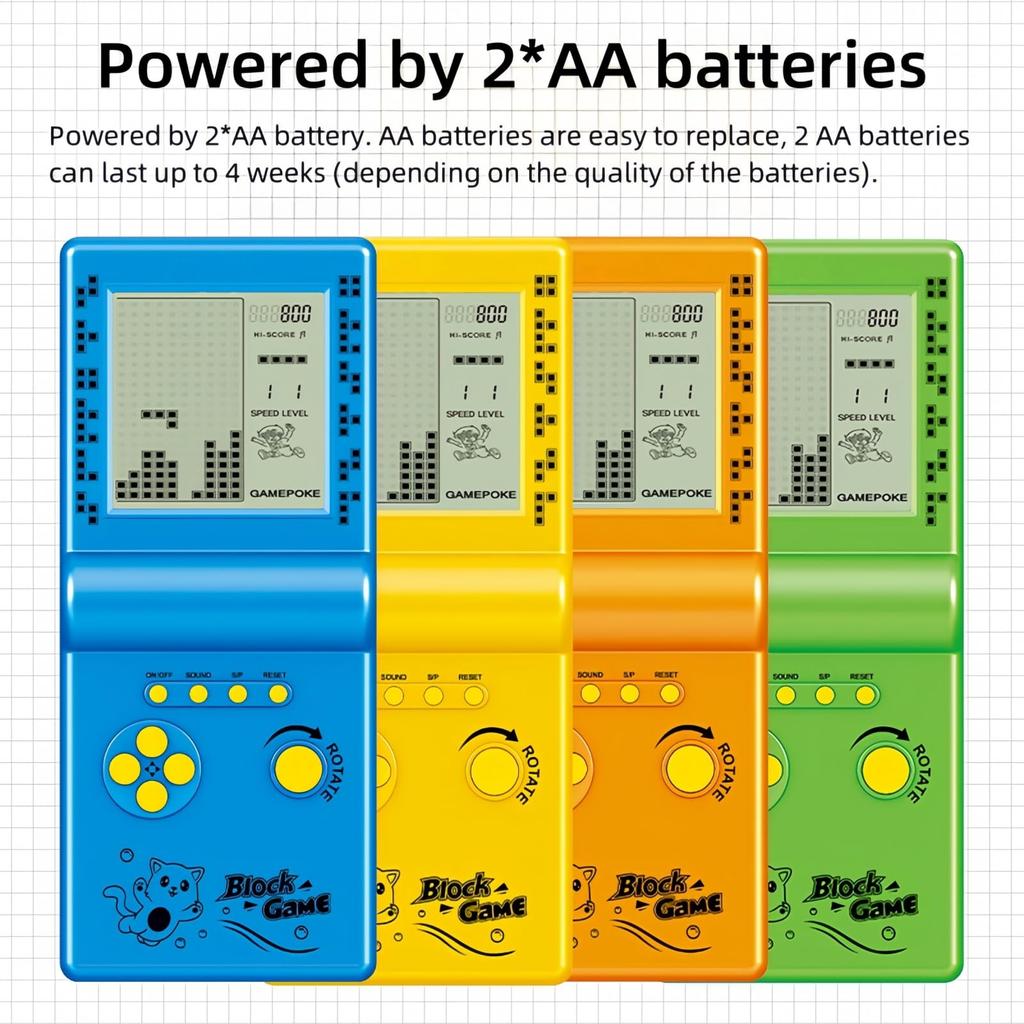
It runs on two AA batteries (not included), making it easy to purchase. It can last up to four weeks (depending on the quality) and consumes very little power. Product weight/size: 88g/18*8*2cm; Product weight/size with packaging: 110g/18.7*8.3*2.6cm;
Button operation procedure
1.On/Off: Press the On/Off key to turn the game on or off.
2. ROTATE: Press the rotate key to select a game before starting the game. Perform actions in the selected game.
3.SOUND: Repeat the sound key to turn off or turn on the sound.
4. S/P (Start/Pause): Press the S/P key to start or pause the selected game.
5.RESET: Press RESET to reset the whole unit system.
6.UP/DOWN: Press the key to select and start before selecting the pattern of the selected game.Press the UP/DOWN key to control the up/down direction in the selected game.
7.LEFT/RIGHT: Press the left/right keys to select and start the level (left) and speed (right) of the selected game.
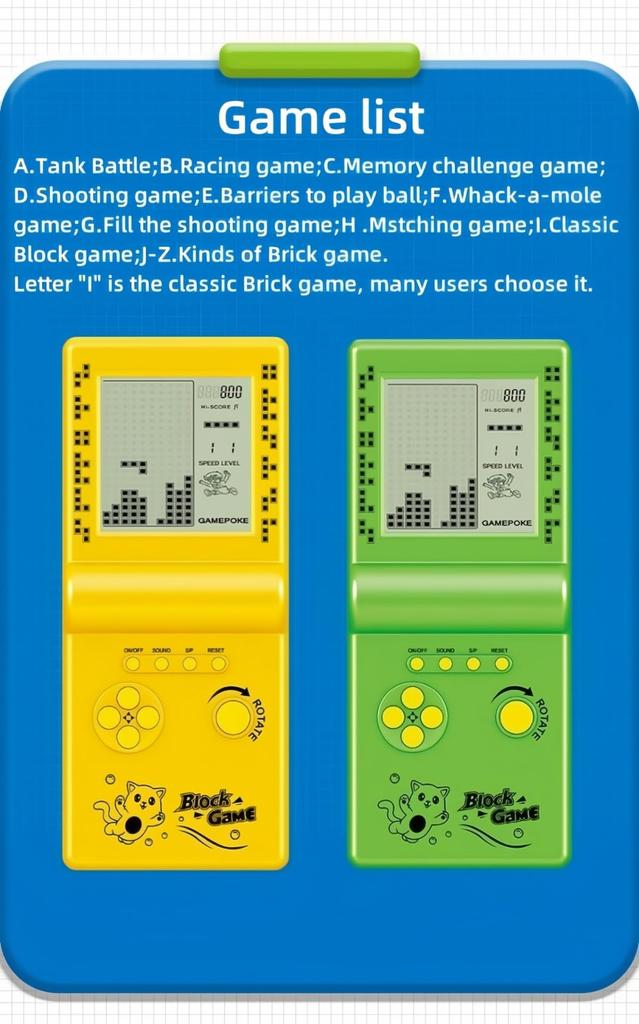
Game List and Controls
Built-in 23 games:
01. Classic Brick Game: Left/Right key control direction, key rotate to transform.
02-08.Other brick games:LEF/RIGHT key control direction, key rotate to transform.
09. -Tanks War: up/down/left/right key control direction, rotate key to launch bullets.
10. Racing game: Left/right key control direction, rotate key to accelerate.
11. Bouncing Ball: Left/Right key control direction, rotate to speed up the ball movement.
12. Shooting game: Left/Right key control direction, Rotate key activate bullet.
13.Obstacles Pinball: Left/Right key control direction, rotate to speed up the ball movement.
14-15. Shooting: Left/Right key control direction, Rotate key fire bullet.
16-23.Various Reverse Brick Games: Left/Right key control direction, key rotate to transform.
Special note:
1. Press the "Rotate" key and select the number at the top of the screen to select the game.
2. Press the key to start or pause the game.
3. Game progress save: Press "s/p" key to pause, press "on/off" key to shut down, next boot press "s/p" key again, you can play the last game progress.
4. For beginners, we recommend choosing the number "01", which is suitable for playing simple classic brick games.
5. Use a 45 degree angle tilt for a clearer view.




![Grigioy Games Game Boy Type Tragbare Spielkonsole Kompatibel Retro Game 400 Typen Controller-Modell [400 spielbar] Eingebaut (Schwarz)](https://img.joomcdn.net/5e4bb75c631676aa252eb2f6ea7ebb6a2f0e3cdc_100_100.jpeg)