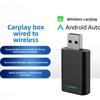
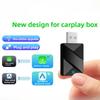
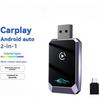
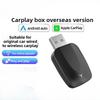
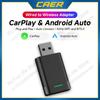
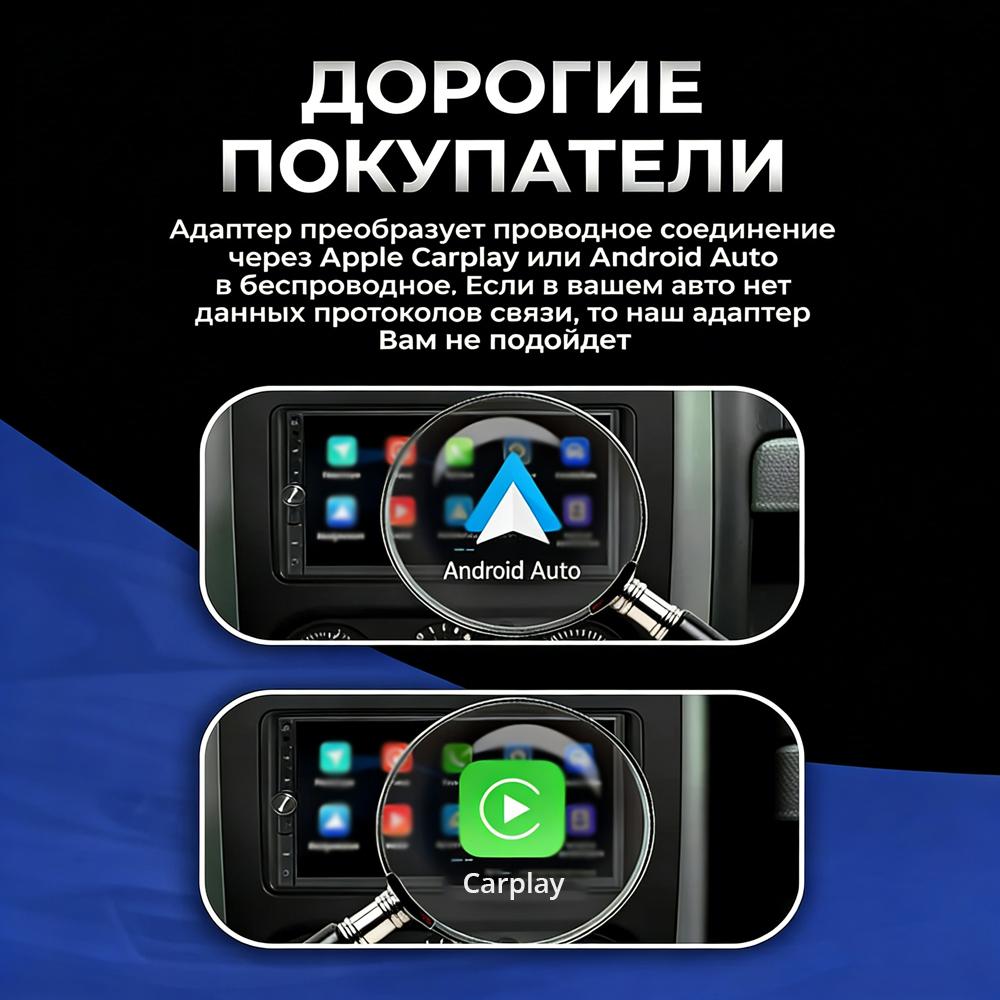
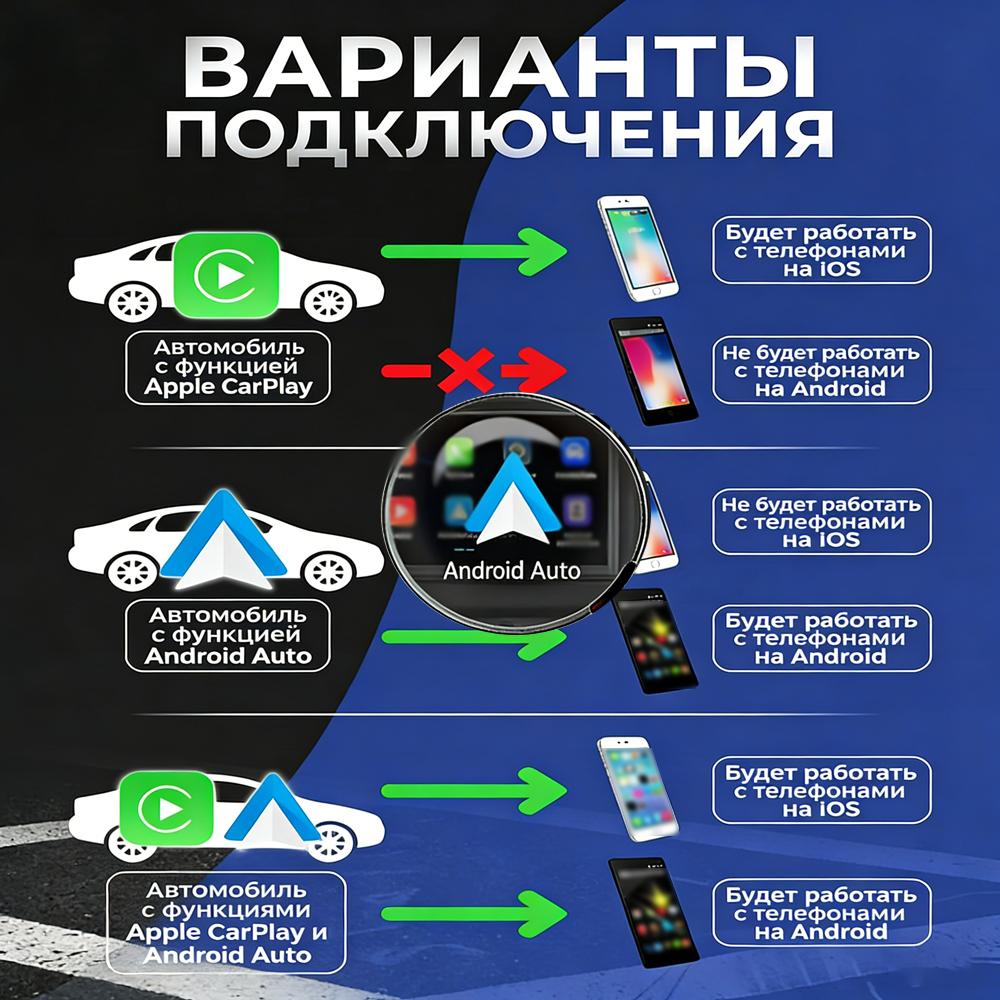
Notice 1: If you can not use CarPlay function with iPhone or Android Auto function with android phone by data cable, pls do NOT buy, it does NOT fit.
Before placing the order, you can scan the code for checking whether your car support the carplay or not:
Product main functions
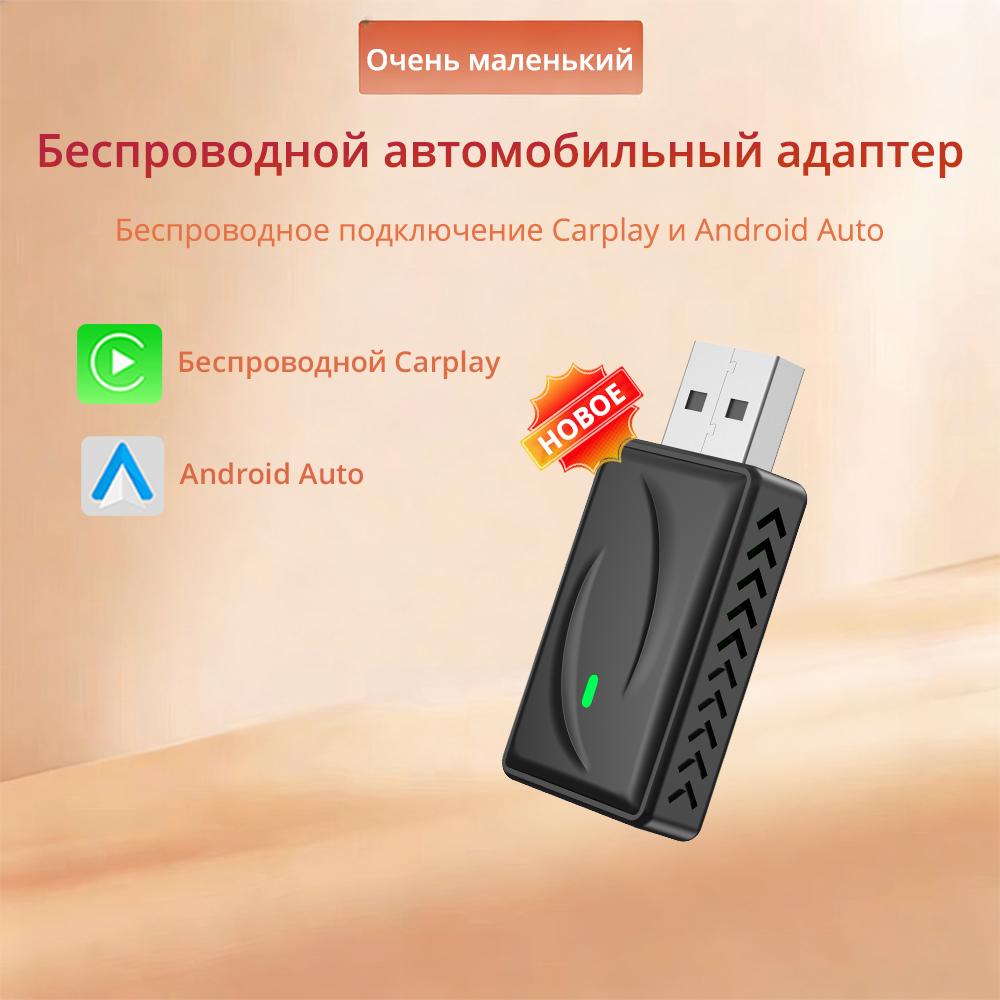
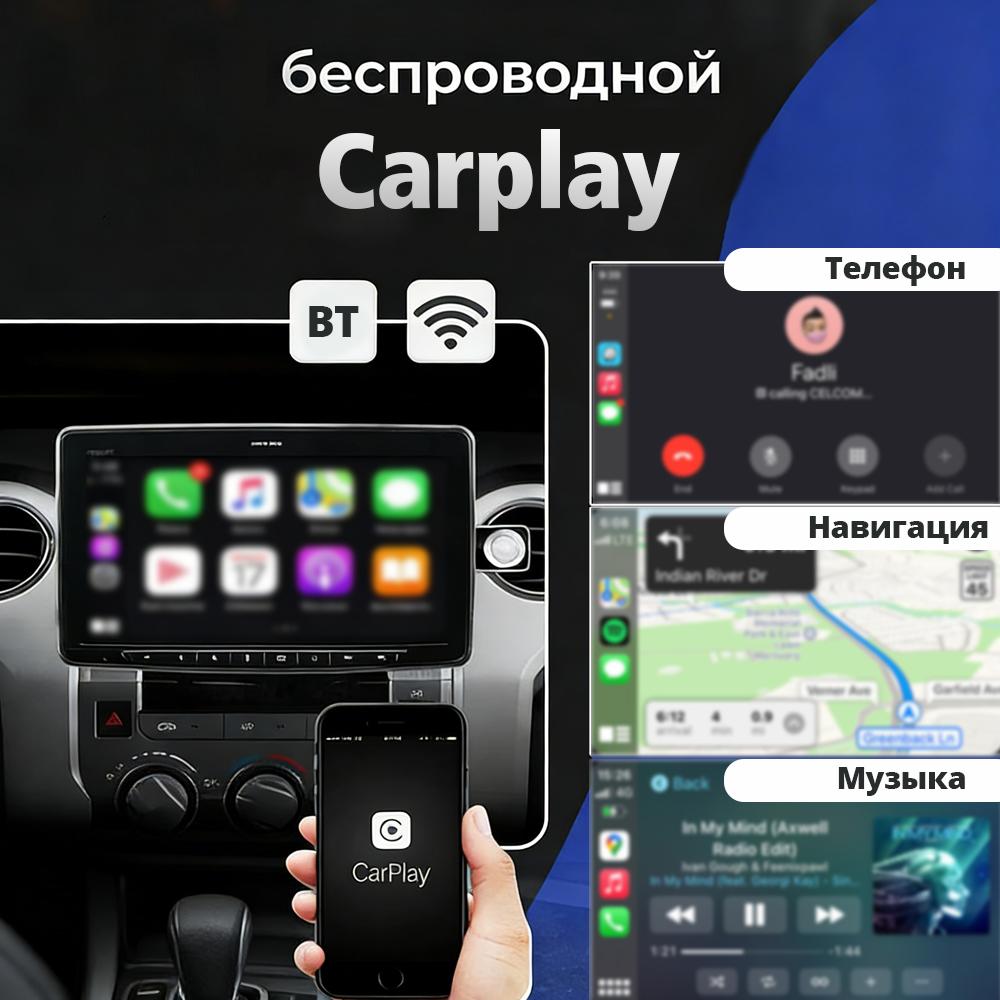
1.Wired Carplay to Wireless CarPlay For Apple Phones
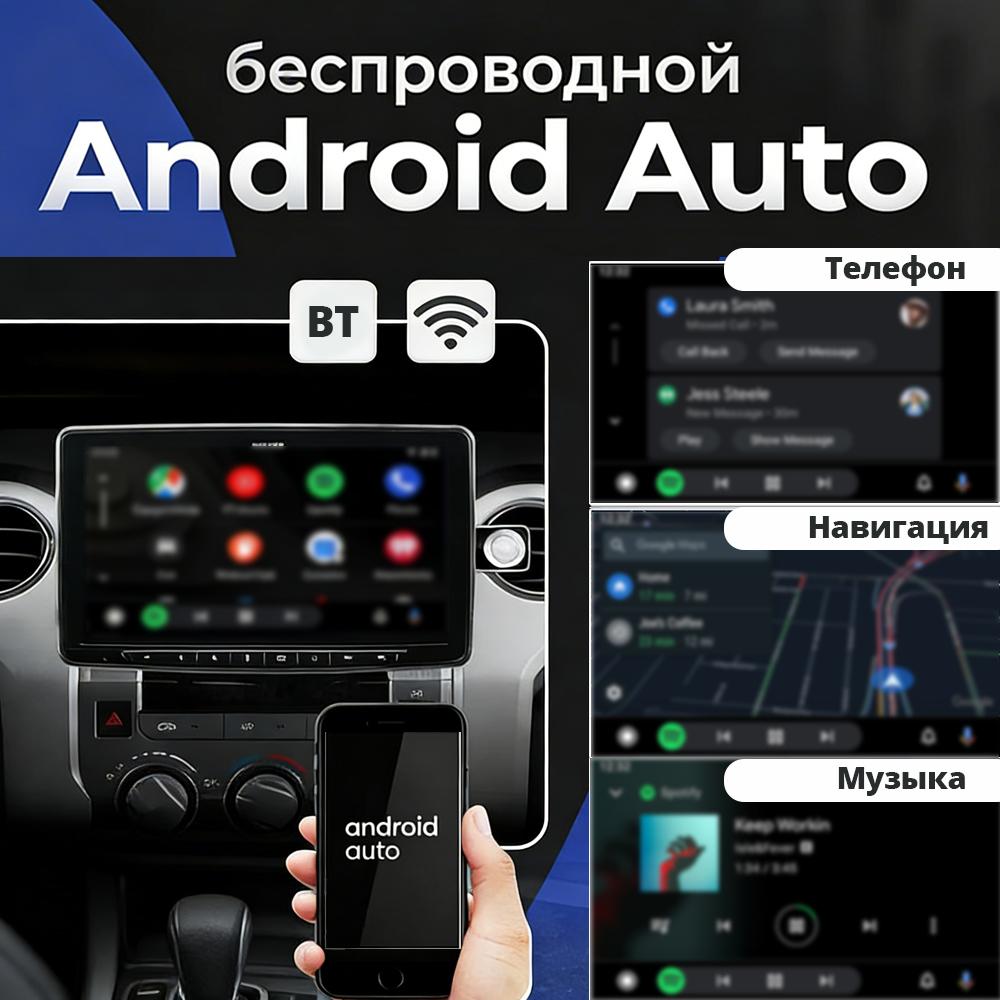
2.Wired Auto to Wireless Auto For Android Phones
How to use wireless Carplay?
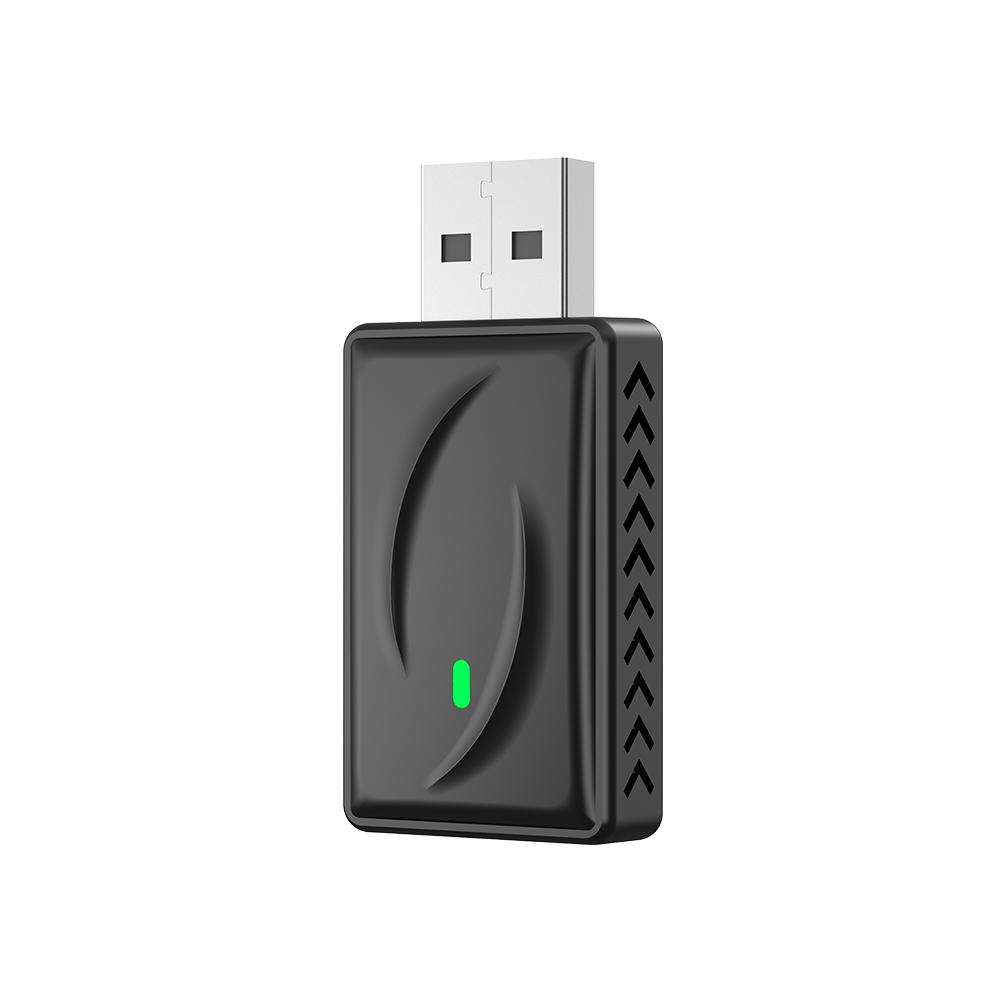
1. Connect the USB box to the car USB
2. Check the Bluetooth name
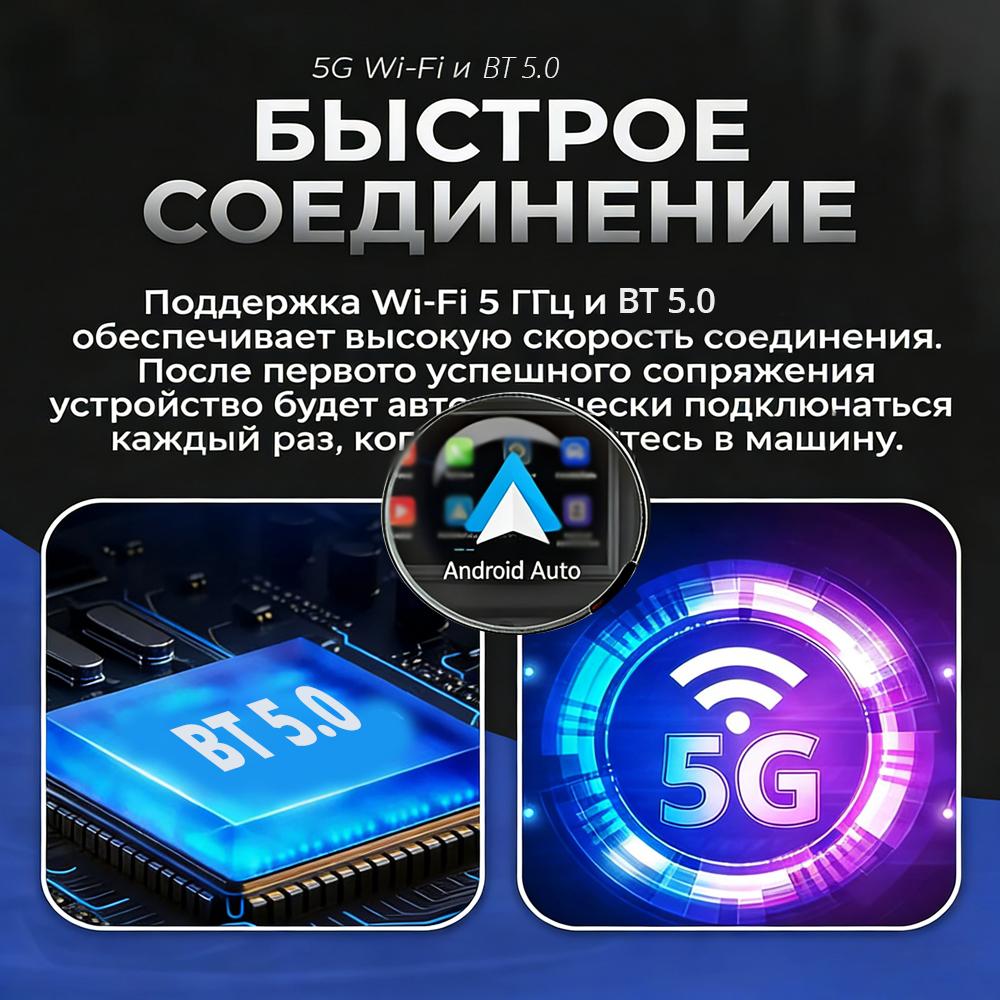
3. Turn on your phone's WIFI and Bluetooth, and use Bluetooth to pair the device name.
How to use wireless Android Auto?
1. Connect the USB box to the car USB
2. Check the Bluetooth name
3. Turn on your phone's WIFI and Bluetooth, and use Bluetooth to pair the device name.
About OTA upgrade
In order to bring you a better experience, this product supports OTA online upgrade function. When the Wireless Carplay Adapter cannot be used normally or performance problems occur after upgrading the system of the mobile phone, it is recommended to upgrade the Wireless Carplay Adapter to the latest version. If the Wireless Carplay Adapter is working properly, it is usually not recommended to upgrade the firmware.
If the original car has wired Carplay/Android, why can't it be connected?
1. Please use your mobile phone to delete the Bluetooth device name of the original car
(Because the device is Bluetooth-only, if the Bluetooth of the original car is connected to the mobile phone, the mobile phone cannot connect to the Bluetooth of the device)
After pairing the Android Auto adapter, the Android Auto feature cannot be launched or the USB is not compatible/recognized.
1.Please check if the iphone/Android smartphone's Bluetooth connect toother devices such as Earphone, watch.....lf so, please disconnect otherauto-connected Bluetooth devices,and android smartphone alsoneed toconnect to the vehicle Bluetooth for android auto.
2.When on a call, check that your ''Audio'' output option is Carplay/AndroicAuto.



 Geld zurück bei Nichtlieferung