---------------------------------------------------
【Voltage Compatibility】
Our products are selected to support international voltage ranges (e.g. 100–240V).
However, please make sure your local voltage is compatible before use, as incorrect voltage may still cause malfunction.
【Plug Type】
Our products use Japanese plug types (A or B type).
Please use a conversion adapter if necessary.
【Important Note on Transformers and Adapters】
A transformer adjusts voltage to match your device’s requirements.
A conversion adapter only changes the plug shape and does not adjust voltage.
Using only a conversion adapter without a transformer may result in damage to the product.
【Liability】
We are not responsible for malfunctions or damages caused by improper use, such as operating the product without appropriate voltage or equipment.
---------------------------------------------------
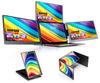
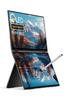
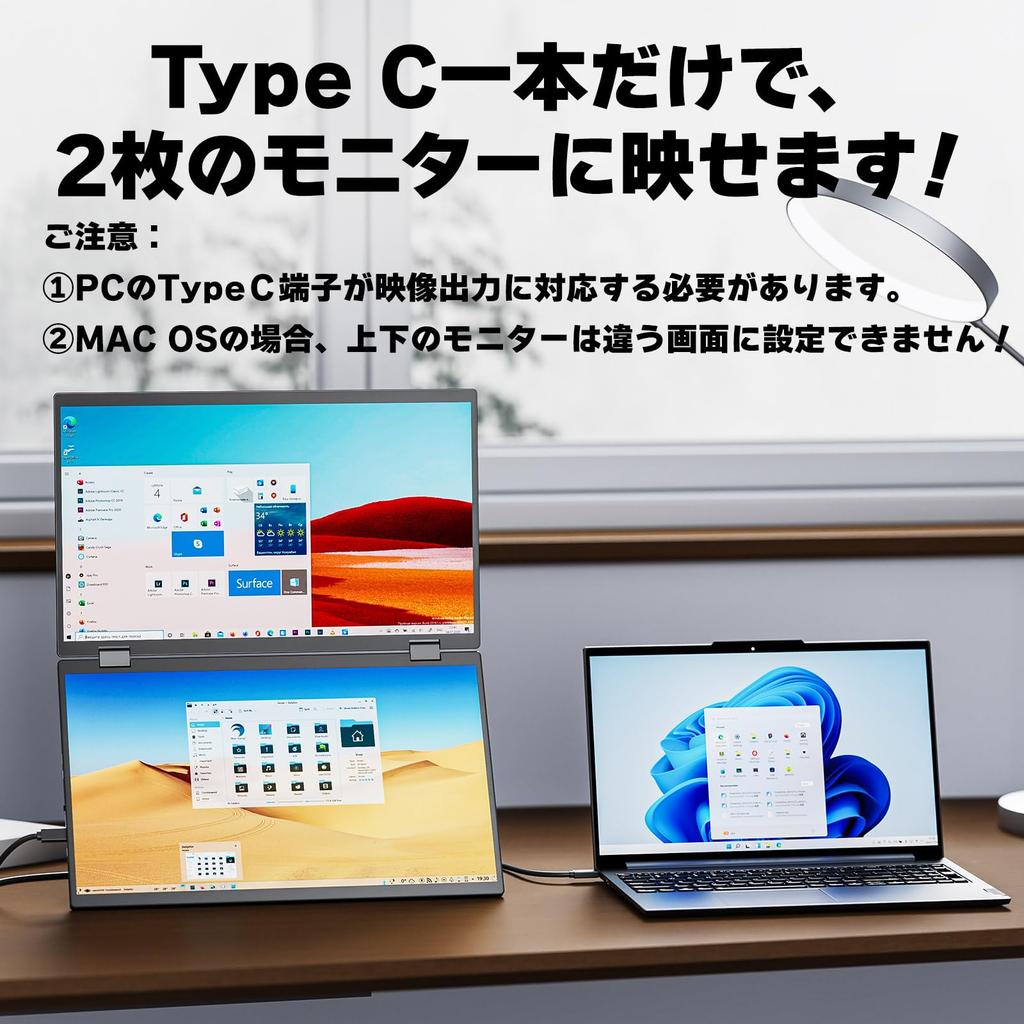
[Must-Read Before Purchase!] 1. Attention MacBook users! MacBooks cannot display three screens (including the main PC monitor) in an extended display mode! Only two screens can display different content! 2. Only PCs can display three screens using a single Type-C cable; other devices cannot! 3. The monitor does not have a built-in power adapter, so it does not require charging when not in use, but it does require power when in use. 4. Since the monitor has two screens, power consumption is quite high. Powering it from the PC alone may not be enough. Please use the included PD charger whenever possible. 5. If charging is inconvenient when you're out and about, you can also charge it from a mobile device. 6. If you're not familiar with the gravity sensing function, go into the monitor's menu and disable it. 7. If you have any questions regarding use, please contact us at any time. We are available by email and phone.
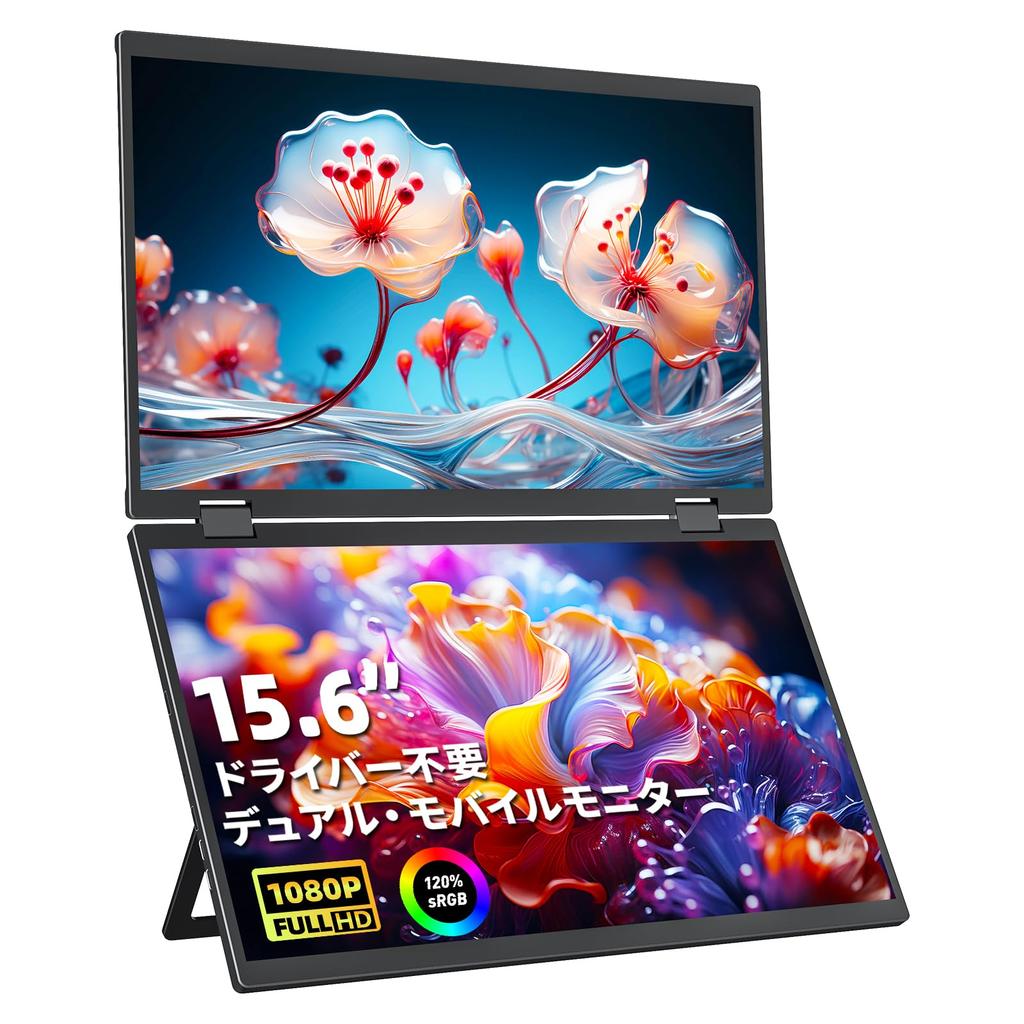
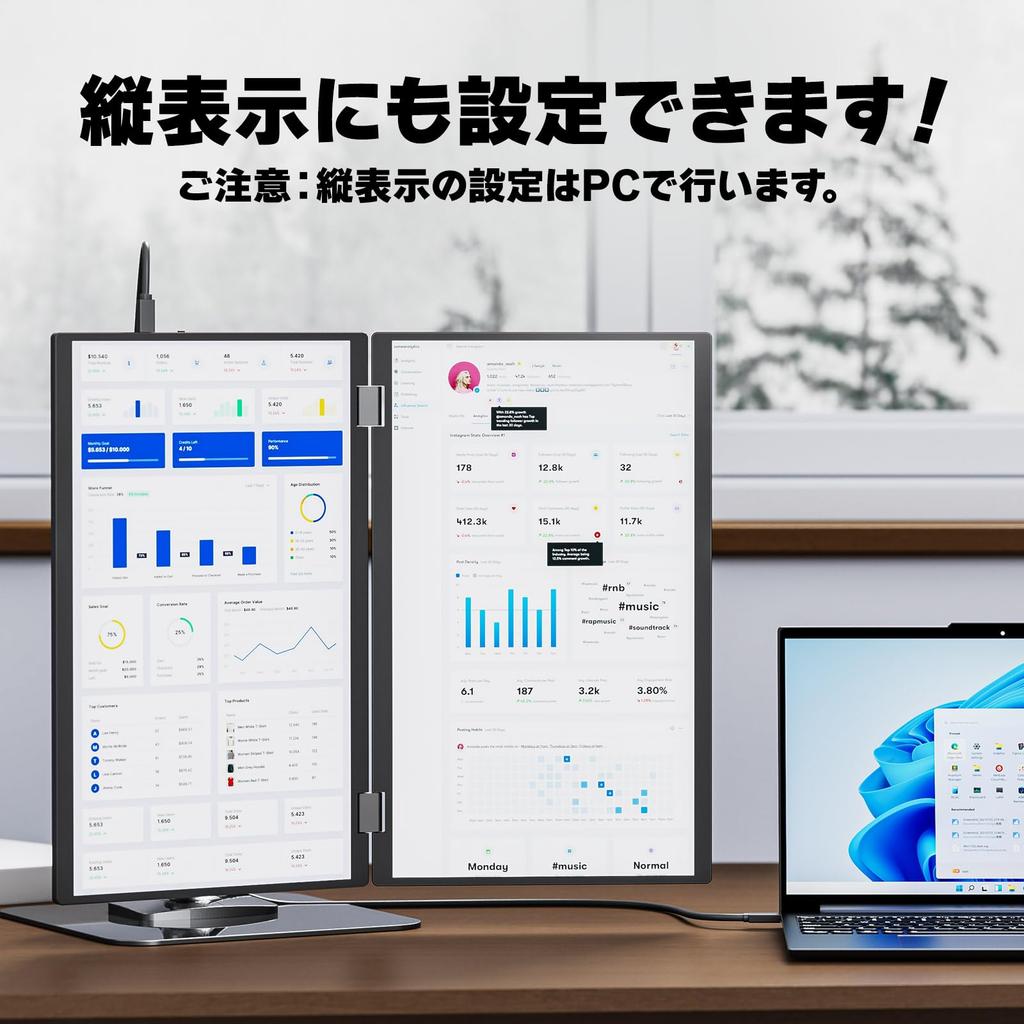
[3-Screen Setup - No Drivers Required] There are two ways to work with three screens. Method 1: Connect to a PC with a Type-C port that supports video output using just one Type-C to Type-C cable! Power is drawn from the PC via Type-C, so if the PC has sufficient power supply capacity, no power connection is necessary! Method 2: Connect to the top and bottom monitors using two HDMI cables. In this case, the monitors will need to be powered simultaneously by an adapter. Neither method requires any drivers; simply connect and it will work! When analyzing data or programming, you won't have to worry about screen space, and your work will be more efficient!
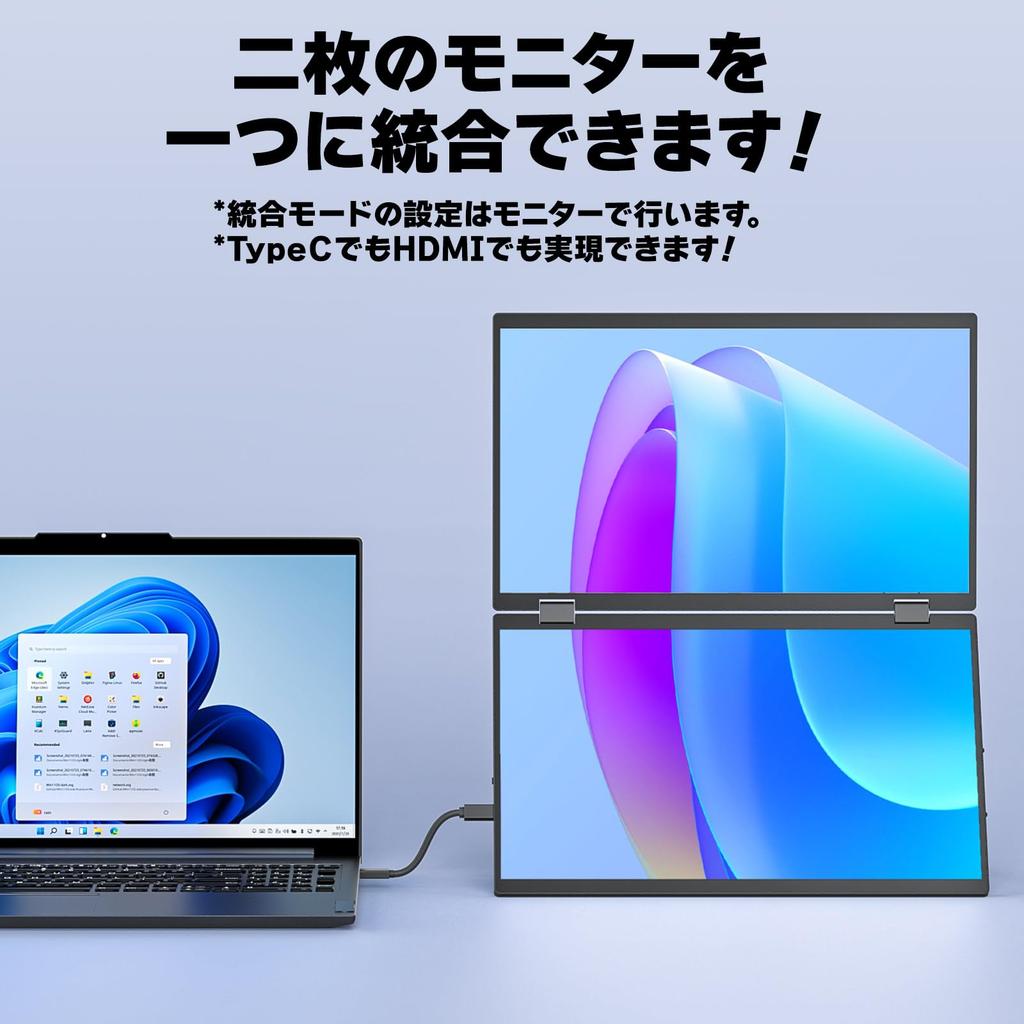
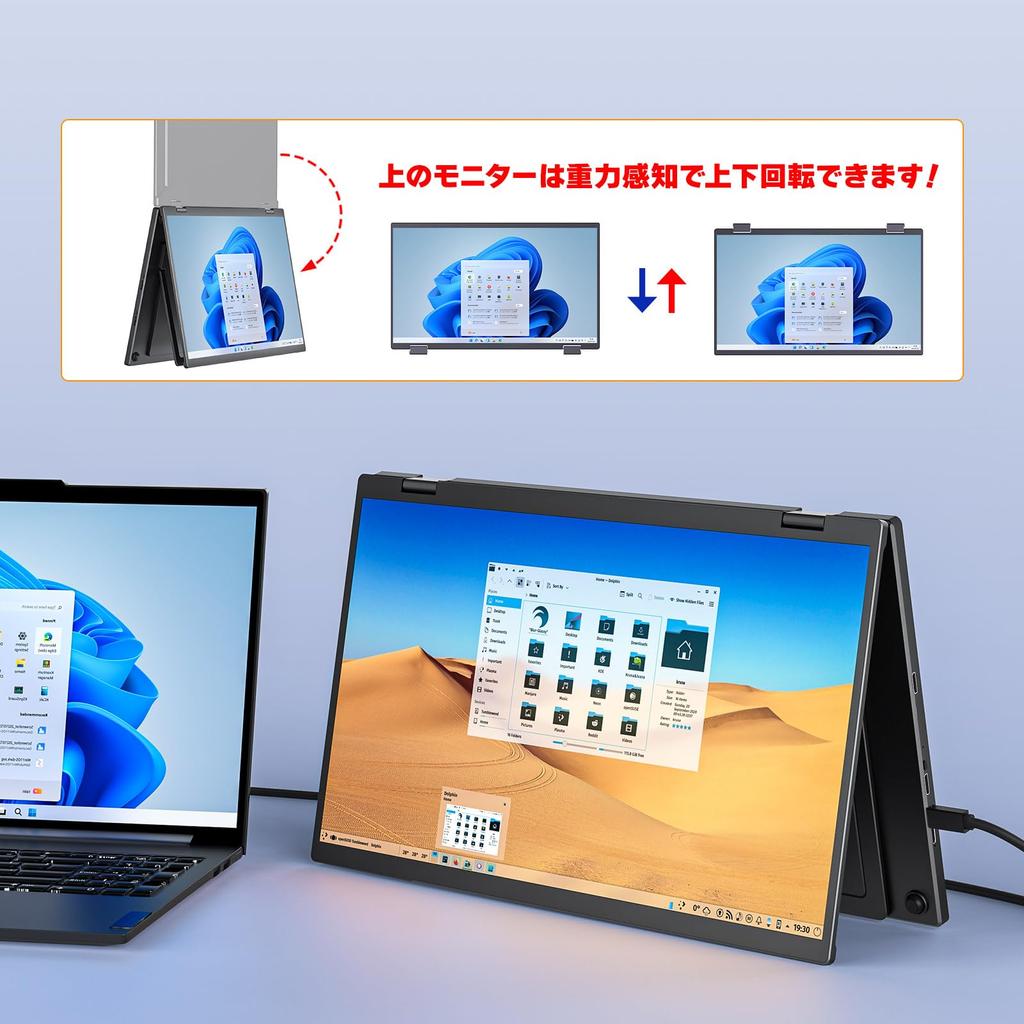
[Latest Features: Integrated Mode, Gravity-Sensing Screen Rotation] 1. Combine two monitors into one! The combined screen is equivalent to 20.5 inches (1920*2160 resolution)! Connect via Type C or HDMI with just one HDMI cable! Integrated mode is compatible with all MacBook models! 2. The top monitor's screen can be rotated up and down by gravity sensing, without the need to press any buttons or set anything!
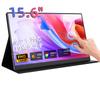
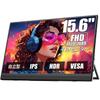
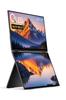
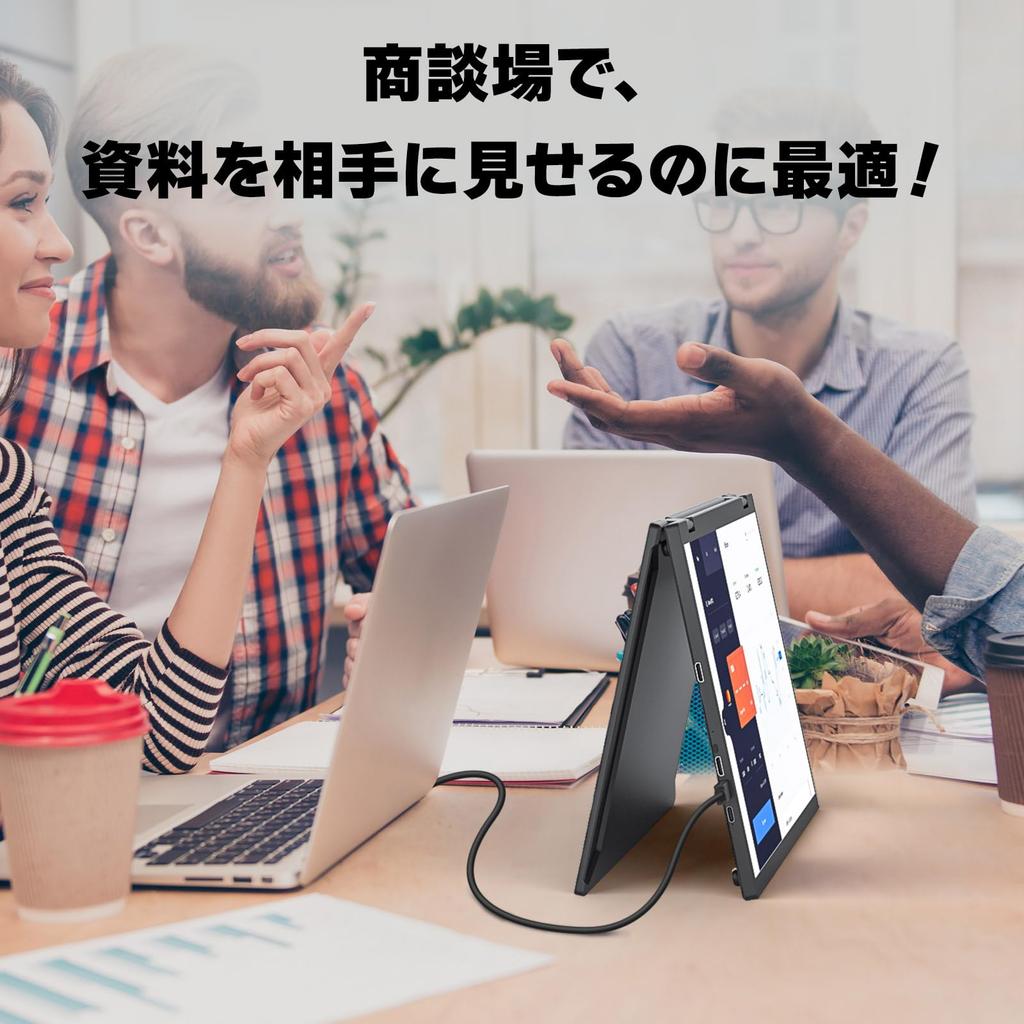
[Self-standing stand, four VESA holes, easy portability] The stand is self-standing and can be freely adjusted from 0° to 120°! It also has four VESA holes, so it can be attached to a VESA arm without any wobble! Numerous anti-slip rubber pads ensure stability. When folded, both monitors are inside, minimizing shock absorption and ensuring durability. Simply open it and you're ready to work. Fold it like a laptop, and it's easy to carry in your backpack for business trips!
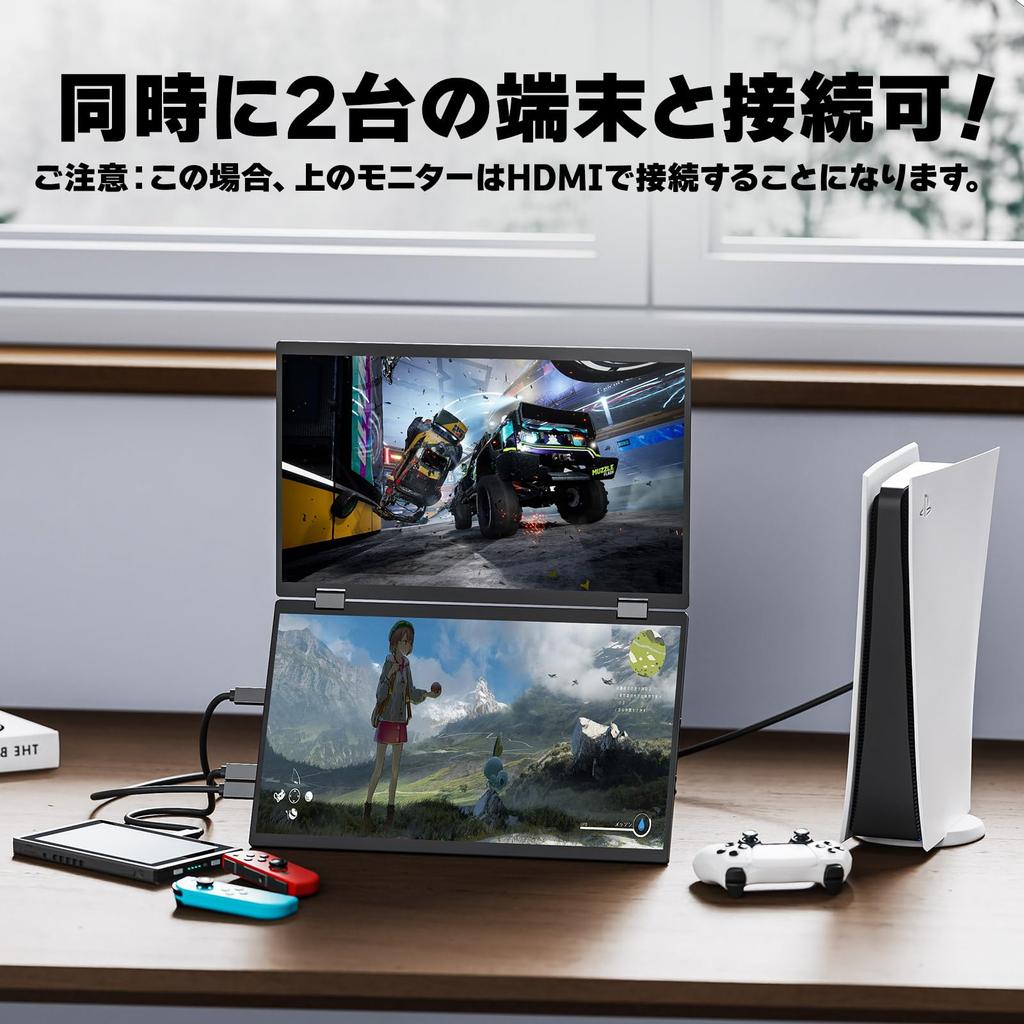
[Wide Compatibility - Simultaneous Connection of Two Devices] Compatible with a wide range of devices, including laptops, desktops, smartphones, PS4/PS5, XBOX ONE, Wii, Nintendo Switch, and Raspberry Pi. You can also connect the two monitors to separate devices. For example, connect one monitor to a Nintendo Switch via Type-C and the other to a PlayStation via HDMI, so both kids can enjoy gaming!
PORTABLE MONITOR



 Rückerstattung bei Nichtlieferung