---------------------------------------------------
【Voltage Compatibility】
Our products are selected to support international voltage ranges (e.g. 100–240V).
However, please make sure your local voltage is compatible before use, as incorrect voltage may still cause malfunction.
【Plug Type】
Our products use Japanese plug types (A or B type).
Please use a conversion adapter if necessary.
【Important Note on Transformers and Adapters】
A transformer adjusts voltage to match your device’s requirements.
A conversion adapter only changes the plug shape and does not adjust voltage.
Using only a conversion adapter without a transformer may result in damage to the product.
【Liability】
We are not responsible for malfunctions or damages caused by improper use, such as operating the product without appropriate voltage or equipment.
---------------------------------------------------
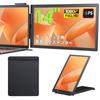
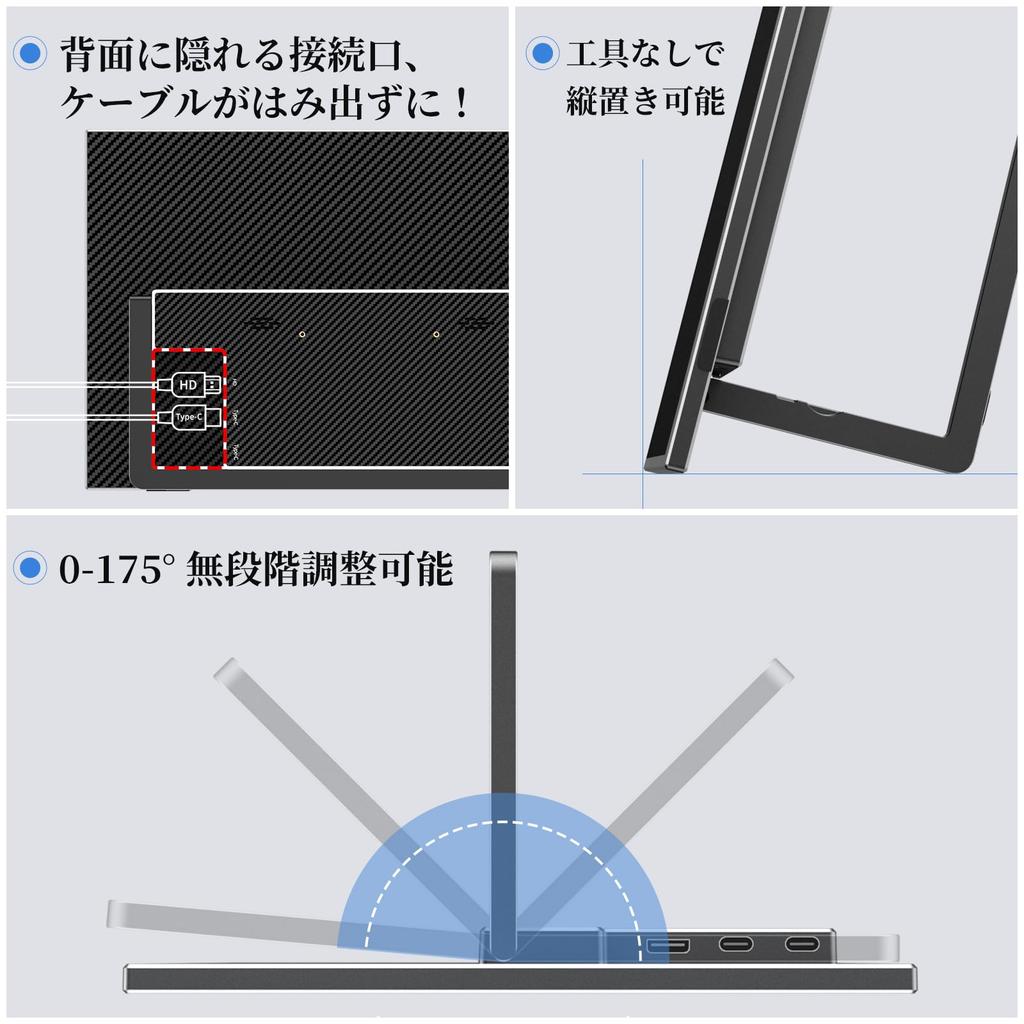
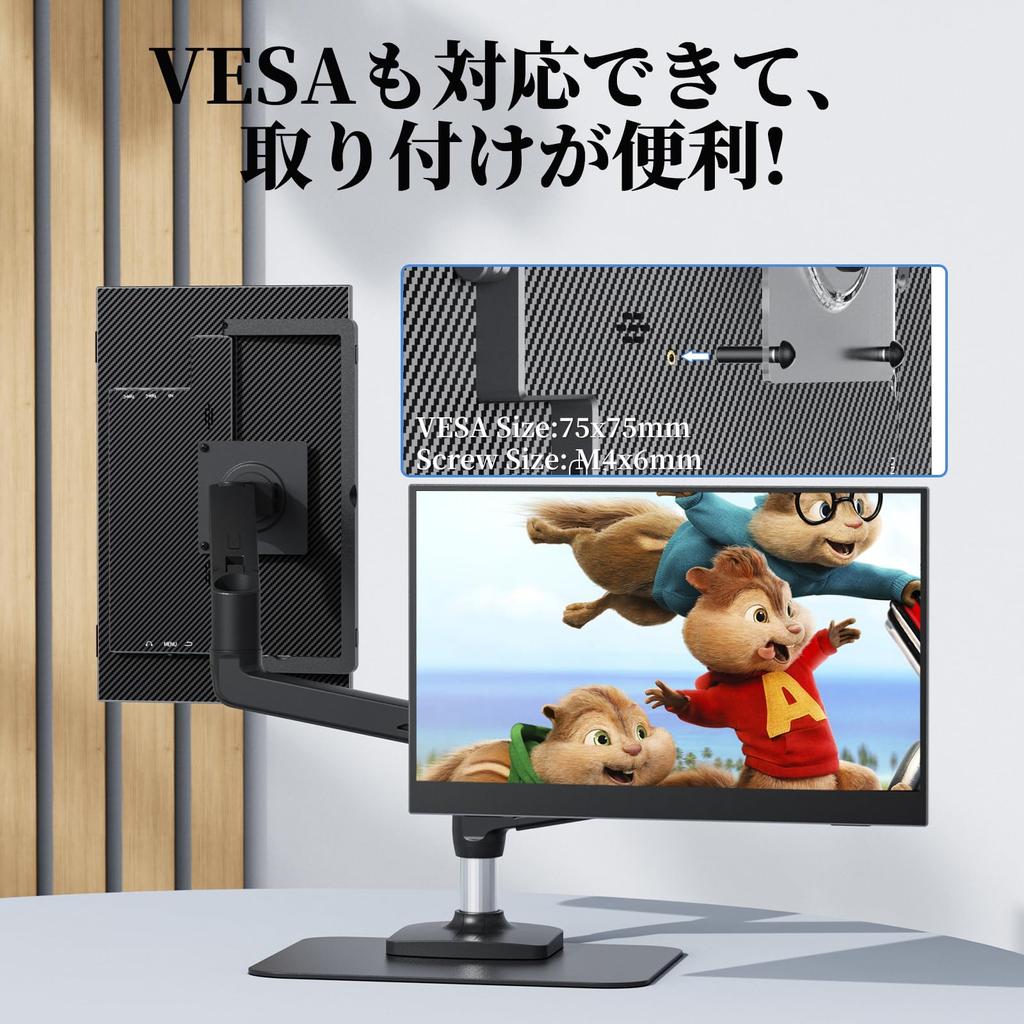
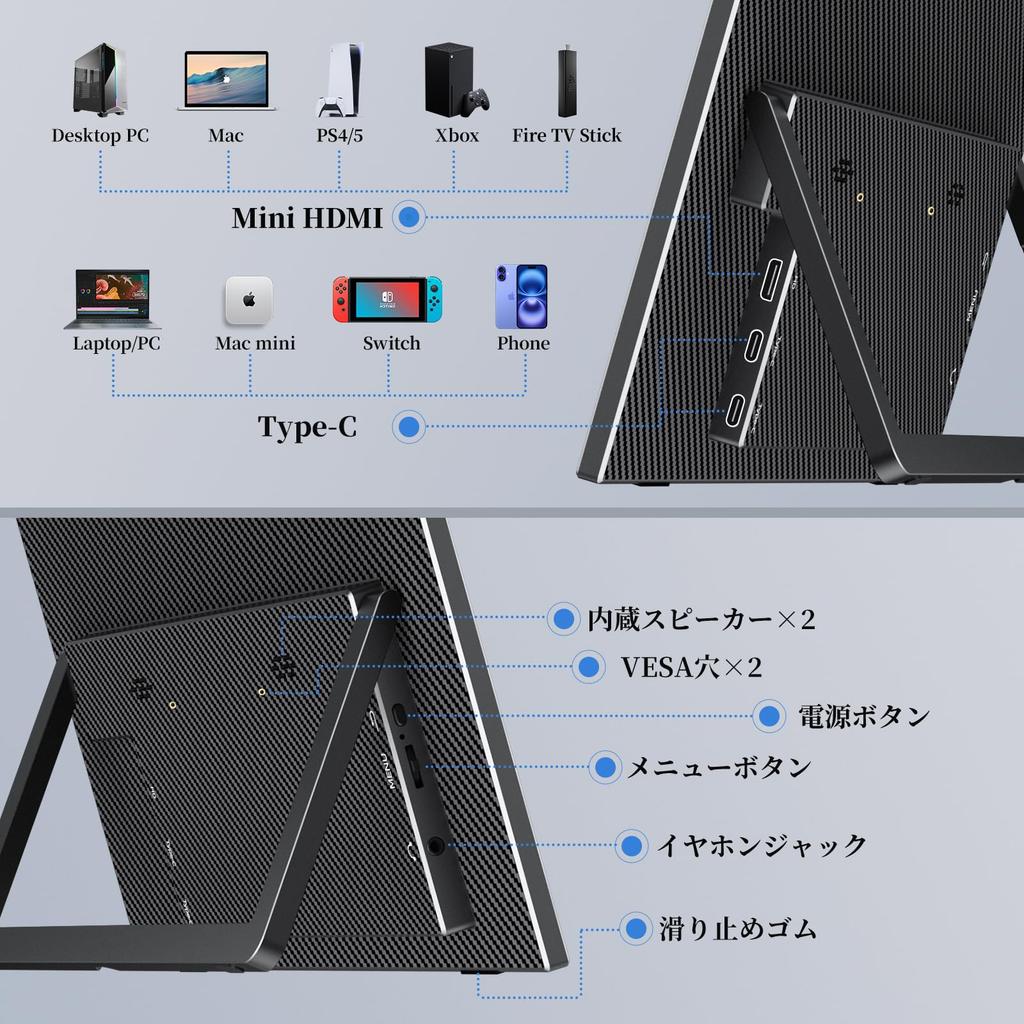
[Freestanding Stand, Easy Wall Mounting, VESA Compatibility] The stand is self-standing and can be freely adjusted from 0° to 175°! It's securely fixed, so you don't have to worry about it tipping over at larger angles! Plus, there are four non-slip rubber pads on the bottom! Wall mounting is easy, with just one or two hooks—no need to drill holes in the wall! It's already stable enough, but it's also VESA compatible! If you're looking for stability, this is the product for you!
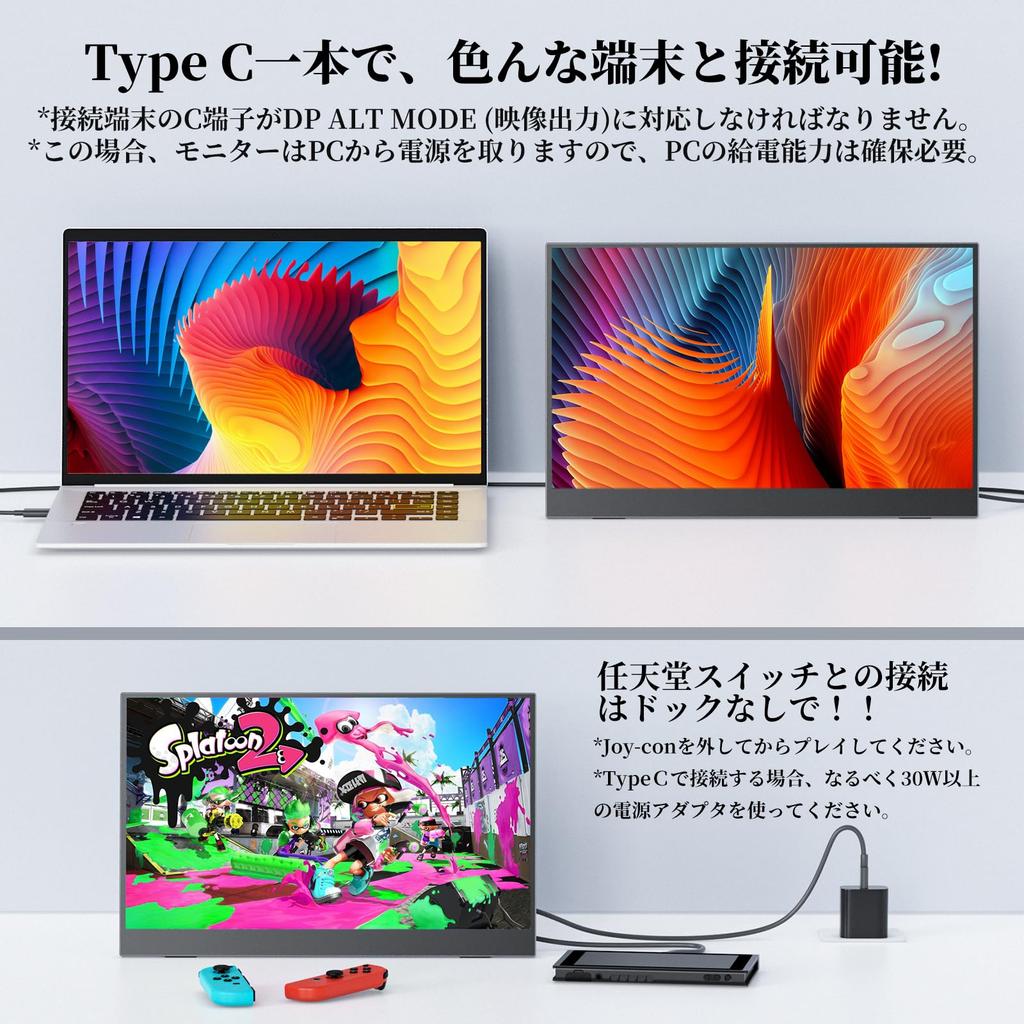
[Connect with just one cable - DP/miniDP compatible] With a variety of input ports, including miniHDMI, two Type-C ports, and a 3.5mm earphone port, this cable offers a variety of connection options. Best of all, a single Type-C cable can simultaneously output video and provide power, and both Type-C ports support both signal transfer and power. For devices that cannot be connected via Type-C, you can also use HDMI. Devices that support both ports can be connected freely. For devices that only have DP/miniDP ports (such as some Surface devices), you can connect via HDMI by using a DP/miniDP to HDMI converter.
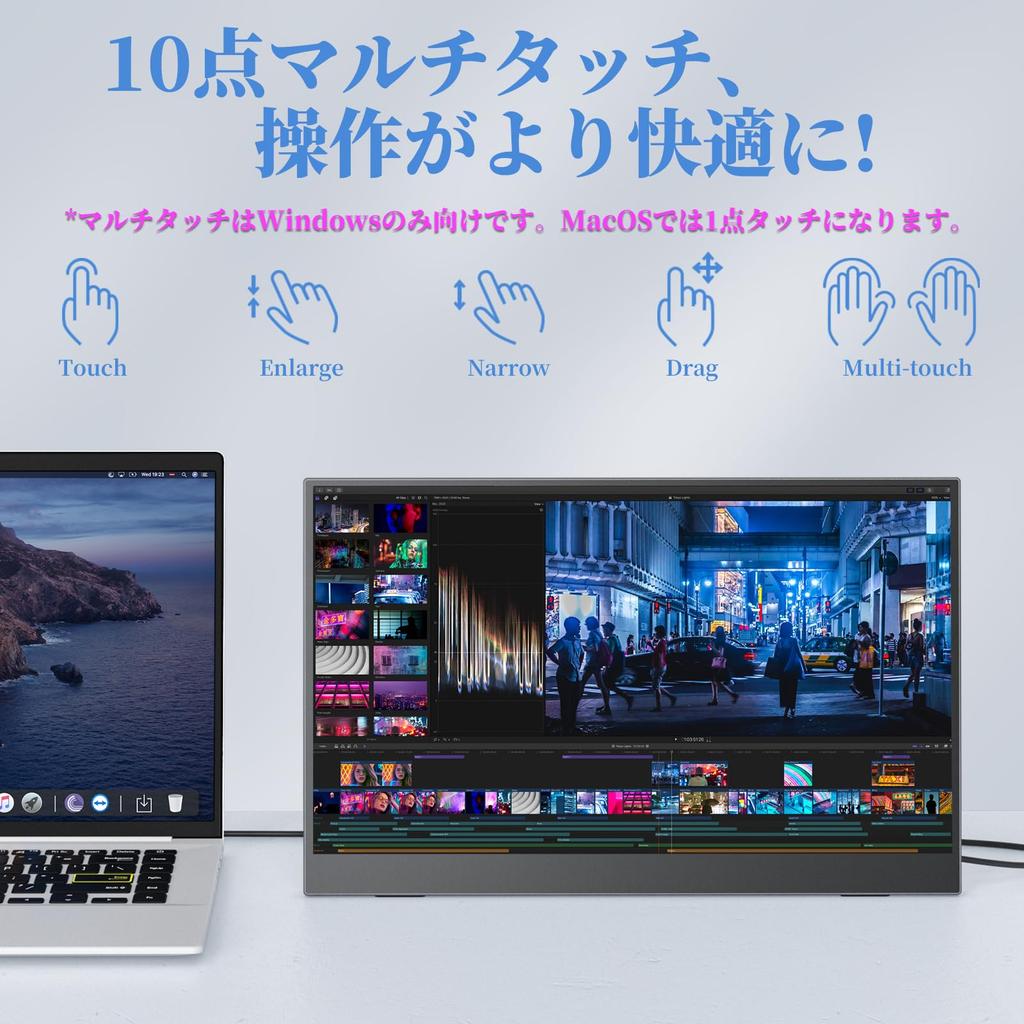
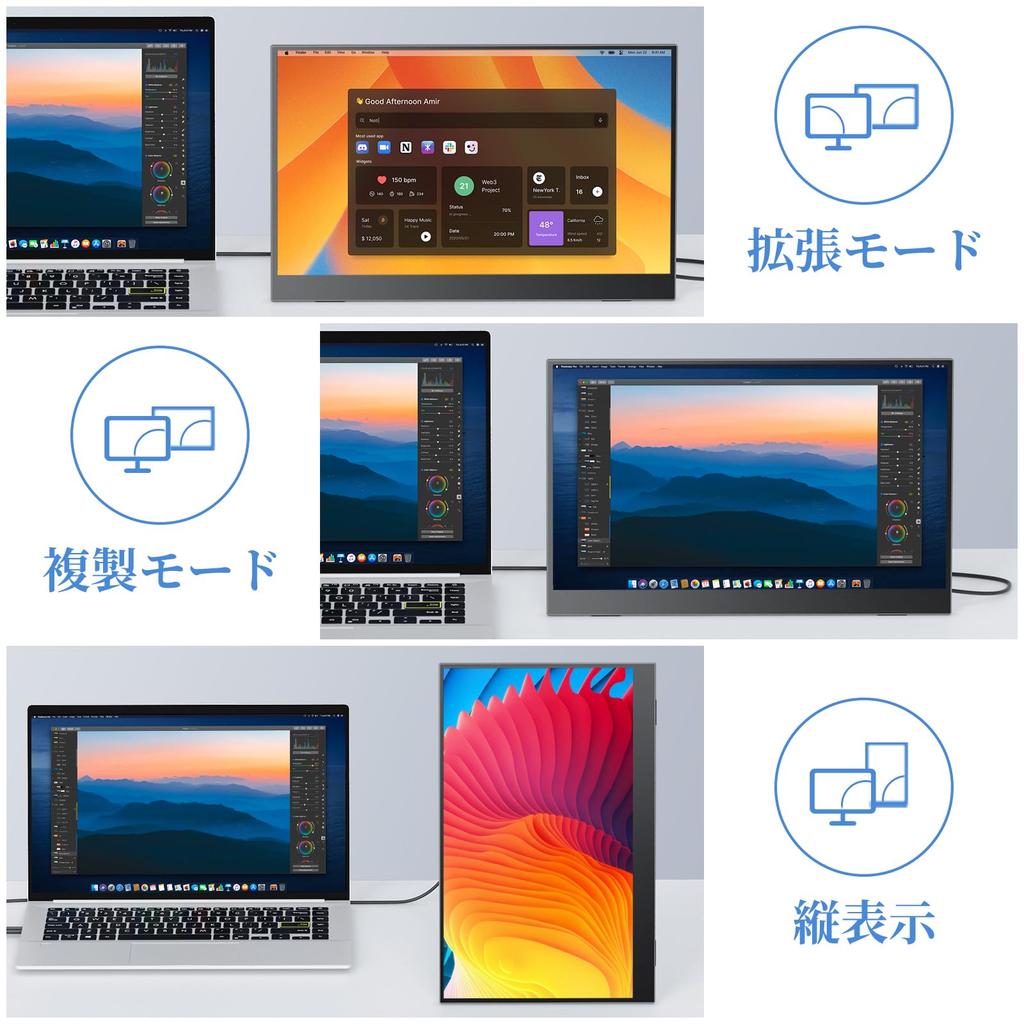
[Multi-device compatible & vertical display possible] Compatible with a wide range of devices including laptops, desktops, smartphones, PS4/PS5, Xbox One, Wii or Nintendo Switch, Raspberry Pi, and more. No drivers are required for immediate use, and the 60Hz high-speed response allows you to enjoy fast-paced content such as FPS games and action movies. It supports both extended and duplicate modes, and can be easily set to both horizontal and vertical display. *Vertical display is only available when connected to a PC. Settings are made in the PC's "Display Settings," not the monitor itself. ※Cannot connect to Switch 2 via Type-C. Please connect via HDMI through the dock.
[Non-Glare IPS LCD Panel with 178° Viewing Angle] The IPS LCD panel offers excellent visibility, minimizing brightness variations with viewing angle. With a wide viewing angle of up to 178°, images and videos appear clear and beautiful no matter where you look. The low-reflection, non-glare panel prevents reflections of your face or the room, reducing eye strain even when viewing the screen for extended periods of time.
[Note] ① When connecting with a single Type-C cable, the connected device must support DP ALT MODE (video output). ② It is normal for the "No Signal" message to appear after power is supplied. Please check that the video cable is securely inserted and that the C port on the connected device is capable of video output (if connecting with a C-C cable). ③ If powering from the connected device, a drop in the device's power supply may result in insufficient power. In this case, please power the device with a power adapter. ④ The included C-C cable can simultaneously supply power and video, but if you purchase an additional cable, please ensure it is capable of video transfer. ⑤ When connecting via HDMI, the HDMI cable cannot supply power, so please also connect a power cable. ⑥ The monitor does not have a built-in HDMI port, so it does not require charging when not in use, but requires power when in use. ⑦ Cannot be connected to the Switch 2 via Type-C. Connect via HDMI via a dock.
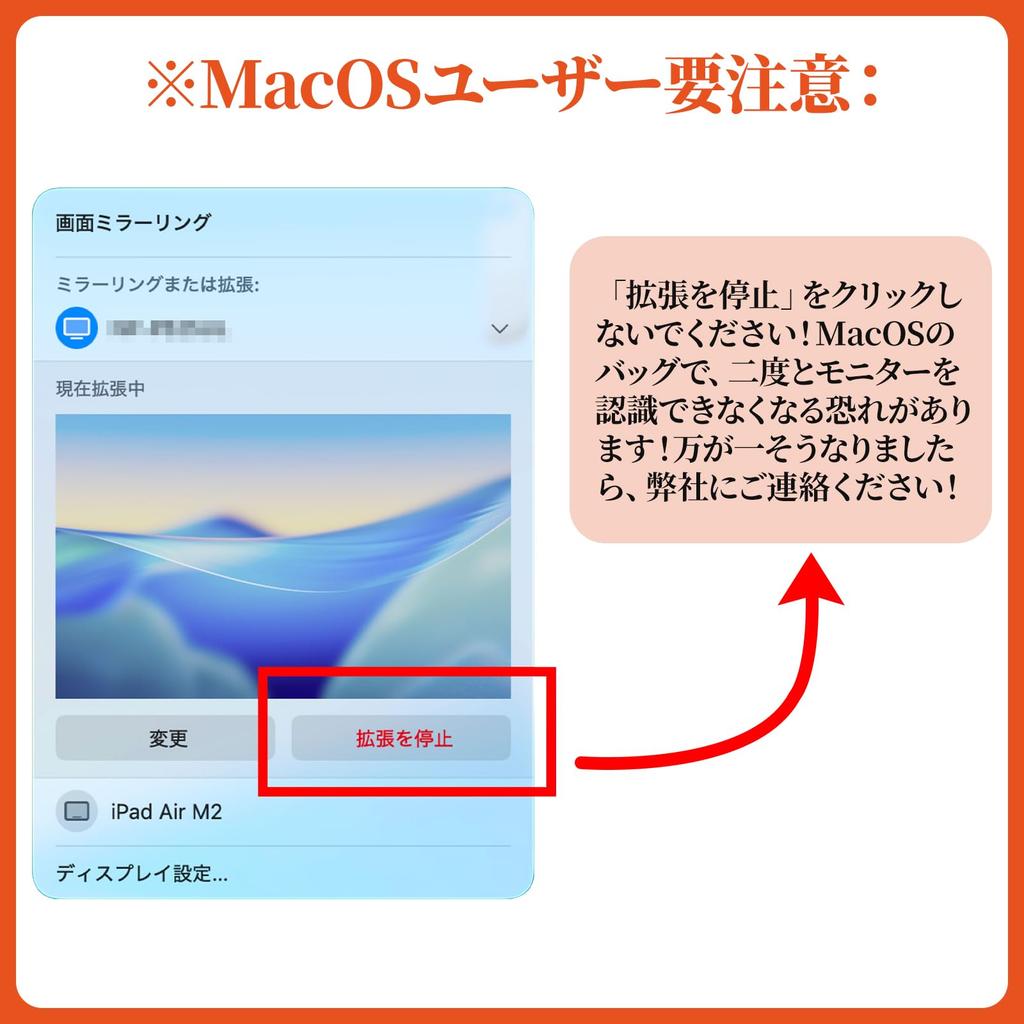
[MacOS users, please be careful!] Do not click the "Stop Extending" button in MacOS. If you "Stop Extending" in a MacOS bug, your monitor may never be recognized again. If this happens, please contact us.
[Explanation of specification change] Before October 13, 2025, the product specifications were 72% sRGB and 1920*1080 resolution, but have since been changed to 100% sRGB and 1920*1200 resolution.
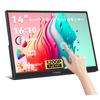
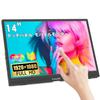
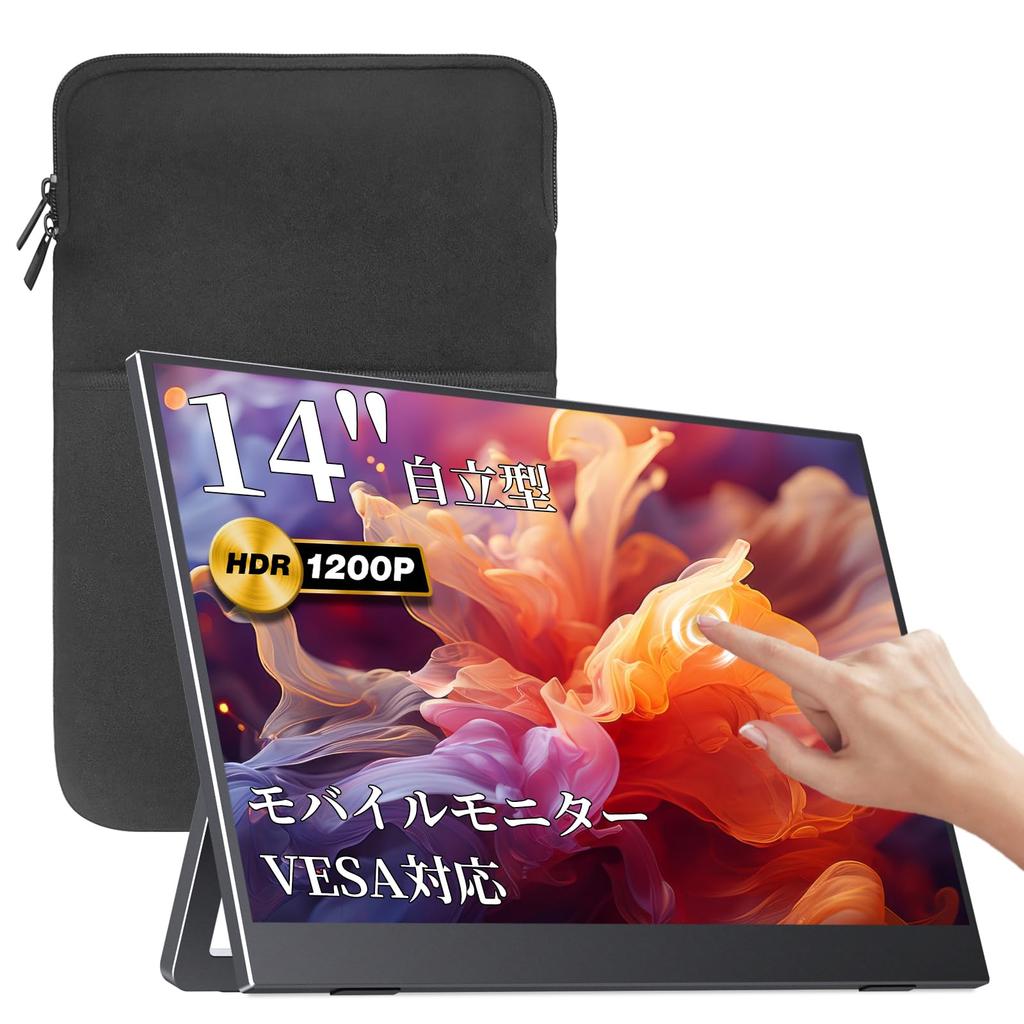
[Amazon Exclusive Brand] VisionOwl Mobile Monitor 14-inch Touch Panel MD-14T



 Rückerstattung bei Nichtlieferung