---------------------------------------------------
【Voltage Compatibility】
Our products are selected to support international voltage ranges (e.g. 100–240V).
However, please make sure your local voltage is compatible before use, as incorrect voltage may still cause malfunction.
【Plug Type】
Our products use Japanese plug types (A or B type).
Please use a conversion adapter if necessary.
【Important Note on Transformers and Adapters】
A transformer adjusts voltage to match your device’s requirements.
A conversion adapter only changes the plug shape and does not adjust voltage.
Using only a conversion adapter without a transformer may result in damage to the product.
【Liability】
We are not responsible for malfunctions or damages caused by improper use, such as operating the product without appropriate voltage or equipment.
---------------------------------------------------
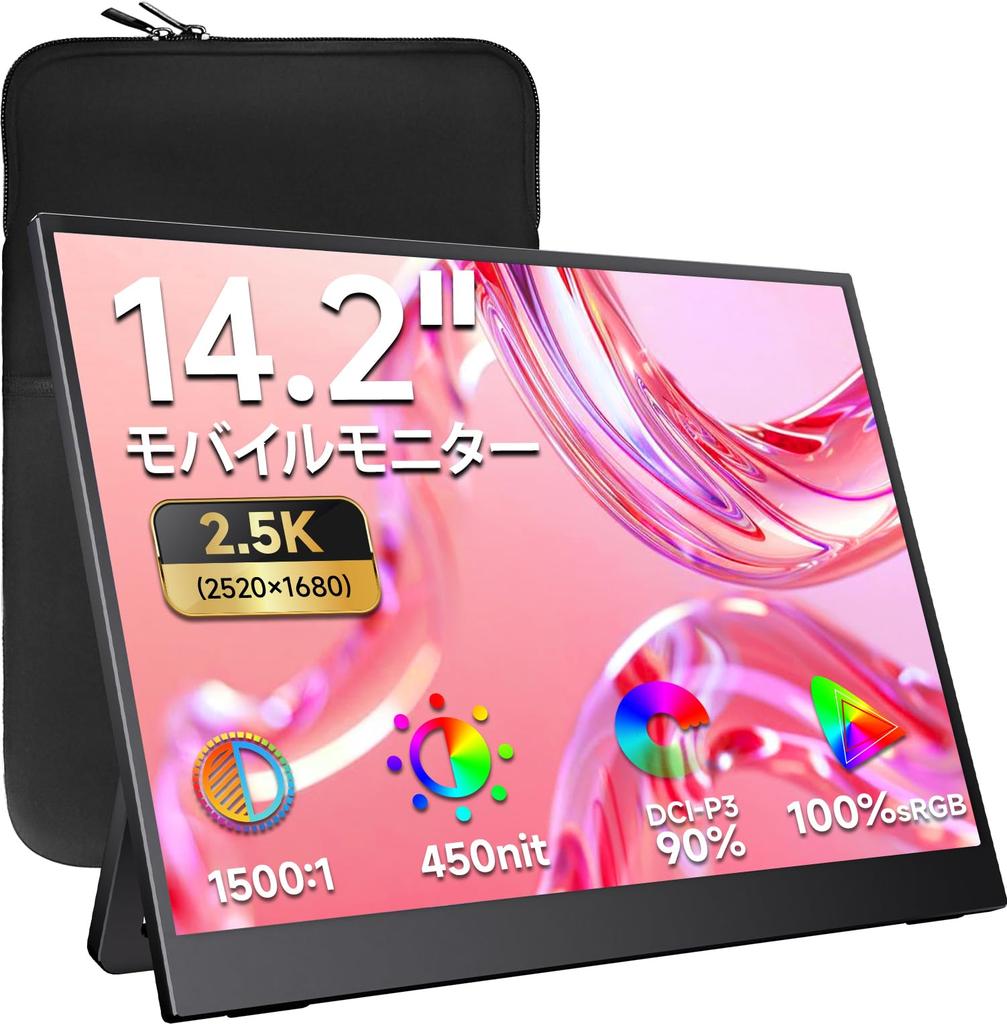
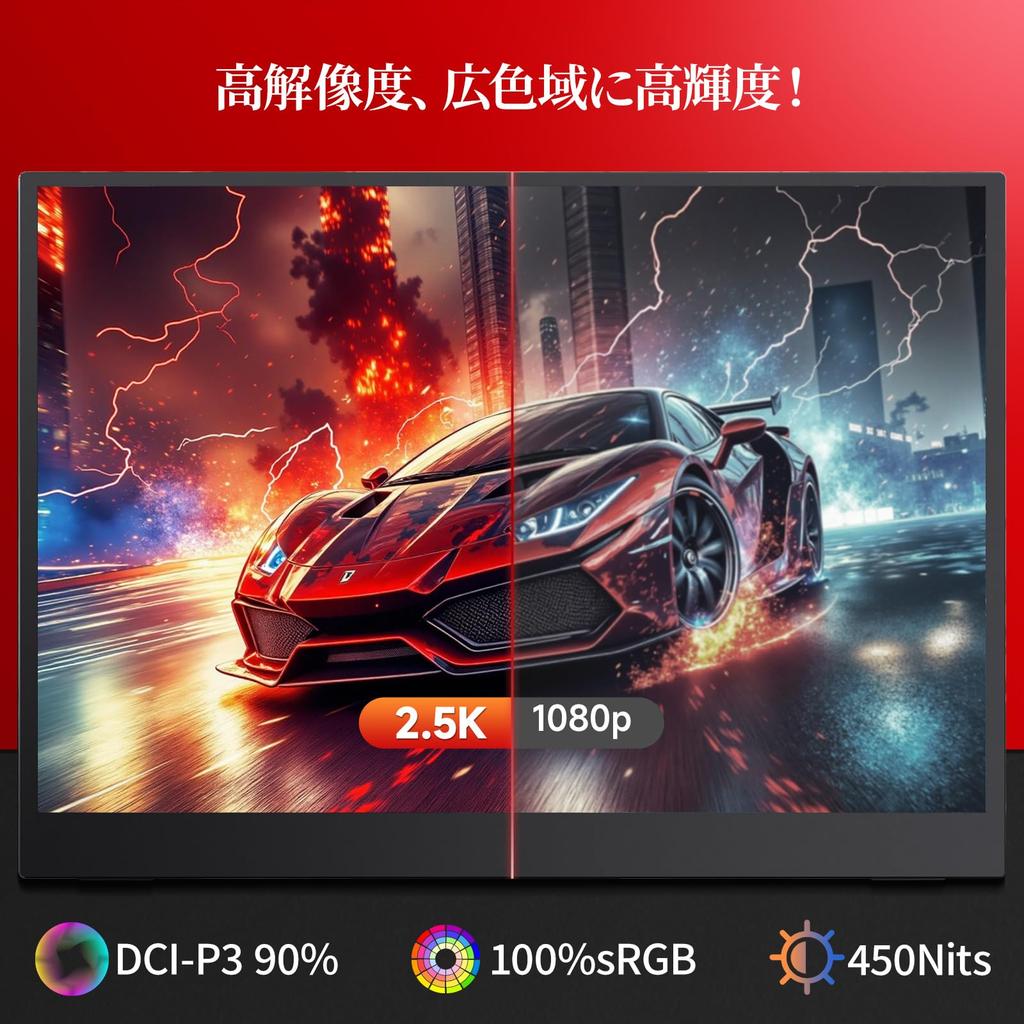
[178° Viewing Angle, 2.5K High Resolution, 100% sRGB, 90% DCI-P3, 450nit High Brightness] The IPS LCD panel provides excellent visibility, with virtually no change in brightness depending on the viewing angle. With a wide 178° viewing angle, images and videos look clear and beautiful from any angle. High resolution, wide color gamut, and high brightness! Just listing the specs tells you how good the image quality is! The image quality-focused specs make it ideal for gaming and watching movies!
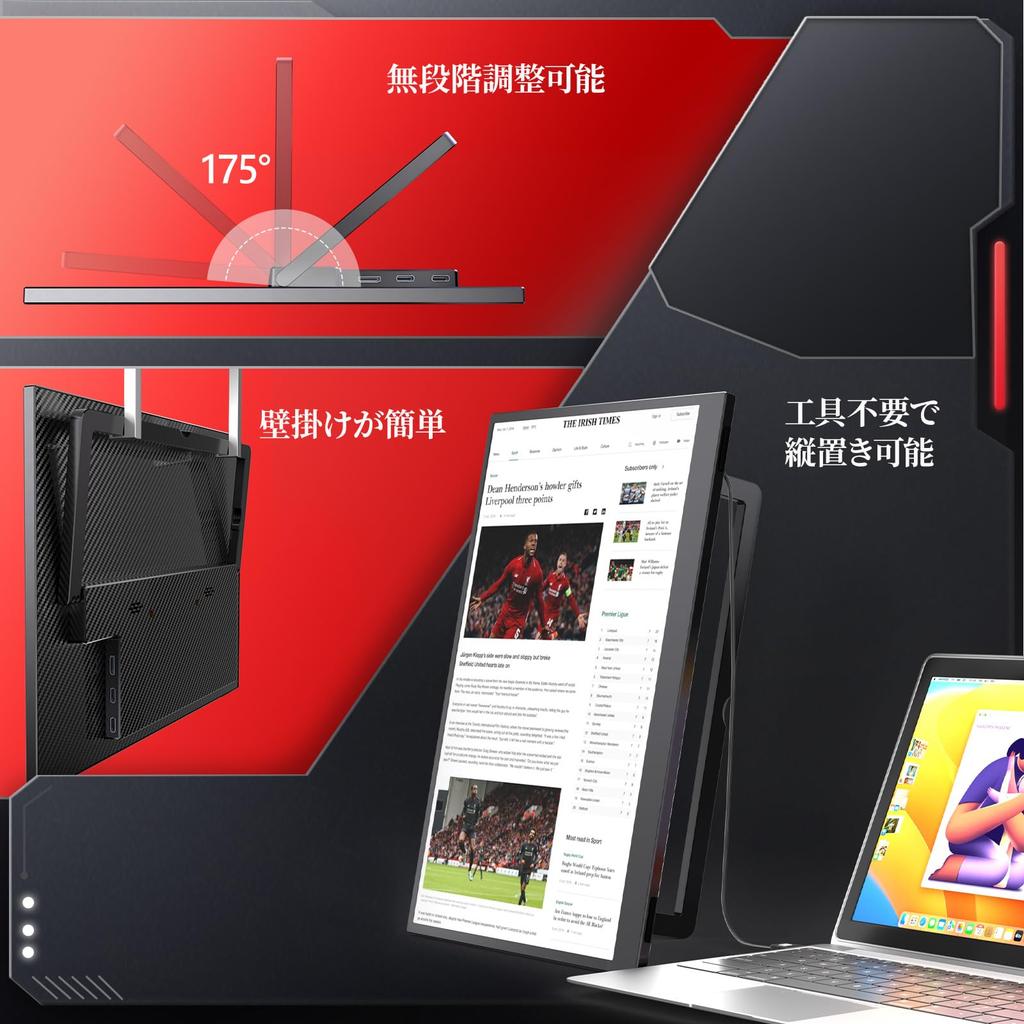
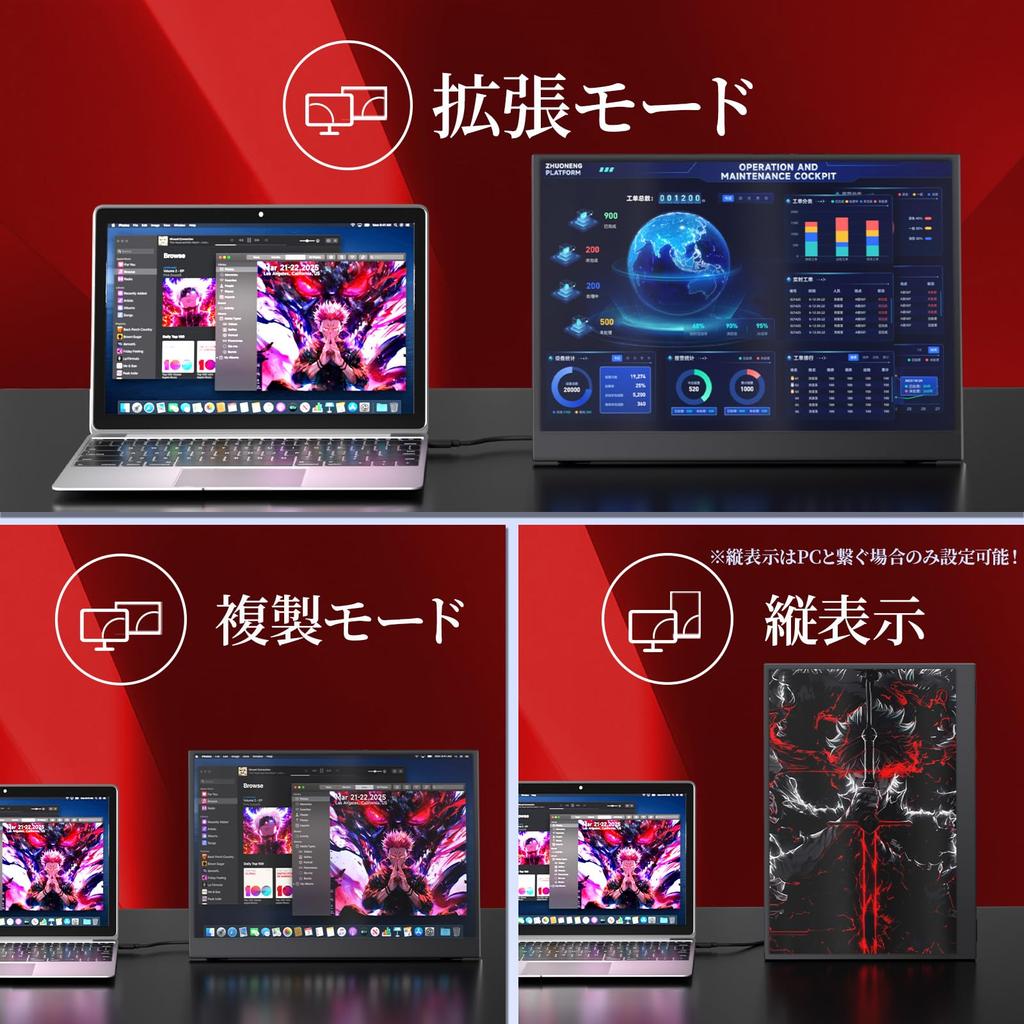
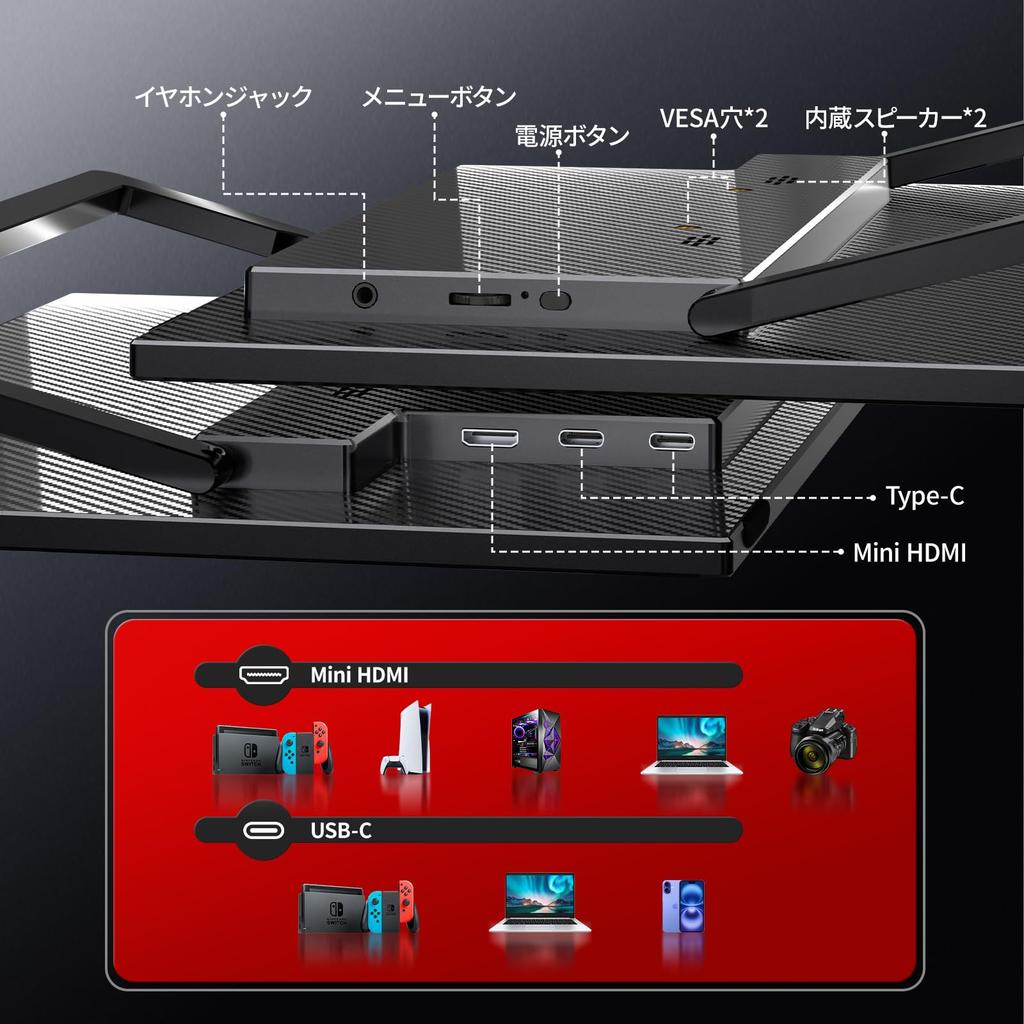
[Self-standing stand included, prevents cluttered wiring, and is VESA compatible] The stand is self-standing and can be freely adjusted between 0° and 175°! It can be placed horizontally or vertically without tools! The connection ports are hidden on the back, so you don't have to worry about cluttered wiring, and it's a neat and tidy solution! It's already stable enough, but it's also VESA compatible! If you're looking for stability, this is the product for you!
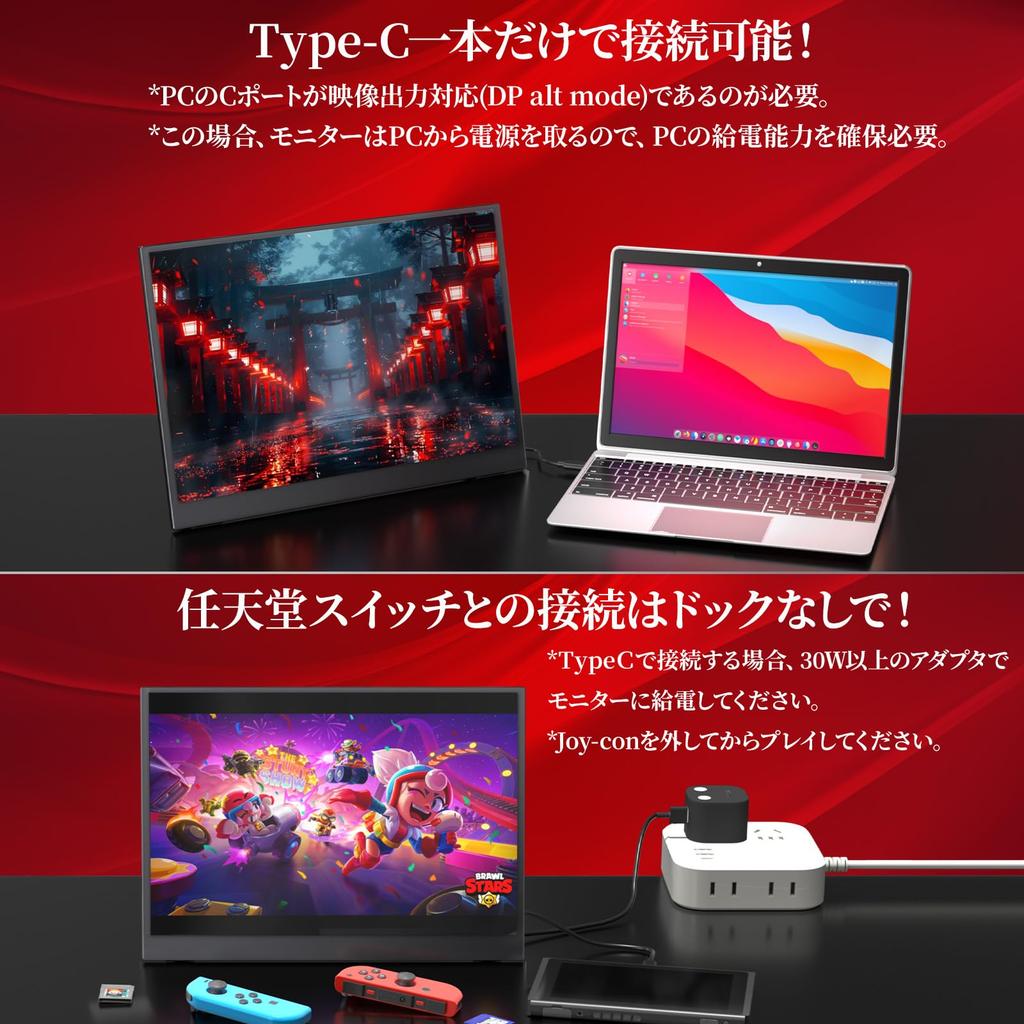
[Connect with just one Type-C cable, including HDMI and DP] Equipped with both miniHDMI and Type-C ports, this device offers a variety of connection methods. The most convenient feature is that you can simultaneously output video and power with just one Type-C cable. Both Type-C ports support both signal transfer and power. For devices that cannot be connected via Type-C, you can also use HDMI. For models that only have DP/miniDP, you can also use a converter to convert to HDMI. *To connect via Type-C, the C port on the connected device must support video output (DP ALT MODE).
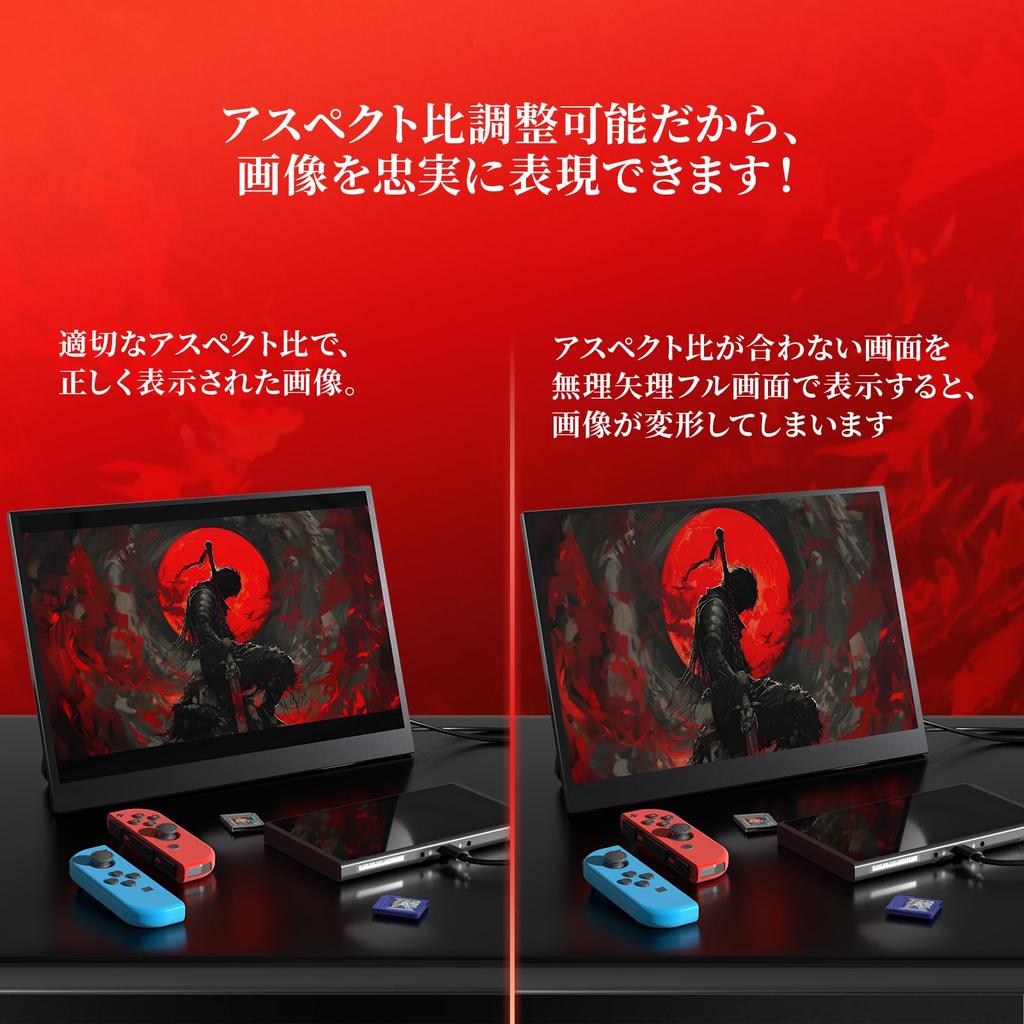
[Multi-device compatible & adjustable aspect ratio] Compatible with a wide range of devices including laptops, desktops, smartphones, PS4/PS5, Xbox, Wii or Nintendo Switch, Raspberry Pi, and more – it's sure to be a valuable tool for you! The adjustable aspect ratio allows you to set the correct aspect ratio for your connected device, ensuring undistorted and accurate image viewing!
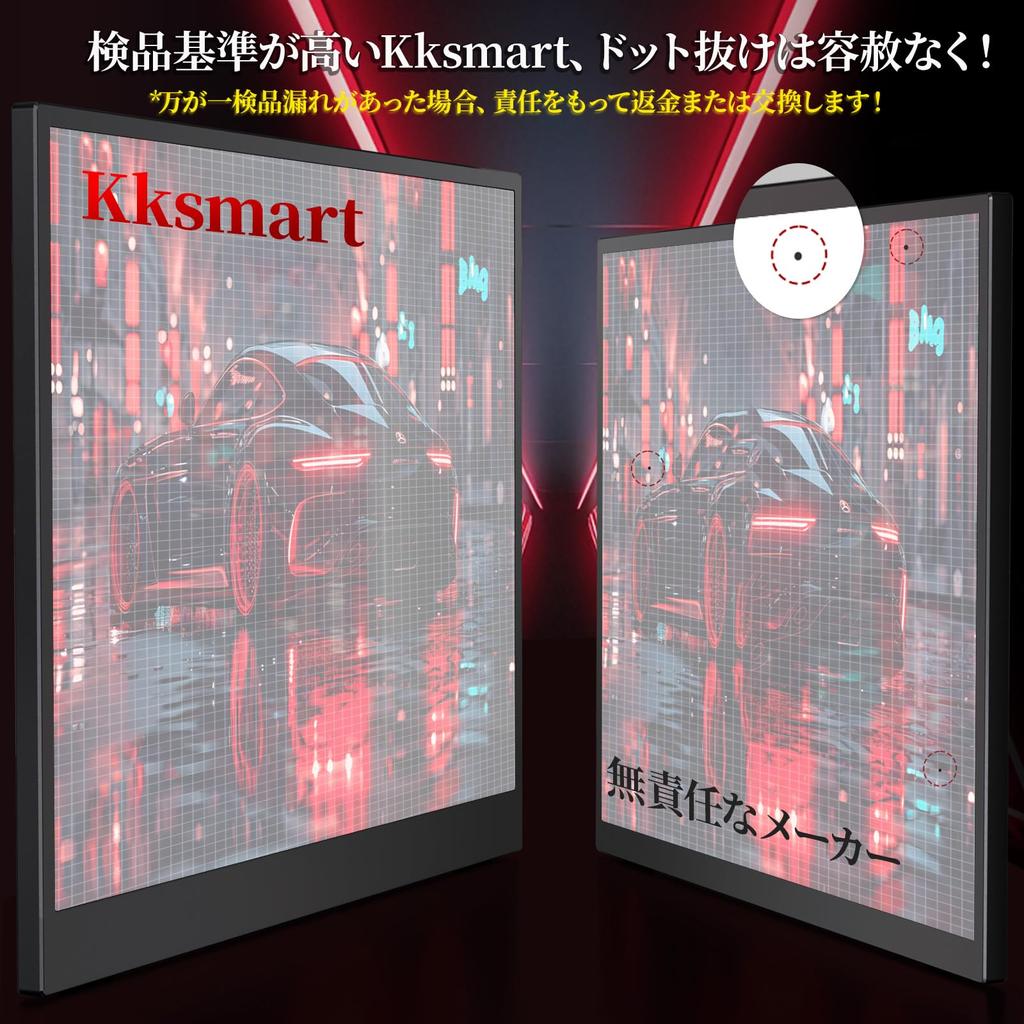
[Reliable After-Sales Service] ① Kksmart is a responsible manufacturer and promises not to engage in unethical sales practices such as misrepresenting specifications! ② All products are inspected before shipment, but in the unlikely event of initial defects or missing accessories, please contact us and we will resolve the issue responsibly. ③ If you have any questions about the product, please feel free to contact us anytime. We can respond not only through Amazon but also by email and phone (responses may be delayed on holidays). If a malfunction occurs within the warranty period (excluding damage due to improper use, and verification may be required), we will replace parts and the main unit free of charge.
[Notes] ① Type-C connection is not possible with the Switch 2. Please use the dock to connect via HDMI. ② When connecting the Switch 2 to a PS5, the resolution is limited to 1080P. ③ The monitor does not have a built-in HDMI port, so it does not require charging when not in use, but it does require a power supply when in use. ④ If powered by the connected device, the device may run out of power and the power supply may be insufficient. In this case, please power it with a power adapter. ⑤ If powering the monitor while on the go is inconvenient, you can also power it with a mobile device. ⑥ The maximum resolution is 2.5K, but the actual resolution that can be set is determined by the output resolution of the connected device. The maximum achievable resolution may also vary depending on whether the connection method is HDMI or Type-C. ⑦ When HDR is on, brightness and other settings cannot be adjusted. Turning HDR off will allow adjustments.
[About the storage case] The first lot did indeed come in a smaller case, but the items in stock are already the perfect size.
Mobile Monitor



 Rückerstattung bei Nichtlieferung