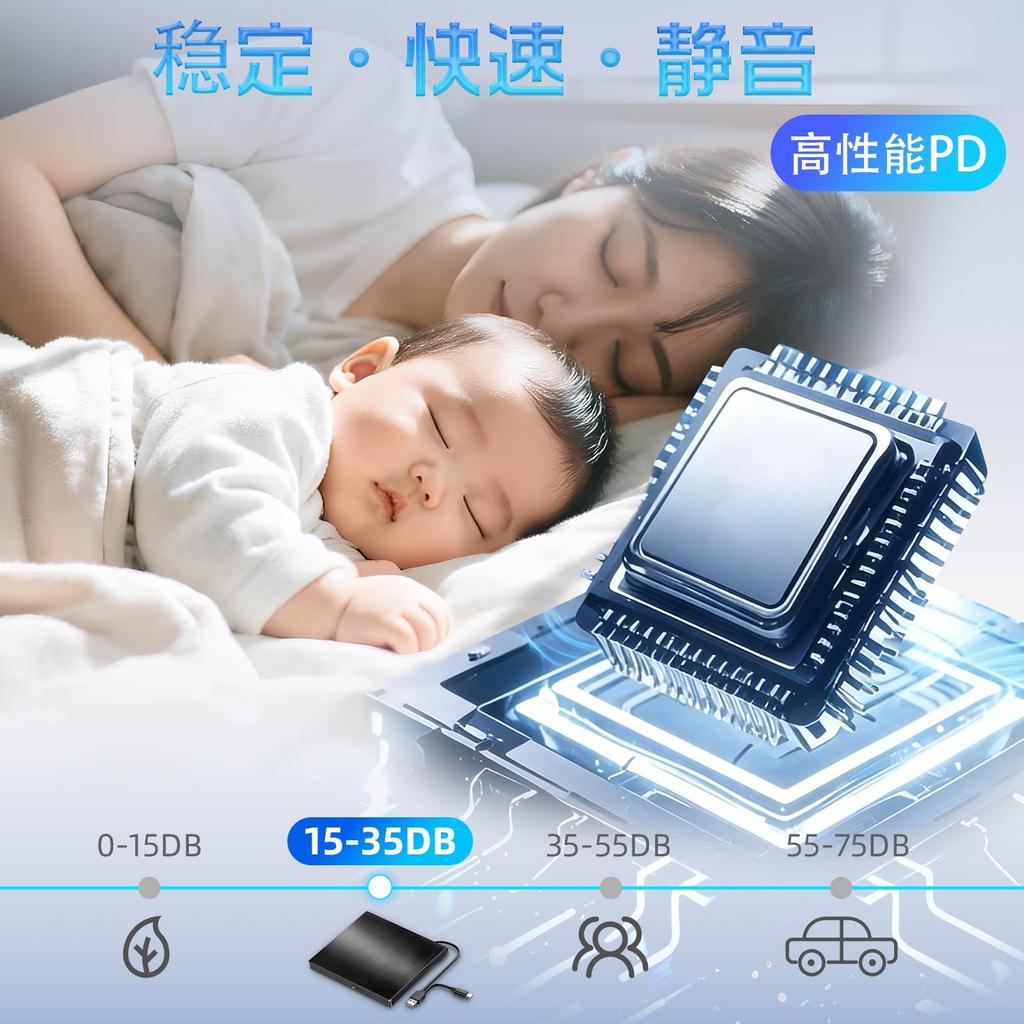
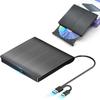
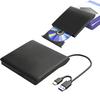
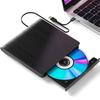
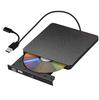
💽【High-Quality Chip with Latest Technology & High-Speed Processing】This external CD/DVD drive utilizes the latest high-quality chip, achieving faster data processing and improved accuracy. Thanks to its advanced chipset, it enables incredibly smooth reading not only for efficient business work but also for entertainment purposes. Simply connect this external drive to your computer via a USB 2.0/3.0 or Type-C port, and you can start using it immediately. No external adapter or power supply is required; it's automatically recognized when connected to your computer. No complicated installation procedures are necessary, making it easy to use.
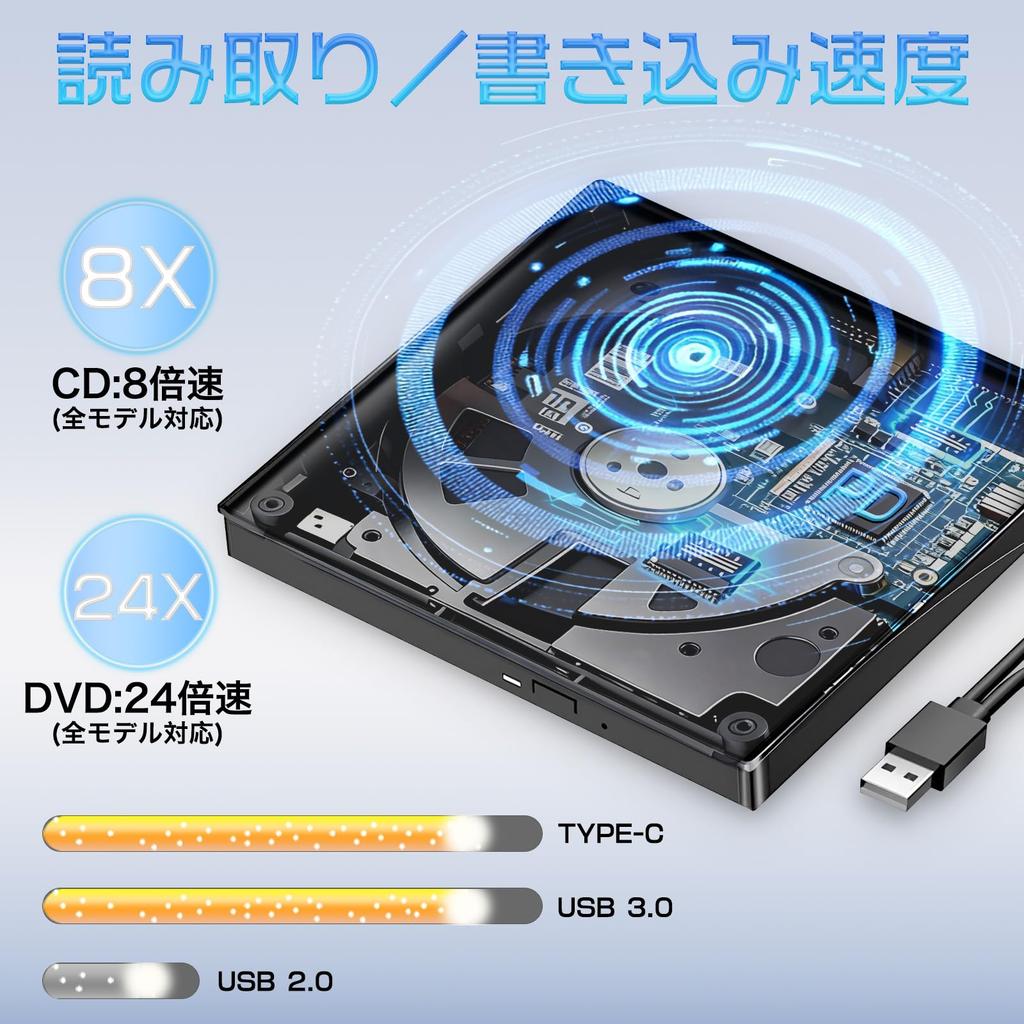
💽【USB2.0/3.0 + Type-C Dual Port & 8XDVD + 24XCD】Equipped with a dual interface of USB and Type-C, it offers easy connection to various devices and "plug and play" convenience. This incredibly fast external CD/DVD drive can read and write DVDs at up to 8x speed and CDs at up to 24x speed. Even with large amounts of data, processing is completed in an instant. In important business situations or leisure time, its efficiency and speed will exceed your expectations. Before playing video DVDs, set the region code to 1 to play DVDs from the United States or Canada. Instructions: 1. Right-click the DVD-RW drive icon and select "Properties". 2. Go to the "Hardware" tab and select the CD/DVD drive. 3. Click "Properties" at the bottom. 4. Open the DVD Region tab. 5. Select the correct region (for example, 2 for Japan) and click "OK". (Note: You can only change the area code 4-5 times.)
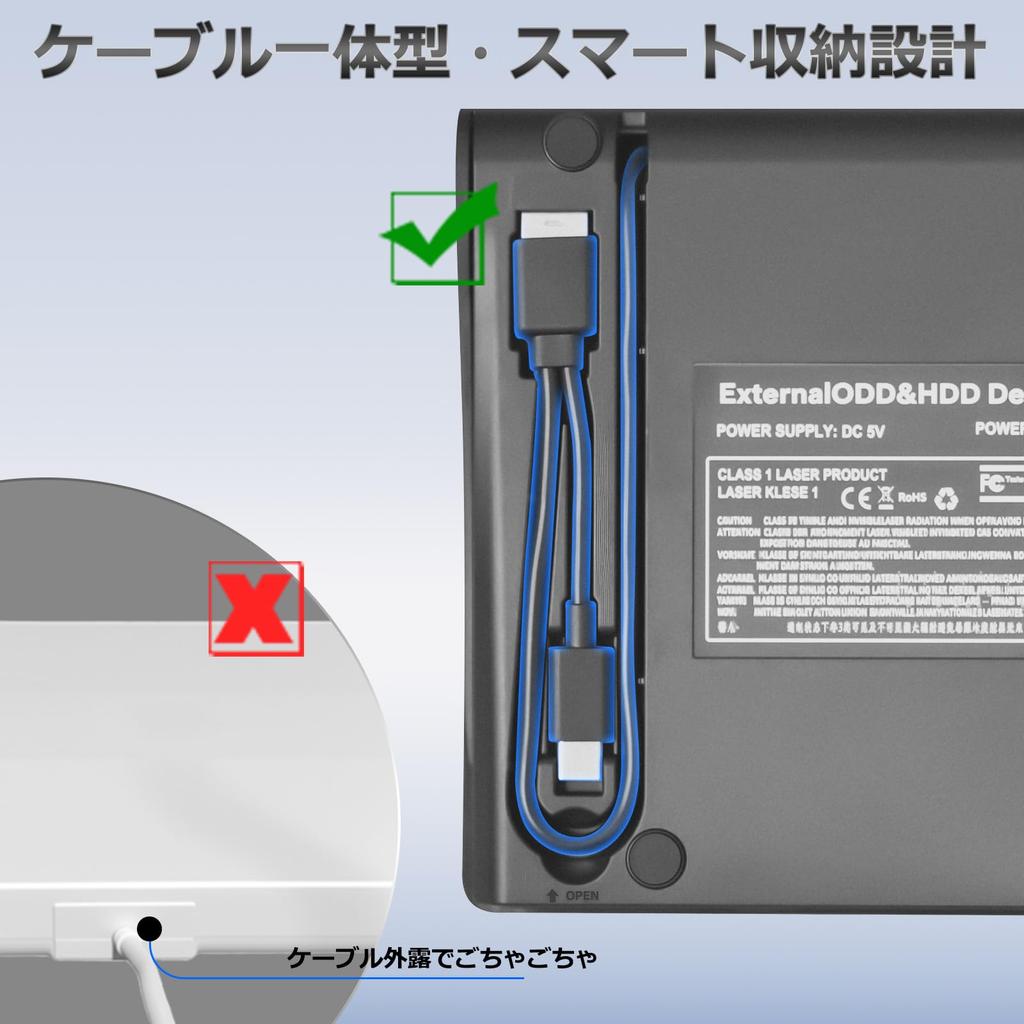
💽【Wide Compatibility】Whether you're a Mac or Windows user, this DVD player is perfectly compatible. It supports a variety of operating systems including Windows 2000/2003/7/8/8.1/10/11/XP, Vista, Linux, and more. Simply connect it to your PC with the included cable and it's ready to use. It seamlessly supports a wide range of devices, from Windows to Mac OS. (*Note: If you cannot eject the DVD button (IN/OUT) after connecting the interface, you need to select "This PC" on your computer's desktop, right-click on "DVD-RW Drive," and select "Eject." The interface is inserted into the computer, but the DVD-RW drive is not recognized. You can remove the interface and plug it back in, or try connecting it to a different interface on your computer.)
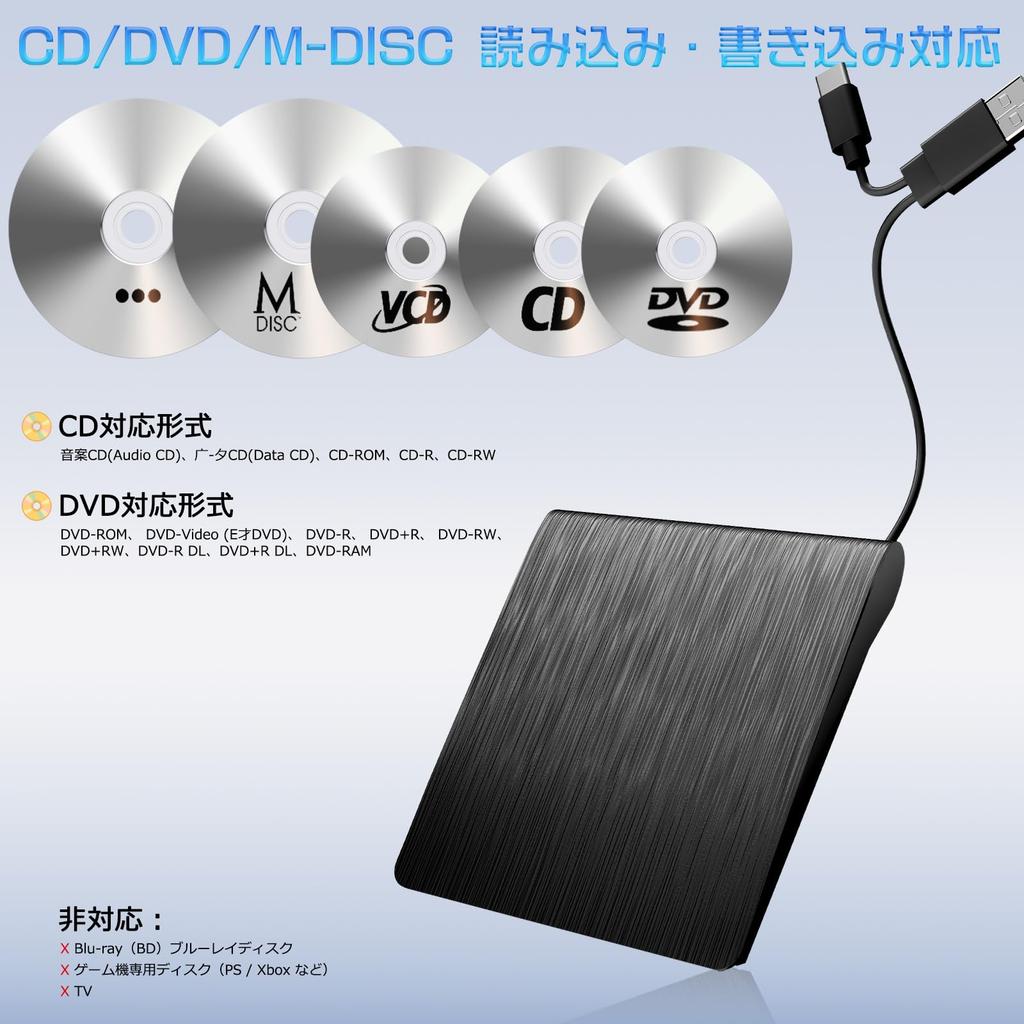
💽【Wide Media Compatibility】The CD player supports CD/DVD-ROW, CD-R/RW, DVD+R/RW, and DVD-R/RW disc formats (the CD driver also supports M-DISC). This product's data writing mode requires the download of specialized software; it must be the official burning software (using non-official burning software may result in errors during writing). When playing CDs, you need to check if your computer has a built-in player (if not, you will need to download one yourself; the "Cyber PowerDVD 18" player can play most CDs/DVDs). The CD/DVD may be too old or outdated. Debris may be present, preventing the driver from recognizing the disc or causing it to stop reading. To use the reading function, the host computer's USB-C port must be connected to the motherboard's USB port. The disc driver cannot recognize Blu-ray DVDs.
💽【Simple, Convenient & Quality Guaranteed】When the DVD external port is successfully connected to your PC, the indicator light on the DVD external disc will blink for 1-3 seconds. The light does not blink constantly; it only blinks when the DVD/CD is connected and set up, and turns off when data is being read. If the system does not recognize the driver, it may be occupied by the computer's driver. Click "Device Manager," open the DVD/CD-ROW drive, and make sure that a "!" is displayed. Continue using the DVD drive. When connecting the power to the port, make sure the voltage is stable. An unstable voltage may cause reading delays or interruptions. *If you have any questions during use, please feel free to contact us. We will provide a satisfactory solution.
[Cutting-Edge High-Quality Chip - External CD/DVD Drive] This external CD/DVD drive features the latest high-quality chip, enabling high-speed data processing and high performance. Equipped with USB 2.0/3.0 and Type-C ports, it allows for easy connection of various devices. It is also compatible with operating systems such as Windows, Mac, and Linux, making it suitable for a wide range of applications. It supports various media formats such as CD/DVD-ROM, CD-R/RW, DVD+R/RW, and DVD-R/RW to suit various activities. Furthermore, it requires no power setup; simply plug it in for easy use. This convenient and high-quality external CD/DVD drive will exceed your expectations for work and entertainment. [Package Contents] External DVD/CD Drive *1 (with power cord), Japanese Manual *1 [Note] 1. Product Port Connection Issues: When the port connection is successful, the light will blink for 1-3 seconds. This process can take some time, so please double-check that your computer is correctly recognizing the driver.
1. Need to use a different USB/Type-C port. If the system does not know the driver, the computer may already own the driver. Click "Device Manager" and open the DVD/CD-ROW drive and check if "!" means the DVD drive continues. ② Once the port connection is successful, you can check on the computer whether the DVD/CD drive is recognized by the computer. If it is recognized successfully, the disc switch will pop up when you press the "IN/OUT" key or operate the computer's eject switch (select the DVD/CD, "right-click" the driver and select "Eject"). 2. Light blinking issue: The light blinks for only 1-3 seconds. This is the number of seconds while the port is connected and DVD/CD data is being read. It blinks when you press the (IN/OUT) button and is off otherwise. 3. Blu-ray DVD not recognized. 4. IOS system issue: The IOS system does not know the DVD/CD external drive on the computer's desktop.
To remove it, you need to insert the DVD/CD disc (iOS self-inflicted). Player problem: Please check if your computer has a downloadable player (a player with Cyber PowerDVD 18) for playback. The CD/DVD model is old and may not play on any player. Feel free to contact us. What's wrong? [Quality Guarantee] Our products undergo strict inspection from production to shipment. Please use our service. Unused products may be damaged during transportation, so if the product has cracks or stains, please contact us.






 Geld zurück bei Nichtlieferung








![[Bestseller-DVD-Laufwerk + DVD-Wiedergabe- und Erstellungssoftware im Lieferumfang enthalten] Externes USB 3.2 DVD-Laufwerk mit integriertem USB A & C Kabel (USB 2.0-4.0,](https://img.joomcdn.net/5842cf36a75f5d9e38159a9d1403b6f90934dcc8_99_100.jpeg)
![[Neuerscheinung 2025] Externes Blu-ray-Laufwerk, Dual-Anschluss USB 3.0 & Typ-C, BDCDDVD-Player, Lese-/Schreibfunktion, Multifunktional, Schlank, Leicht, Extern](https://img.joomcdn.net/10b5a79ad2c486eeaa0b1484bf20122482d6043a_100_100.jpeg)

![[Bestseller-DVD-Laufwerk + DVD-Wiedergabesoftware im Lieferumfang enthalten] Externes USB 3.2 DVD-Laufwerk mit integriertem USB A & C Kabel (USB 2.0-4.0, Thunderbolt](https://img.joomcdn.net/a64ce6c8413a2b911cb837cd4dbc645df4e01732_99_100.jpeg)