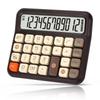
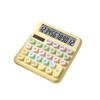
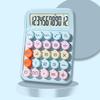
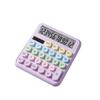
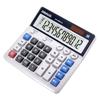
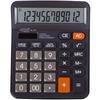
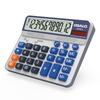
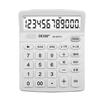
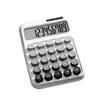
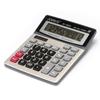
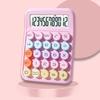
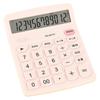
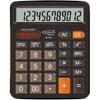
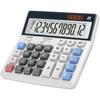
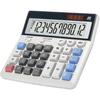
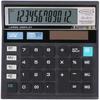
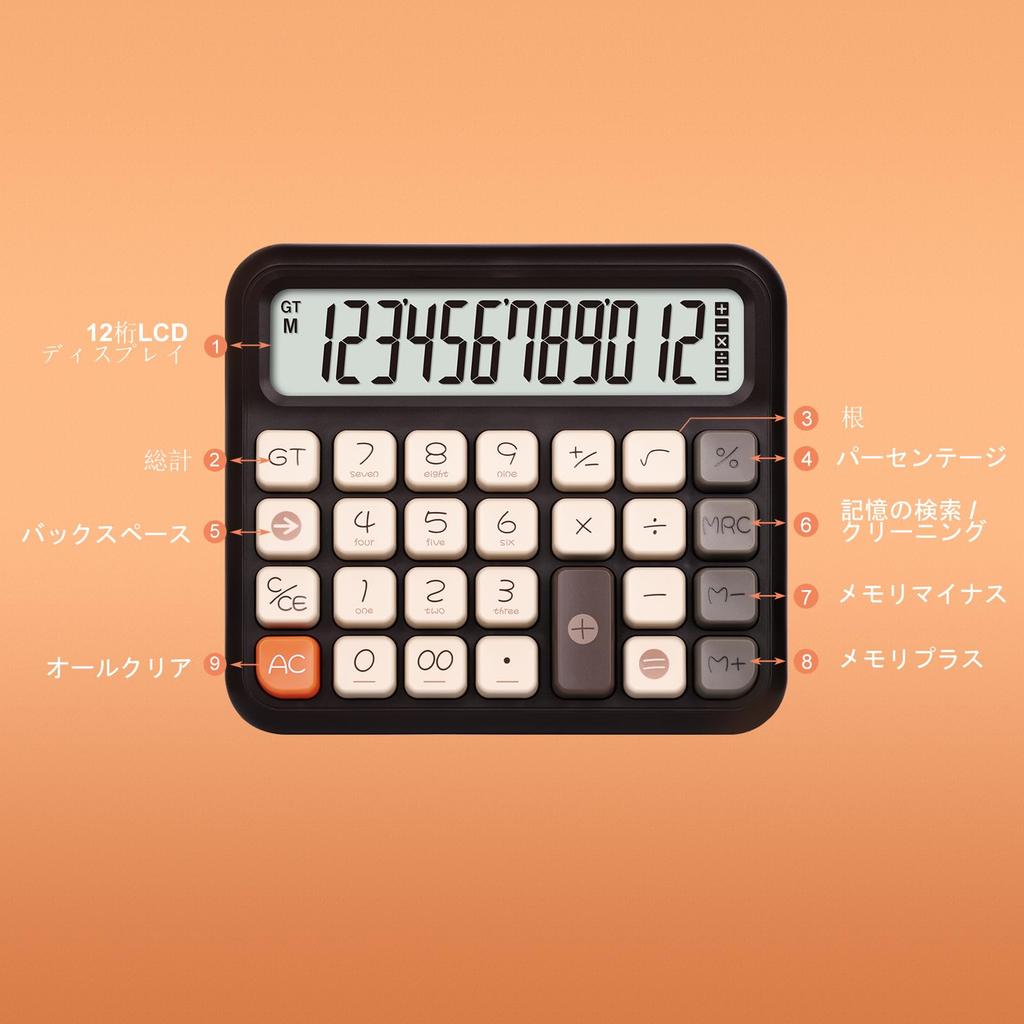
[Fake Mechanical Keyboard] This keyboard mimics the feel of a mechanical keyboard (the keyboard cannot be disassembled without special tools), providing a fast, accurate, and comfortable typing experience. The feel and unique click sound are addictive. Features include large buttons, candy colors, a large LCD screen, 12-digit display, a vertical back, and an easy-to-read 15-degree angle.
【Durable Material】Made of high-quality ABS plastic, lightweight, with comfortable buttons for high feedback, a reasonable configuration, comfortable operation, automatic sleep function, independent memory, M+, M-, total (GT), delete key (→), square root (√ ̄). Anti-slip design with anti-slip washers to prevent slipping during operation.
【Cute Calculator & Ergonomic Design】This pink calculator is perfect for young people and children, featuring clear sounds and a unique color. It uses simple lines and retro, cute button keys reminiscent of a typewriter, providing a comfortable feel. All corners, lines, and edges follow a unified curved shape. Numerous design elements have been combined to achieve ergonomic comfort and refined beauty.
【Energy-Saving Design】The basic calculator display is designed with a 15° tilt screen for optimal viewing and stability. It's convenient and comfortable to use for calculations and reading. It automatically shuts down after 10 minutes of inactivity, saving energy and power. Please note that this aesthetic calculator package includes one [device name].
【Durable & Anti-Slip Mat】Using advanced ABS material, this office calculator offers high quality and durability. With four anti-slip feet, it provides extra friction, keeping it sturdy in various environments and stable on your desktop, aiding in fast pressing and calculations.
Features:
Product weight: 170g. Desktop calculator. Large 12-digit display and large buttons. Dual power.
Function [M+] Adds the number displayed on the screen to the number stored in memory. Example: 3 × 8 + 2 × 6. If you enter these numbers directly into the calculator, it will display the wrong answer: 156. Press [3*8], [M+], [2*6], [M+] and then press [MRC] once, and the correct answer: 36 will be displayed. [M-] Subtracts the number displayed on the screen from the number stored in memory. [MRC] [MR] and [MC] combination. [MR] Recalls the current memory register value. [MC] Clears the memory register (sets it to zero). Pressing the key once activates the [MR] key, and pressing the key twice activates the [MC] key. Pressing the [GT] and [=] keys saves the result to the grand total memory. Example: If you want to calculate [2*3 + 3*5 + 6*8], press [2*3=], then [3*5=], then [6*8=]. Then press [GT] and the correct answer will be 69. [MU] stands for Markup and is to calculate the Gross Profit Margin (GPM). For example, if you enter [100], press [÷], [15], and then press the [MU] key, 117.65 will be displayed.
(15% of this total is equivalent to 17.65). [Constant calculation] To calculate [5*5*5*5+2+2=629], press [5*===+2==] and 629 will be displayed. Press [AC] after each calculation to clear all values. Warning:
Solar panels provide only limited power. Please install before use. The included battery is non-rechargeable; do not charge it. Package contents:
Calculator x 1 (1 AAA battery included). General English guide x 1.




 Geld zurück bei Nichtlieferung