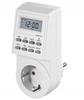
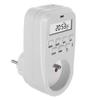
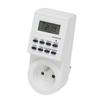
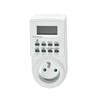
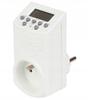
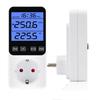
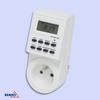
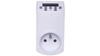
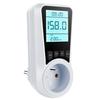
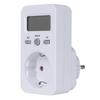
TIMER SWITCH LCD DIGITAL
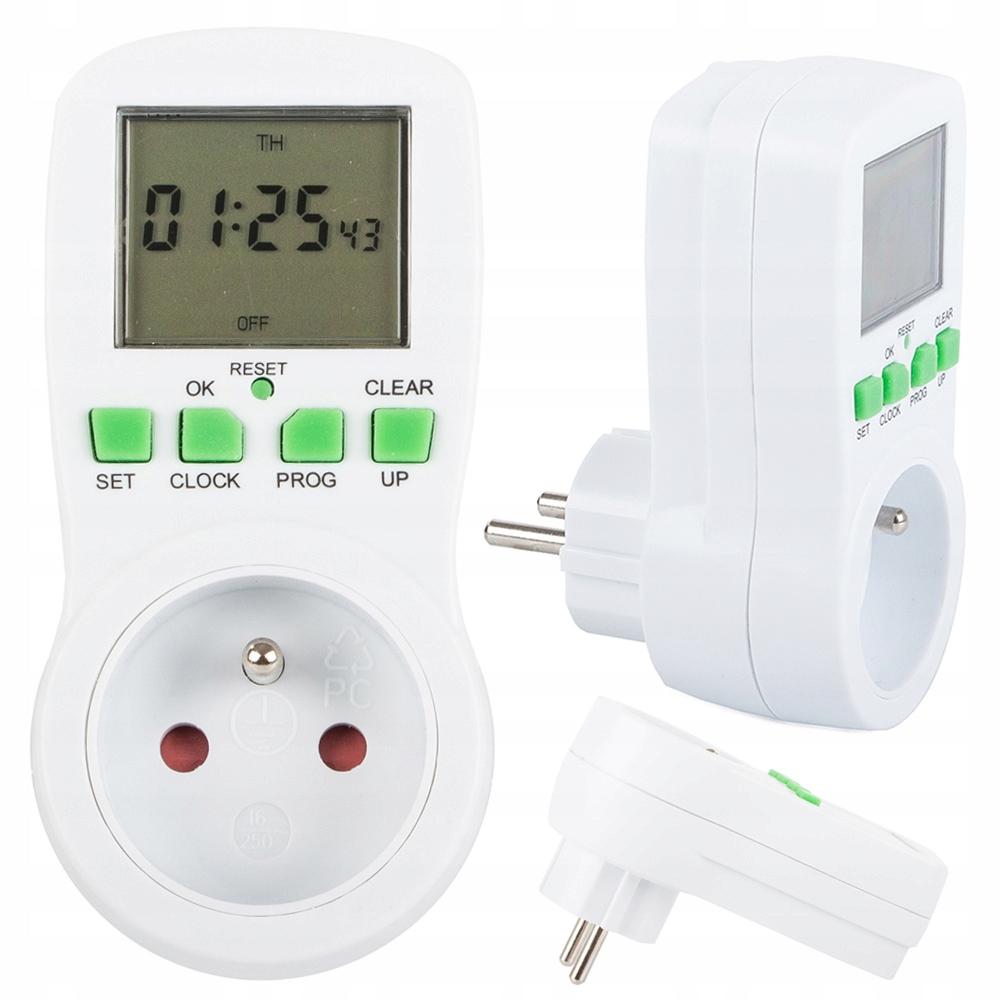
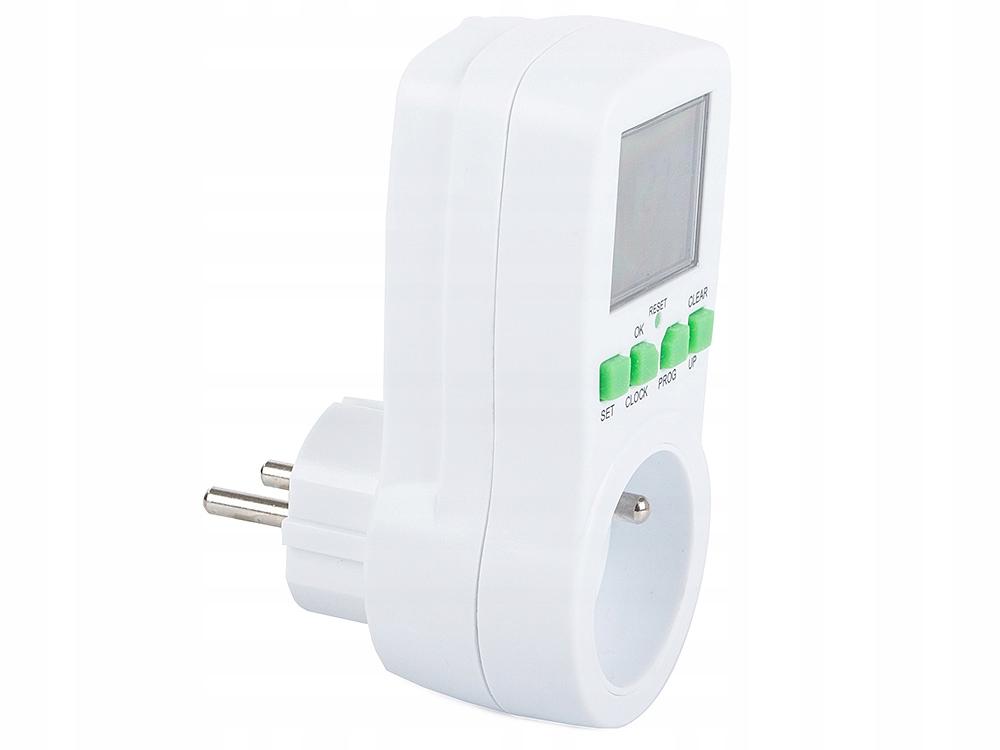
The timer is designed to control the power supply of home appliances. It has a built-in battery to operate the clock.
The timer can be used to automatically turn on and off various appliances , control electric heating and room lighting, and simulate presence at home.
Using the device allows you to save electricity.
The timer is equipped with a large, easy-to-read LCD switch.
⭐ SETTING THE CLOCK
1). Press and hold the " CLOCK " button for 3 seconds to enter the clock setting mode. Press " SET " button, a triangle icon will appear in front of " " ( hours ) then press "UP" button to set the hours. 2). After finishing setting the “
HOURS ” button, press the “ SET ” button again, the triangle icon in front of the “ MINUTES ” (minutes) will flash, then press the “ UP ” button to set the minutes. 3). After finishing setting the “
MINUTES ” button, press the “ SET ” button again, the triangle icon in front of “ WEEKS ” (weeks) will flash, then press the “ UP ” button to set the day of the week. 4). After finishing all operations, press "
OK " button to enter clock mode, set the week.
"CLOCK" + "SET" buttons to set summer or winter time 6). Press
"CLOCK" + "PROG" buttons, to set 24 hour or 12 hour mode. ⭐ SETTING THE TIME PROGRAM
1). Press "
PROG " button to enter the time program setting. In the mode, 16 groups of on and off time programs can be set. 2). Press the "
SET " button to set the first program on time, the triangle icon in front of " HOURS " will flash, then press the " UP " button to set the hours. 3). After finishing setting the “
HOURS ” button, press the “ SET ” button again, the triangle icon in front of the “ MINUTES ” button will flash, then press the “ UP ” button. 4). After finishing setting the “
MINUTES ”, press the “ SET ” button again, the triangle icon in front of “ WEEKS ” will flash, then press the “ UP ” button to set the week, the weekday combinations for your selection will be displayed alternately.
Select the date you want. 5). After the operation is completed, press the "PROG" button to enter the 1st program off time setting. If you want to set the next group program on and off time, continue pressing the "PROG" button and follow the above instructions.
6). In clock mode, press "
SET " button to select "AUTO", "OFF" or " ON " mode The modes are displayed in the following order:
✅ AUTO (Power off. Timer on)
✅ OFF (Power off all the time. Timer off)
✅ ON (Power on all the time. Timer off)
7). If you want to cancel the set timer program, press "
PROG " button, select the specified timer, then press " CLEAR " button to cancel. ⭐ RANDOM FUNCTION
1). The random function is only active
between 18:00 and 06:00 , if you want to start this function, you must select AUTO mode 2). After finishing the above operation, please press
"SET" and "UP" button at the same time. The "RANDOM" function will be activated. 3). If you want to cancel the
“RANDOM” function, press the “SET” and “UP” buttons at the same time, then the “RANDOM” on the LCD display will turn off. ⭐ COUNTDOWN FUNCTION
1). The countdown timer function only works in
“ON” or “OFF” mode. The random function should be turned off.
2). After finishing the above operation, press
“UP” and “PROG” buttons simultaneously, to enter the countdown timer setting mode. 3). Press the
“SET” button, the triangle icon in front of “HOURS” will flash, then press the “UP” button, to set the hours (0-99). 4). After finishing setting
“HOURS” , press “SET” button again, the triangle icon in front of “MINUTES” will flash, then press “UP” button to set minutes (0-59). 5). After all operations are finished, press “OK” button,
to enter the countdown mode. 6). If you want to cancel the countdown function, press “UP” and “PROG” button at the same time,
and the “COUNTDOWN” on the LCD display will disappear. will turn off and then return to clock mode. TECHNICAL SPECIFICATIONS:
✅ Product code:
✅ Power supply: 230V/50Hz
✅ Frequency: 45-65Hz
✅ Maximum load current: 16A
✅ Maximum load power: 3680W
✅ Operating temperature: 0-50°C
✅ Timer range: 1 minute-168 hours (7 days) Timer error: ≤1 minute/month
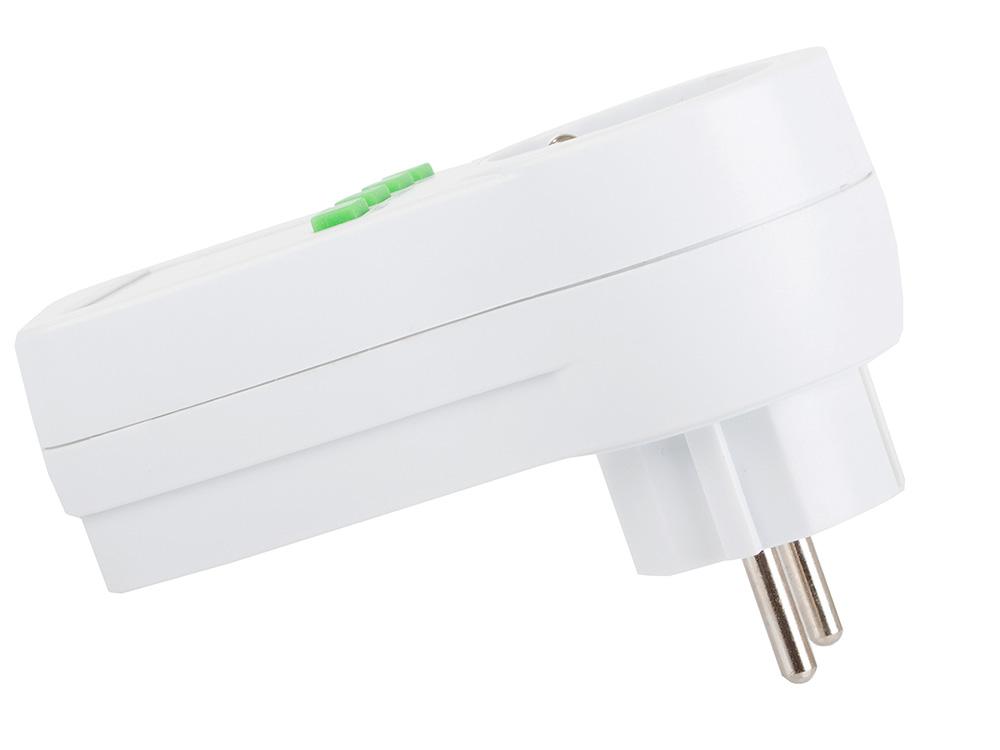
✅ Depth without plug: 3.5cm
✅ Depth with plug: 7.5cm
✅ Display size: 3cm x 3.5cm
☑️ Original packaging
DIMENSIONS: ✅ Total length:
THE SET INCLUDES: ☑️ Brand new timer.






 Geld zurück bei Nichtlieferung