------------------------------------------------------------------------------------------------------------------
【Voltage Compatibility】
When using electrical appliances, please note that they are designed for Japanese voltage specifications (90-110V), so if you use them with a different voltage, it may cause a malfunction.
【Plug Type】
Our products use Japanese plug types (A or B type).
Please use a conversion adapter if necessary.
【Important Note on Transformers and Adapters】
A transformer adjusts voltage to match your device’s requirements.
A conversion adapter only changes the plug shape and does not adjust voltage.
Using only a conversion adapter without a transformer may result in damage to the product.
【Liability】
We are not responsible for malfunctions or damages caused by improper use, such as operating the product without a transformer.
------------------------------------------------------------------------------------------------------------------
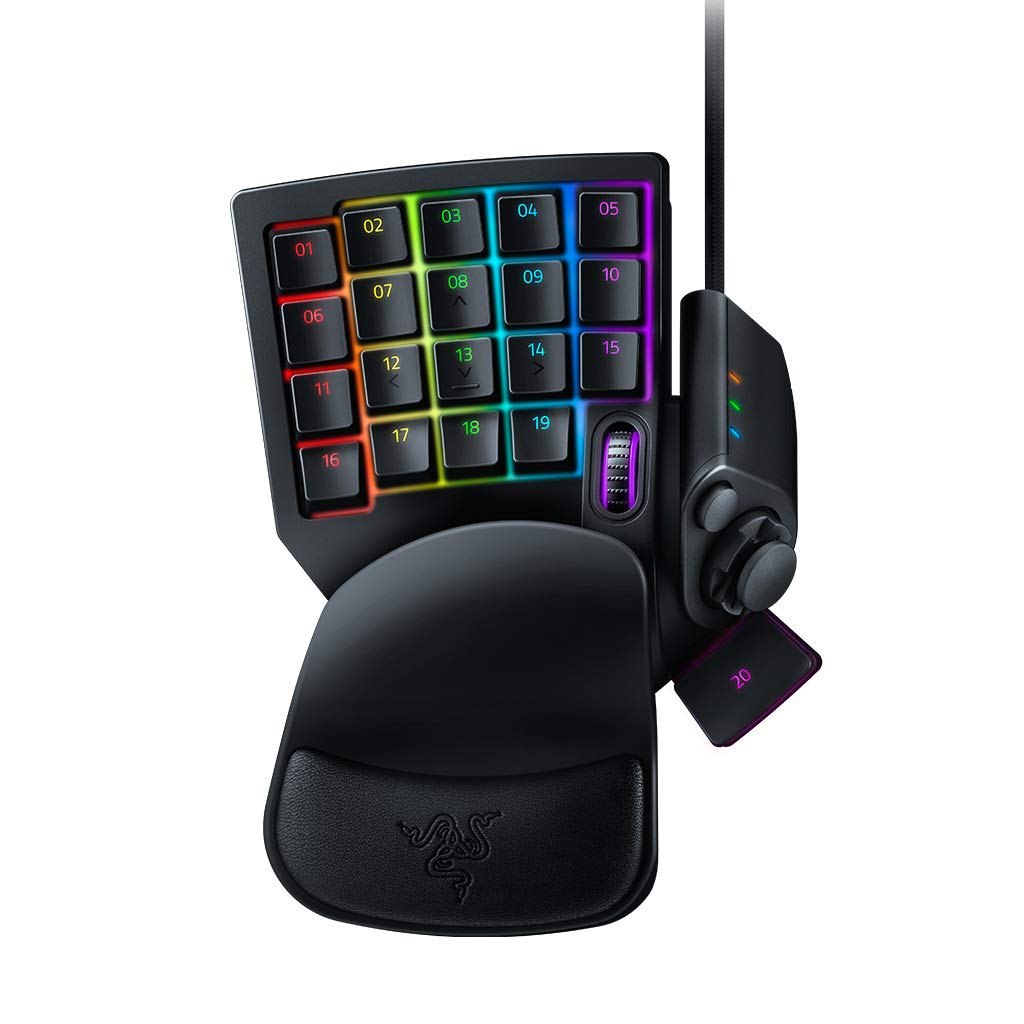
Razer Mecha-Membrane - Soft Cushion Touch and Crisp Tactile Click: The Best of Both Worlds - The Razer Tartarus V2 combines the soft cushion touch of a membrane rubber dome with the crisp tactile click of a mechanical switch - each key acts at a mid-range height for instant response - now you can command faster than ever.
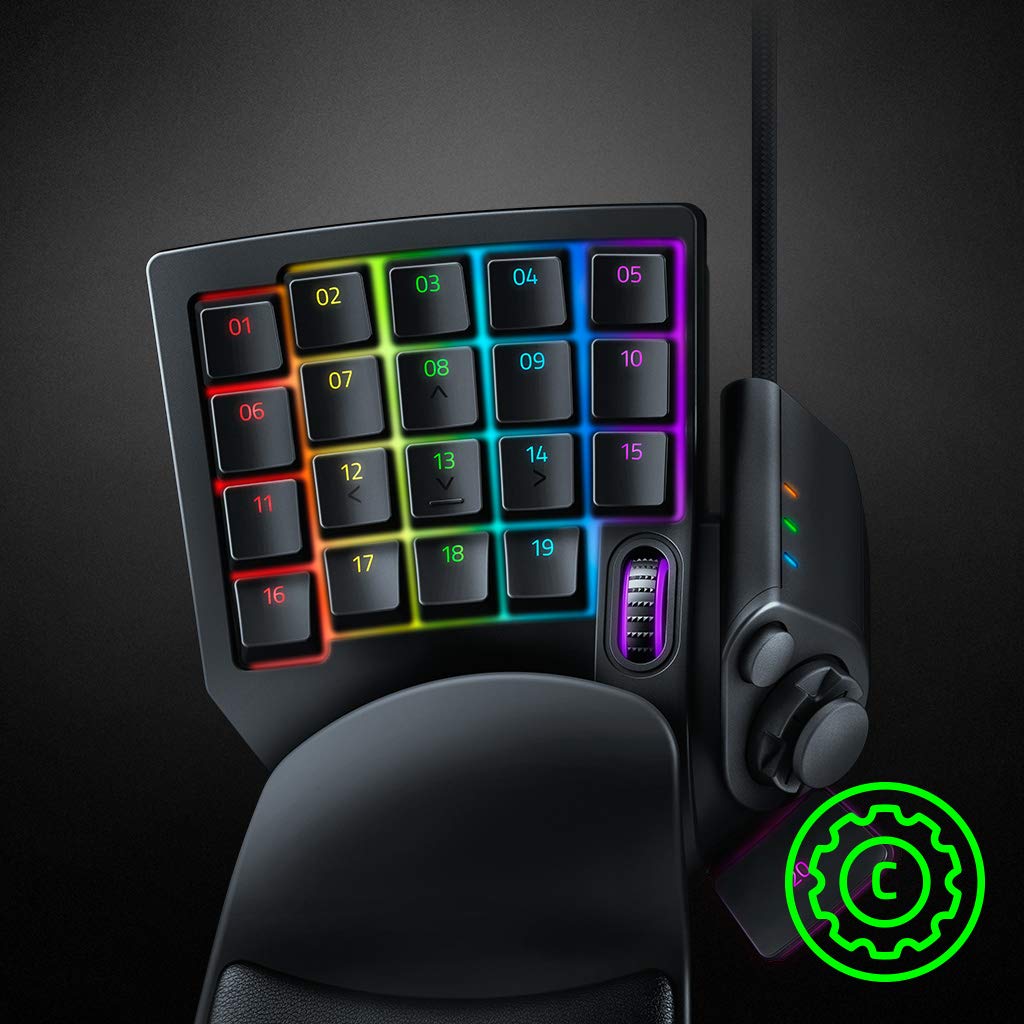
32 Fully Programmable Keys - Comes with an 8-Way Directional Thumbpad and Scroll Wheel: Equip yourself with 32 fully programmable keys for skills, hotkeys, and macros at your fingertips - the 8-way directional thumbpad can also be for easy movement and command extension.
Razer Chroma Customizable Backlight - 168 Million Color Options: With individually programmable backlight keys and 16.8 million color options, choose from preloaded lighting effects or create your own color palette to truly shape your gaming experience. All easily configurable with Razer Synapse.
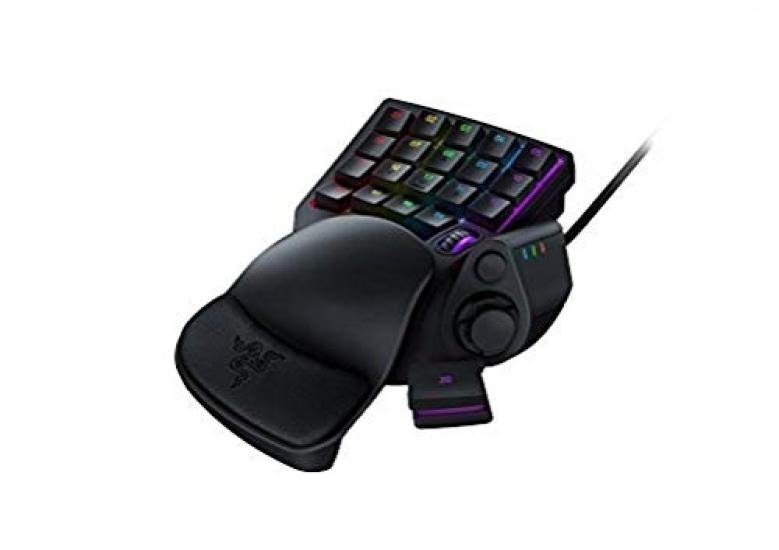
[Ergonomic Foam and Removable Palm Rest] Thanks to advanced ergonomics, you can enjoy a comfortable fit for 1 hour or even 10 hours - it comes with a removable palm rest that can be adjusted to two positions to suit your preferred angle.
[Razer Hypershift Feature] Enhanced Button Control: Start by binding your keypad buttons to Hypershift - click and hold to enter "Hypershift Mode," opening up the entire command set, from macros to Windows shortcuts, in addition to your current control.
【Razer Synapse】Take your customization even further with the all-in-one hardware configuration tool - Advanced customization options, such as assigning macros to customize your device's lighting, allow you to shape your gameplay exactly the way you want it.



 Geld zurück bei Nichtlieferung


![Razer Tartarus V2 Left-Hand Device, Left-Hand Keyboard, Mech-Membrane, Fully Customizable Keys [Authorized Japanese Distributor Warranty], Final](https://img.joomcdn.net/a73f073615b60324c5d1ba7d59ec57b64d844a3e_100_100.jpeg)


![Razer Tartarus V2 Linkshänder-Gerät. Linkshänder-Tastatur. Mechanische Membran. Alle Tasten können frei zugewiesen werden. [Garantiert durch autorisierten japanischen Vertrieb]](https://img.joomcdn.net/478ffe412e54474946ab8ad66ae1d95e5c2787cc_100_100.jpeg)


![Aufbewahrung Kompatibel mit Razer Tartarus Tartarus V2 Linkshänder-Tastatur [co2CREA Hülle] Pro/Razer (Nur Fall)](https://img.joomcdn.net/dc7713fb6b46c79282e0ef1285a6966c7f9d6f2e_100_100.jpeg)
