---------------------------------------------------
【Voltage Compatibility】
Our products are selected to support international voltage ranges (e.g. 100–240V).
However, please make sure your local voltage is compatible before use, as incorrect voltage may still cause malfunction.
【Plug Type】
Our products use Japanese plug types (A or B type).
Please use a conversion adapter if necessary.
【Important Note on Transformers and Adapters】
A transformer adjusts voltage to match your device’s requirements.
A conversion adapter only changes the plug shape and does not adjust voltage.
Using only a conversion adapter without a transformer may result in damage to the product.
【Liability】
We are not responsible for malfunctions or damages caused by improper use, such as operating the product without appropriate voltage or equipment.
---------------------------------------------------
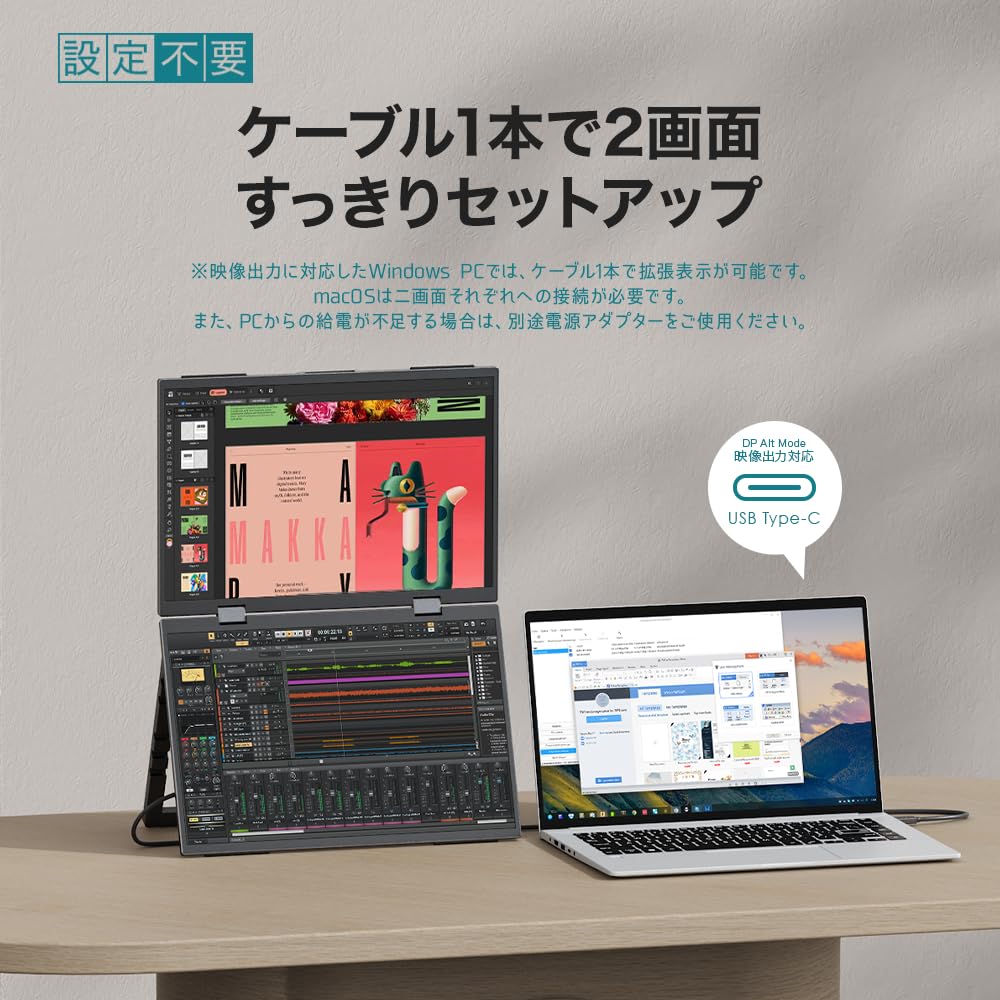
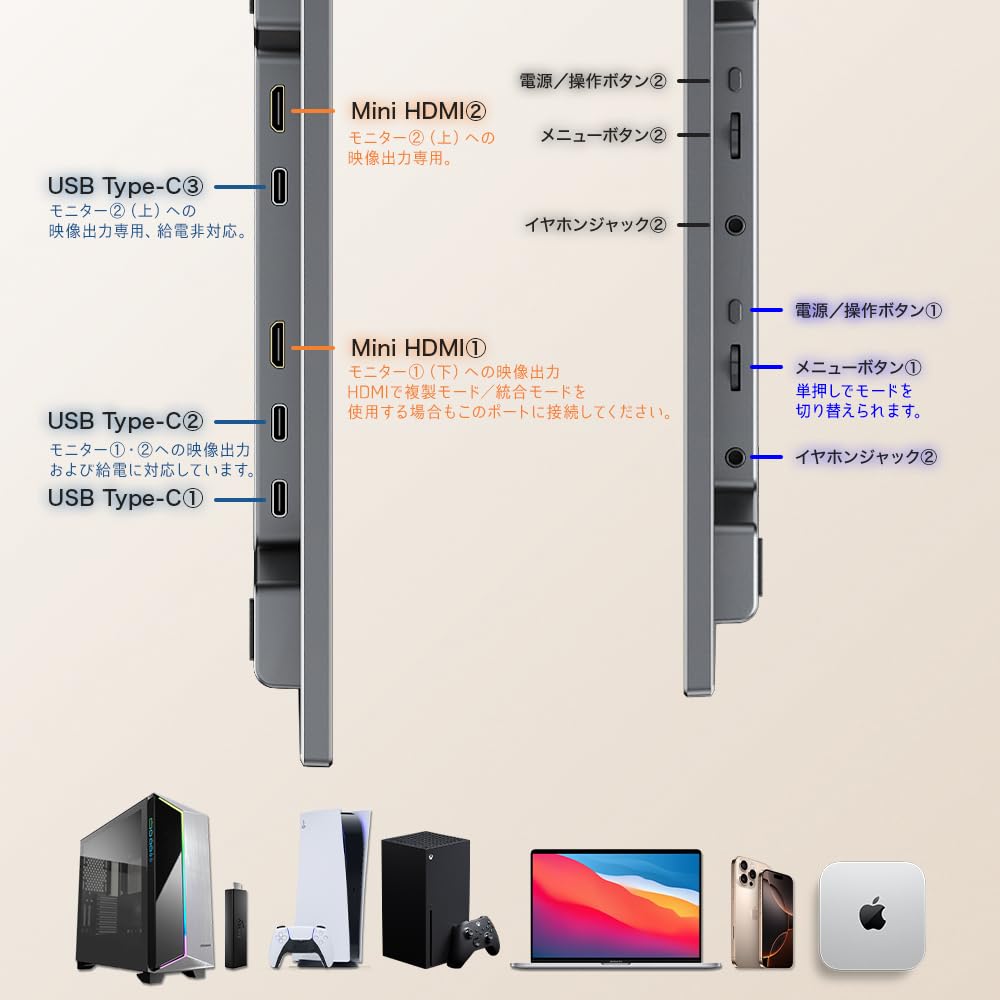
[For macOS users] ① macOS does not support dual-screen extension with a single Type-C cable; separate connections are required for the upper and lower monitors. ② Please be careful not to click "Stop Extension" in macOS. Once stopped, it may occasionally cause the monitor to not be recognized again. If this happens, please contact us.
[No drivers required - Expand your workspace with three screens] If you have a Windows PC with a Type-C port that supports video output, you can expand your workspace to two screens with a single Type-C cable. No special settings or drivers are required. Other PCs can also be expanded in the same way by connecting to each of the two screens, creating a total of three screens, including the PC itself. This configuration is ideal for those who want to secure a solid workspace or seek an efficient desk environment.
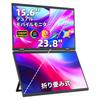
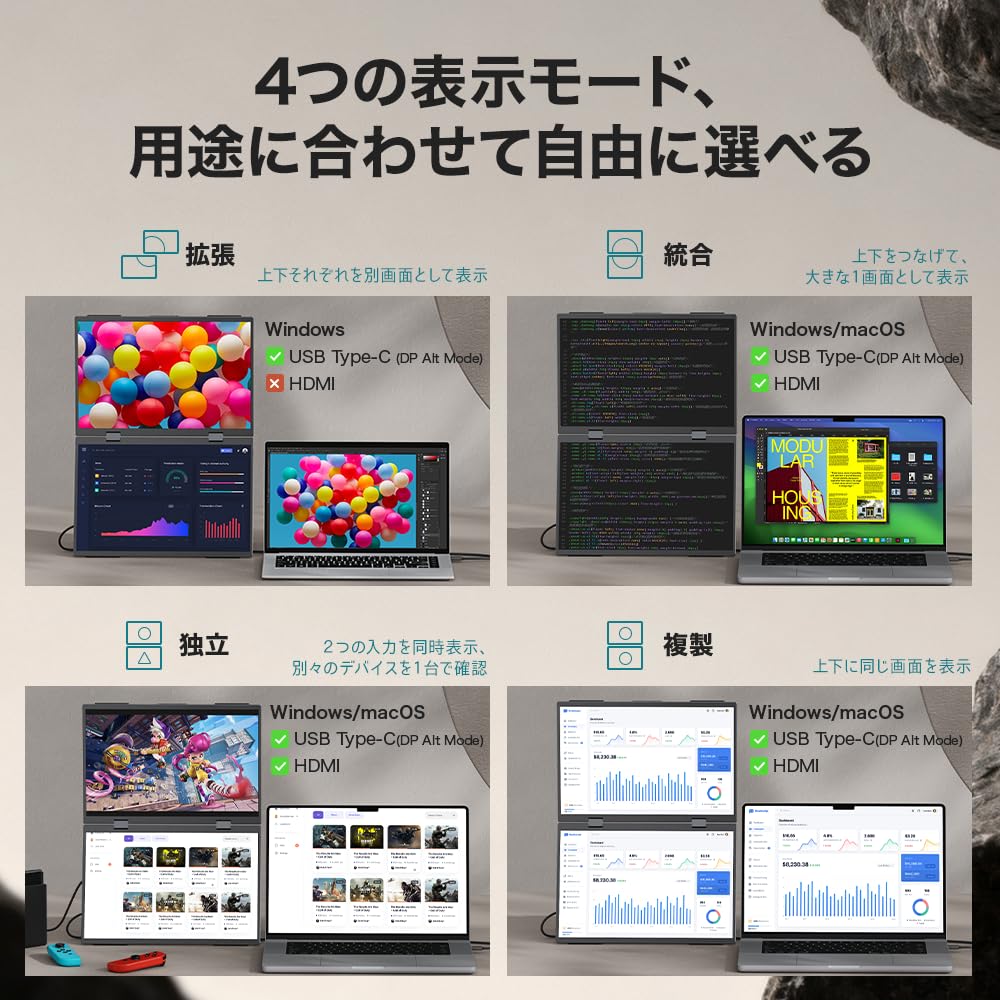
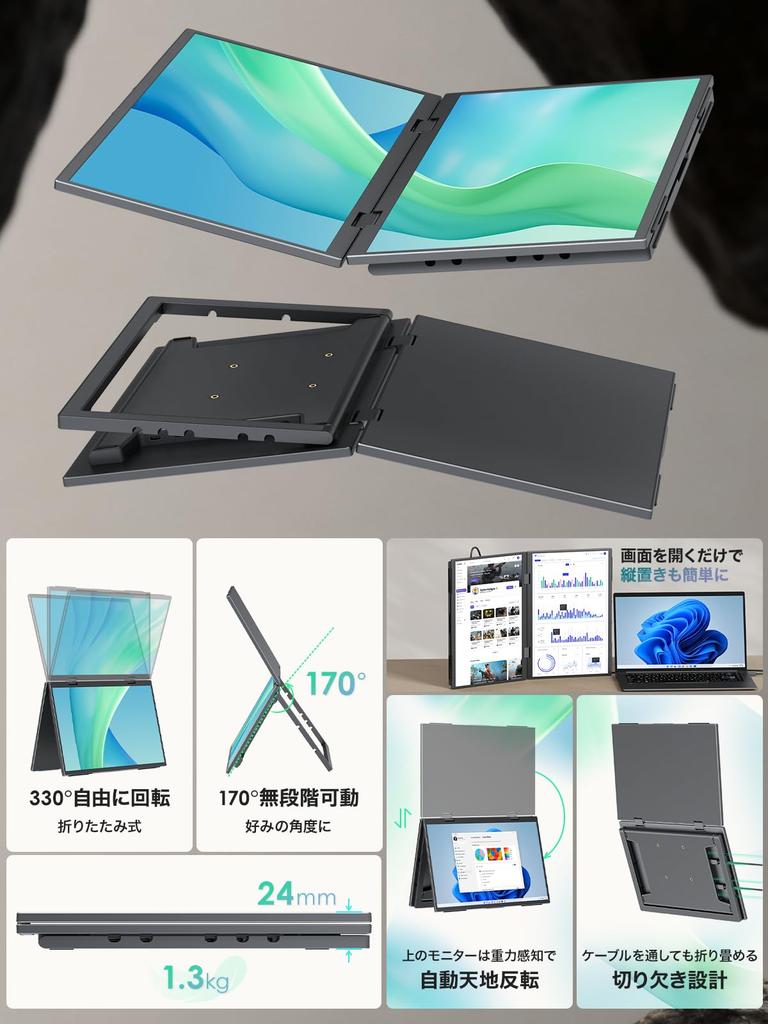
[Multi-mode & Gravity Rotation] The integrated display allows you to use two screens as one large screen. When integrated, the screen is equivalent to a 20-inch screen, making it easy to review and edit documents. The upper screen automatically flips to the correct orientation using gravity sensing. Switching to duplicate mode is also convenient for holding meetings while showing documents to others. These modes can be used with any type of PC, and can be easily connected using a single signal cable, whether via Type-C or HDMI.
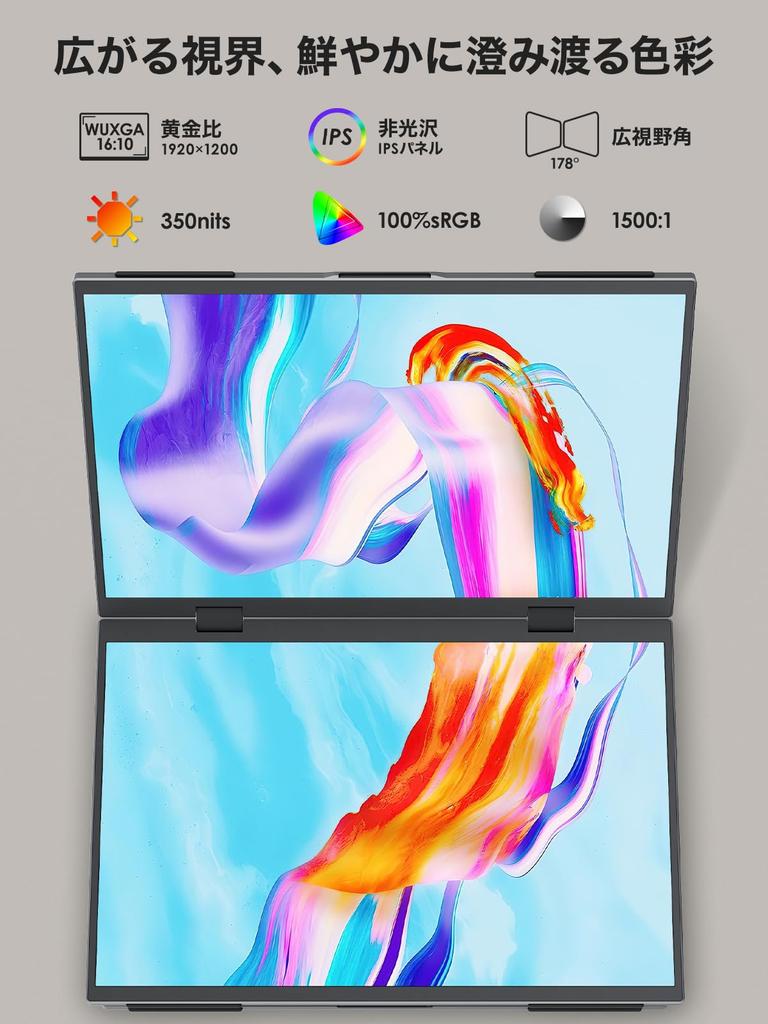
【Vivid and Easy-to-View Image Quality】Features two 16:10 wide UXGA (1920 x 1200) panels, close to the golden ratio. The natural aspect ratio makes the entire screen easy to view, providing a visually comfortable work experience.With approximately 16.77 million colors, a maximum brightness of 350 nits, and 100% sRGB support, colors are naturally vibrant, and text and images are comfortably visible.It also features a blue light reduction function, making it gentle on the eyes and comfortable even during long work sessions.
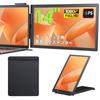
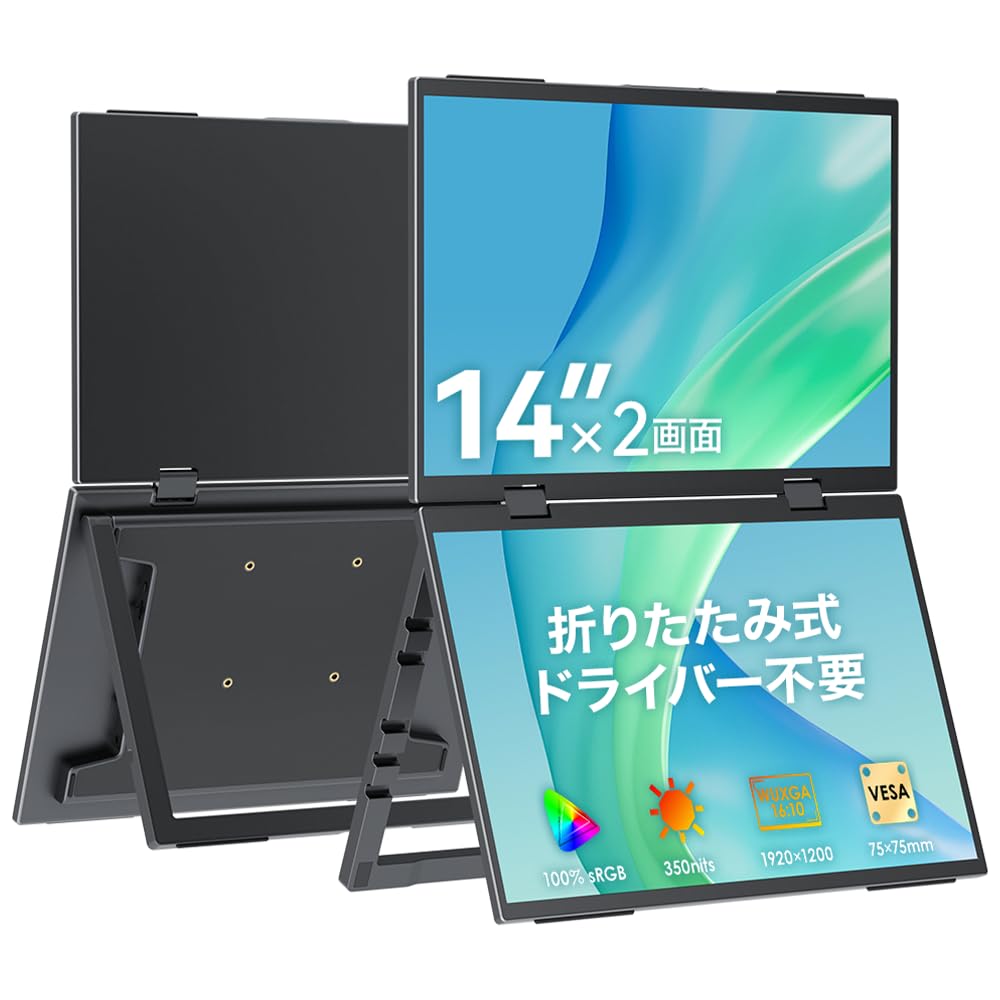
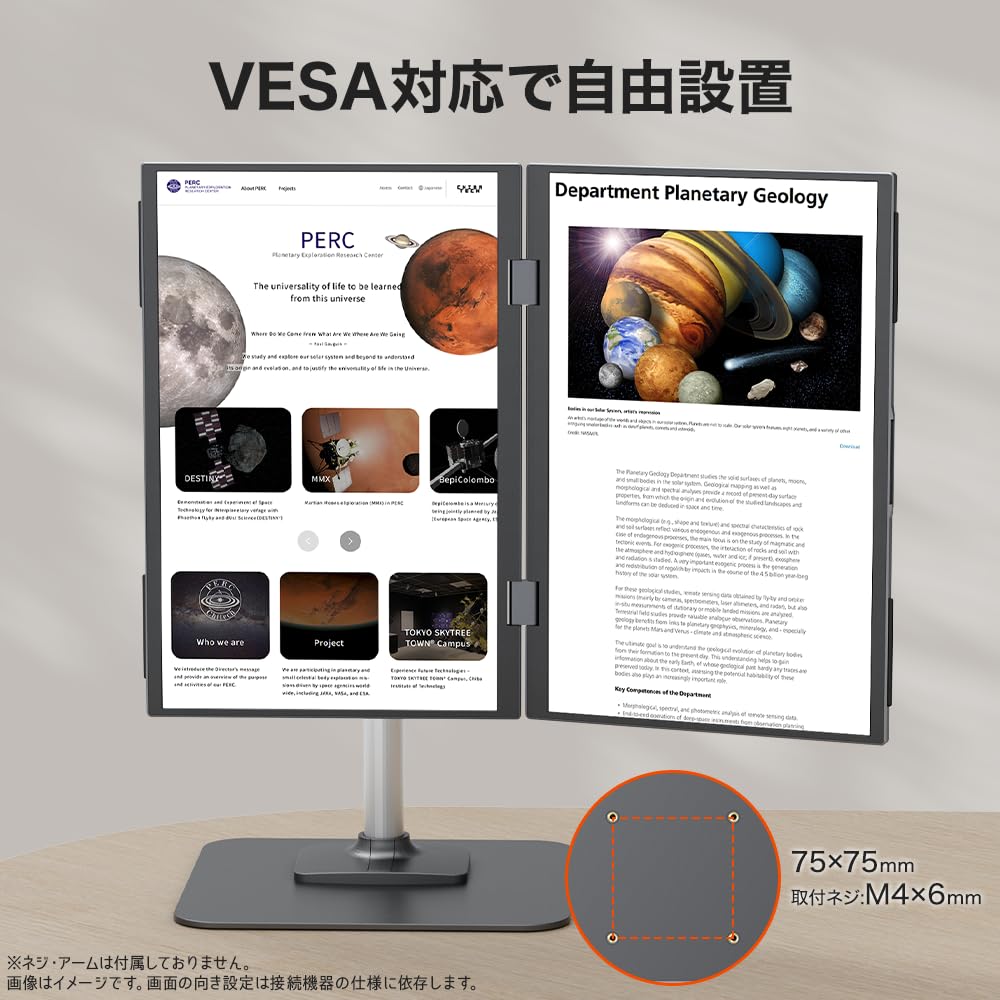
[Infinitely Adjustable Angle & Arm Mounting Compatible] The freestanding stand is infinitely adjustable from 0 to 170 degrees, allowing you to freely adjust the height and angle to suit your work environment and line of sight. It can also be mounted on a VESA-compatible [75 x 75mm] monitor arm. The stand has a notch, making it easy to fold, even with cables plugged in, for improved usability.
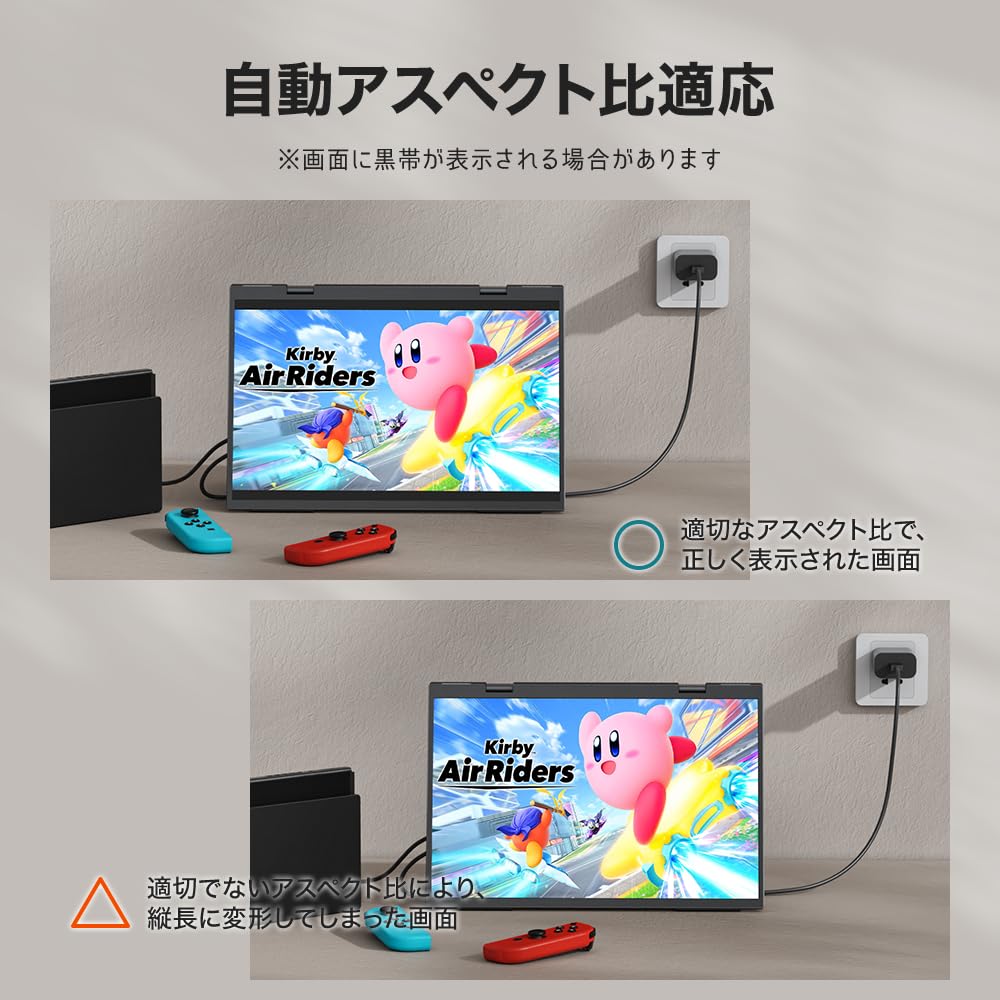
【Wide Compatibility & Simultaneous Connection of 2 Devices】 Compatible with a wide range of devices including laptops, desktops, smartphones, PlayStation, Xbox, Switch, and more. The dual screens can be connected to separate devices, allowing you to monitor two devices simultaneously with this single unit. It's perfect for situations where you're using it side-by-side with family or friends in the same space, allowing you to enjoy both work and entertainment to your heart's content.
[Notes] 1. When connecting via USB Type-C to Type-C, the Type-C port on the output device must support DP Alt Mode. Please check the interface before purchasing to ensure compatibility for a smooth connection. 2. While power can be supplied from the device using a single Type-C cable, the dual-screen configuration requires high power consumption. If the device runs out of power, it may become unstable or the screen may not display properly. We recommend using the included power adapter whenever possible. 3. For HDMI connections, power cannot be supplied via the HDMI cable. Be sure to use a separate power adapter. [About Switch 2 Connections] The Switch 2 does not support video output via a single Type-C cable and can only be connected via the official dock. Please note that older Switch models can output video using a single Type-C cable that supports video transmission.
[Support] If you have any questions while using the product, please contact us anytime via Amazon message. We can also assist you via email or phone. If a malfunction occurs within the warranty period (excluding damage due to improper use, which may require verification), we will replace the accessories or the main unit free of charge.
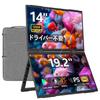
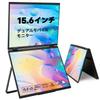
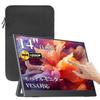
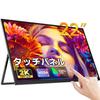
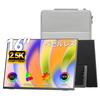
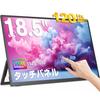
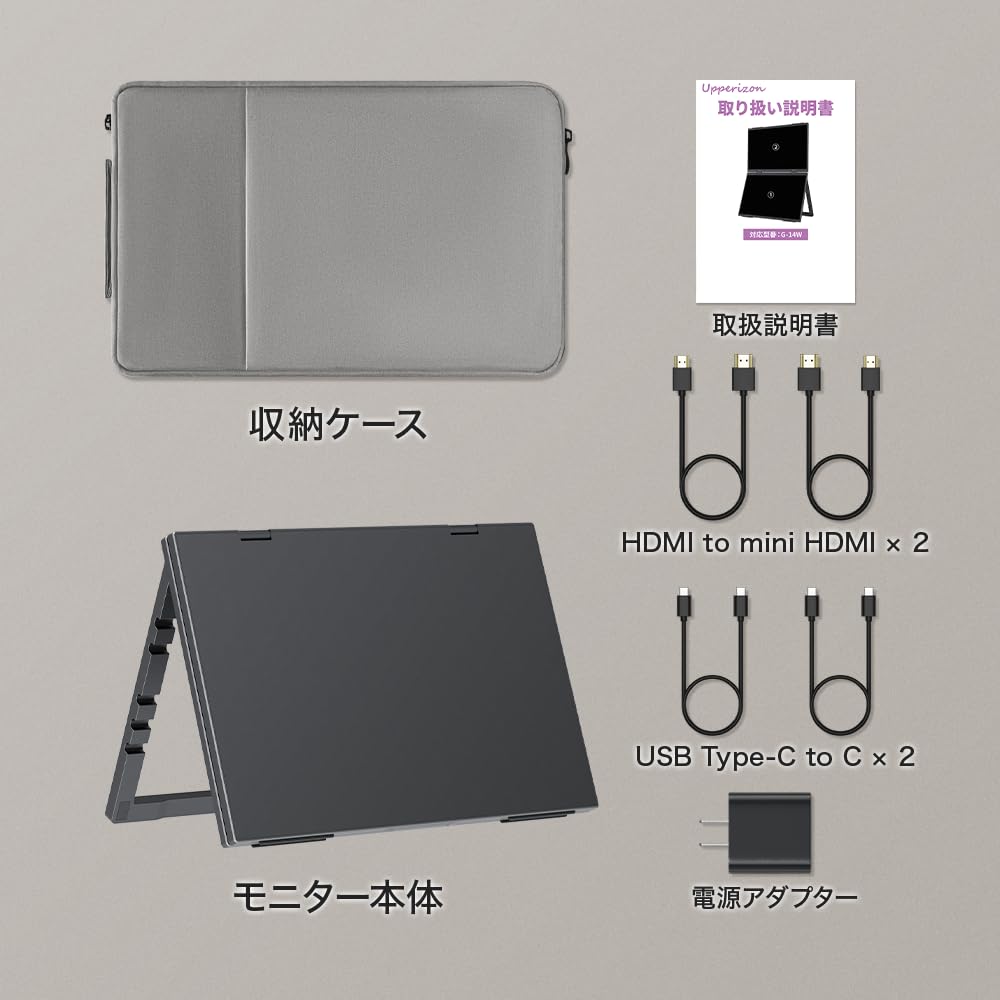
Upperizon Dual Mobile Monitor, 14-inch x 2 Screens, Driver-Free, Matte IPS, 100% sRGB 350nits, WUXGA (1920 x 1200), 16:10 Adjustable Ratio, Foldable, with Stand, VESA [75 x 75mm], Compatible with PC/Mac/Switch/Game Consoles, USB Type-C/Mini HDMI, Portable Display G-14W



 Rückerstattung bei Nichtlieferung